

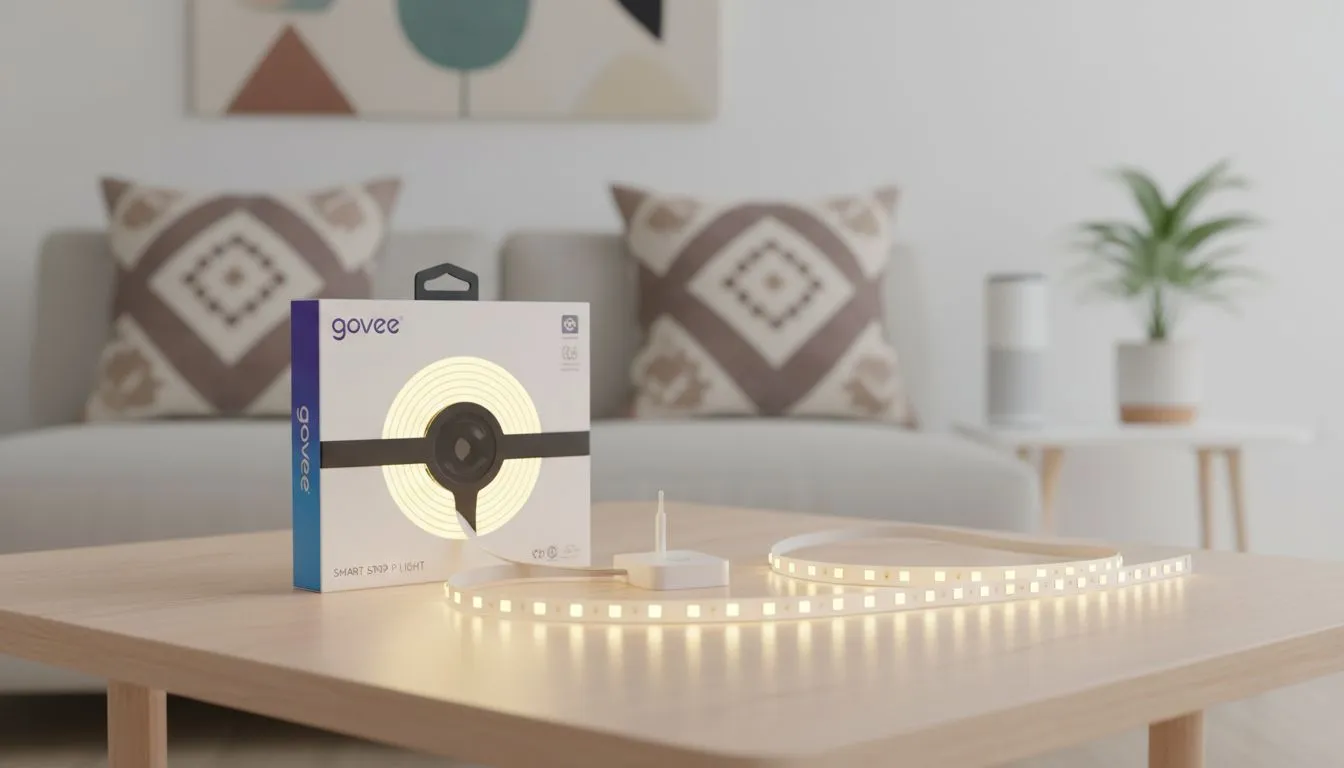
Why Govee Lighting is Taking Over South African Gaming Rooms
Walking into a room that reacts to your gameplay is a surreal experience. For local enthusiasts, Govee Smart Strips integration in South African smart homes has moved from a luxury to a setup essential. It is about more than just bright colours... it is about creating an immersive atmosphere that matches the intensity of your favourite titles. These strips offer high-end features at a price point that makes sense in ZAR. ✨
Seamless Smart Home Ecosystems in the Local Context
Most modern South African homes rely on Google Home or Amazon Alexa for automation. Govee products play incredibly well with these platforms via Wi-Fi. You can voice-command your room to "Gaming Mode" and watch your walls glow deep purple as your PC boots up. To get the most out of your desk aesthetic, pairing these lights with high-quality gaming accessories ensures your hardware looks as good as it performs.
The setup process is straightforward. You do not need an electrician or a complex hub... just a stable 2.4GHz Wi-Fi connection. The Govee Home app allows you to segment your strips into different colour zones. This RGBIC technology is what sets them apart from the cheap, generic strips found in local supermarkets.
Immersion Pro Tip ⚡
Use the 'DreamView' feature in the Govee app to sync multiple light sources. By designating one device as the 'Sync Centre', you can make your backlights, floor lamps, and desk strips all react to the same music or screen colours simultaneously. It creates a unified light show that feels professional and polished.
Finding Value in Your Lighting Setup
Budgeting for a full room makeover can be tricky. However, smart lighting is often the most cost-effective way to upgrade your space. If you are hunting for a bargain, keeping an eye on gaming accessories deals can help you snag premium tech for less. Govee strips are durable and energy-efficient... which is a small but welcome relief for the monthly power bill. 🔧
The longevity of these LEDs means you won't be replacing them every few months. They stick firmly to most surfaces, though we recommend cleaning the back of your desk with alcohol first. This ensures the adhesive stays put during our hot South African summers.
Elevate Your Content Creation Game
If you stream on Twitch or upload to YouTube, lighting is your best friend. Proper Govee Smart Strips integration in South African smart homes allows creators to change their background "vibe" with a single tap. It adds a layer of professionalism to your camera feed. You can browse the wider range of gaming accessories to find other gear that complements your new glow. 🚀
Whether you want a subtle warm white for productivity or a pulsing neon rhythm for a late-night session, the flexibility is unmatched. It is time to move away from boring, static lighting and embrace a setup that reacts to your life.
Ready to Brighten Your Setup? Transform your gaming space with the latest tech and vibrant lighting solutions. For the best prices and widest selection in South Africa, Evetech has you covered. Explore our massive range of gaming accessories and start building your dream smart home today.











