

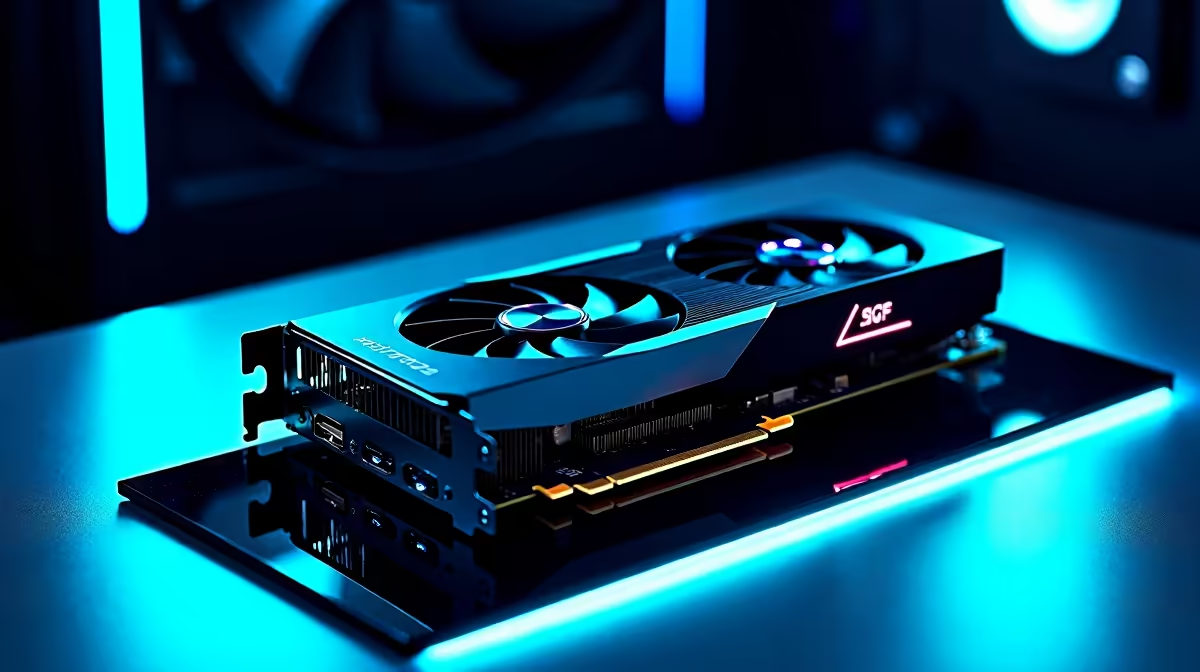
Ever wondered if your graphics card is running at peak performance? When you drop serious ZAR on a rig, you want every frame. Welcome to our GPU-Z download & setup guide. This graphics card information tutorial helps you monitor temps and check clock speeds. It ensures your hardware survives the brutal South African summer heat.
Why You Need a GPU-Z Download & Setup Guide
Whether you are tweaking a budget build or pushing a flagship card, information is power. GPU-Z is a free, lightweight utility created by TechPowerUp. It gives you real-time data about your video card. Are you shopping for the latest graphics cards to boost your framerates? Knowing your current bottleneck is the very first step.
Step-by-Step Graphics Card Information Tutorial 🔧
Head over to the official TechPowerUp website to grab the latest version. The installation is incredibly simple. You can even run it as a standalone app without installing anything. Once opened, you will see a wealth of data. You can check your exact GPU model, VRAM type, and driver version.
This is especially handy if you just bought one of our custom gaming PCs. It lets you easily verify your exact specs. The software works perfectly for checking components in pre-built desktop systems before you start overclocking.
Monitoring Temperatures and Performance ⚡
South African summers are notoriously hot. High ambient temperatures can easily cause thermal throttling. This means your graphics card slows down to prevent heat damage.
Click on the "Sensors" tab in GPU-Z. Here you can monitor your core temperature, memory temperature, and fan speeds. Keeping an eye on these metrics is crucial... especially if you are gaming on high-performance gaming laptops where airflow is naturally restricted.
Thermal Throttling Tip ❄️
If your GPU Hot Spot temperature consistently hits over 90 degrees Celsius under load, it might be time to optimise your case airflow. A cooler card means higher boost clocks and much smoother gameplay!
Making the Right Upgrade Choice 🚀
Understanding your hardware helps you make smarter buying decisions. Does GPU-Z show your video memory constantly maxed out at 100% load? Your current card is definitely struggling.
That is your sign to start looking for an upgrade. Luckily, you do not have to break the bank. You can always browse our latest tech specials to find incredible value on your next big component upgrade.
Ready to Find Your Perfect Match? Now that you know exactly how your current hardware is performing, it might be time for an upgrade. Explore our massive range of graphics card deals and find the perfect GPU to conquer your favourite titles.











