

Unlocking GTA 6 Max Settings on RTX 4080 – What South African Gamers Need to Know ⚡
Gamers in South Africa are buzzing about GTA 6, and running it on max settings with an RTX 4080 is the ultimate way to experience this epic open world. But how do you dial in settings to unleash every pixel and frame without frying your rig? This guide unpacks everything you need to optimise GTA 6 max settings on RTX 4080, ensuring ultra-smooth gameplay and stunning visuals.
Why the RTX 4080 is Ideal for GTA 6 Max Settings
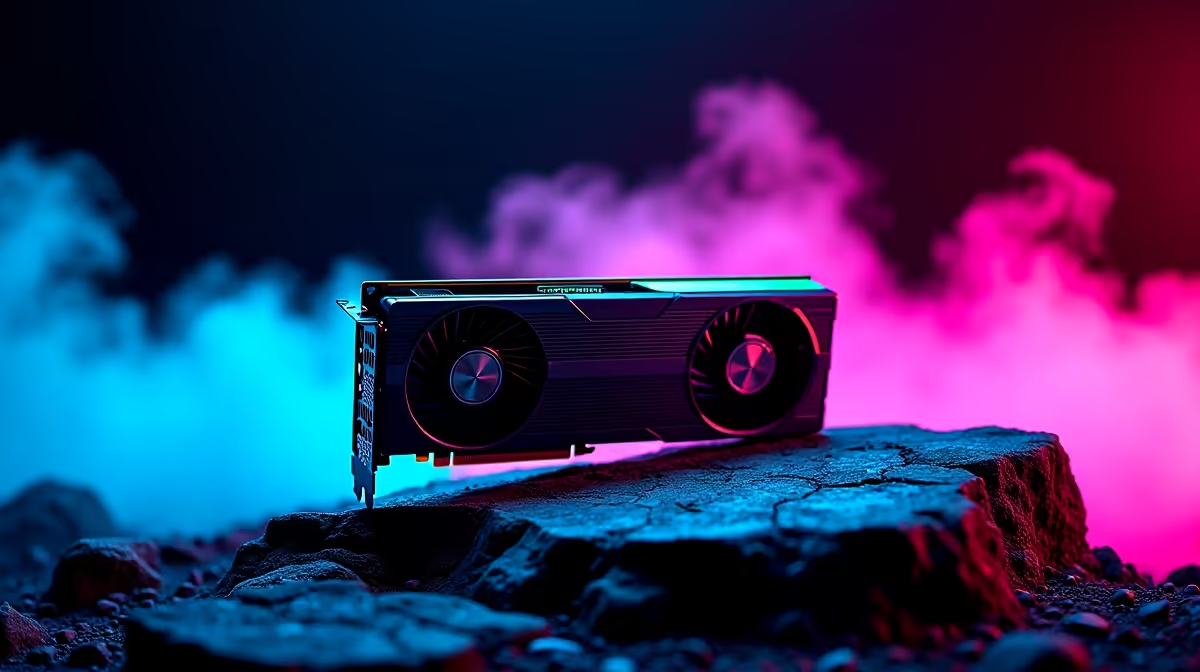
The NVIDIA RTX 4080 delivers top-tier ray tracing, enhanced DLSS 3, and a massive leap in GPU power. It handles GTA 6’s demanding environments with ease, giving you smooth frame rates even at 4K resolution. If you want vivid shadows, crisp textures, and immersive effects without compromise, the RTX 4080 is your best bet.
Many South African gamers upgrade graphics cards to keep pace with next-level titles. If you’re considering an upgrade, browse Evetech’s collection of high-performance graphics cards that fit your budget and rig.
Step-by-Step Optimisation for GTA 6 Max Settings on RTX 4080
1. Update Your Drivers and GeForce Experience
Before tweaking, ensure your NVIDIA drivers are up to date. NVIDIA frequently releases drivers optimised for new games. GeForce Experience can auto-tune your settings, but manual adjustment will get you closer to max performance.
2. Set Game Resolution to Native or 4K
Enjoy GTA 6 with your monitor’s native resolution for the sharpest visuals. For those with 4K panels, the RTX 4080 can handle maxed-out textures and effects while keeping frame rates smooth.
3. Adjust Graphic Settings Precisely
- Ray Tracing: RTX 4080 makes ray tracing in GTA 6 buttery smooth. Turn it on for realistic lighting and reflections.
- Texture Quality: Set to Ultra to leverage the GPU’s VRAM capabilities.
- Shadow Quality: Set to High or Ultra; shadows add depth but can be demanding.
- Anti-Aliasing: Use DLSS 3 if available—it sharpens images with minimal FPS cost.
- Ambient Occlusion & Reflections: Max these for authentic city life vibes without huge lag.
4. Manage Background Processes & Cooling
Keep other apps closed while gaming to prioritise performance. Make sure your PC has good airflow and that fans spin efficiently for sustained fast frame rates.
Explore pre-built PC deals designed to handle high-end gaming like GTA 6 without the fuss of building your own.
Pro Tip for Smooth GTA 6 FPS
Keep your NVIDIA Control Panel power management mode on "Prefer maximum performance" to avoid sudden dips during intense scenes.
Laptops and Portability: Gaming GTA 6 Max Settings on the Go
South African gamers who want GTA 6 power on the move need a beast of a laptop. Look for notebooks with at least RTX 3080 or above to maintain ultra settings without throttling under heat.
Check out Evetech’s latest range of gaming laptops tailored for serious gamers who refuse to compromise on quality or performance.
Score the Best Deals and Stay Updated on GTA 6 Accessories
Prices in South Africa can fluctuate, so keep an eye on Evetech specials for discounts on GPUs, gaming PCs, and accessories. A good deal can mean upgrading your rig without breaking the bank before GTA 6 launches or if you’re ready for an upgrade.
Also, for gamers building or upgrading rigs to max out GTA 6, discover budget and high-end gaming PC deals that combine powerful components at competitive prices.
Final Thoughts on GTA 6 Max Settings with RTX 4080 🎮
Achieving GTA 6 max settings on the RTX 4080 is about balance—leveraging the card’s raw power while tweaking settings for stable FPS in South Africa’s diverse gaming setups. Investing in a solid graphics card, tuning your system, and picking up the right peripherals will deliver the most immersive, lag-free experience possible.
Max Your Gameplay Experience Today Ready for flawless GTA 6 max settings with the RTX 4080? Shop now at Evetech for performance that leaves lag in the dust.











