

You have waited over a decade for Rockstar's latest masterpiece. You finally load into Vice City, ready to cruise the neon streets... but suddenly your screen freezes. Dealing with frame drops is a nightmare. Nothing breaks immersion faster than a stutter during a high-speed chase. It hurts even more when you have spent your hard-earned ZAR on your setup. If you are desperately searching for a reliable GTA 6 stuttering fix, you are definitely not alone. Let us sort it out.
Why Your Rig Struggles with Vice City
Modern open-world games demand immense processing power. When you experience micro-stutters, your hardware is likely bottlenecking. Sometimes it is just outdated drivers. Other times, your system memory is completely maxed out. Finding the right GTA 6 stuttering fix starts with diagnosing the root cause. If your system is ancient, tweaking settings will only do so much. You might need to browse the best gaming PC deals to find a machine capable of handling next-gen titles.
Essential Software Tweaks 🔧
Before spending money, try optimising your software. First, update your GPU drivers immediately. Both NVIDIA and AMD release day-one patches for massive titles. Next, lower your volumetric clouds and shadow quality. These settings drain performance heavily without adding much visual flair.
Another crucial software tweak involves clearing your background processes. Discord, Chrome, and RGB lighting software eat up valuable RAM. Close them down before launching. You should also verify your game files through your launcher. Corrupted files frequently cause unexpected hitches during intense missions.
Optimisation Pro Tip ⚡
Always enable DLSS or FSR in your graphics menu. These upscaling technologies render the game at a lower resolution. They then upscale the image perfectly to give you a massive frame rate boost.
If you are playing on a portable setup, ensure it is plugged in. Power-saving modes will severely throttle your performance. Need a portable powerhouse? Check out our massive range of gaming laptops to game smoothly anywhere in South Africa.
Hardware Upgrades for a Permanent Fix 🚀
Sometimes software tweaks are simply not enough. If your frame rate still dips below 30 FPS, your hardware is the culprit. Vice City is incredibly dense and detailed. It requires fast VRAM and a rapid SSD to stream assets without hesitation.
Let us talk about storage first. Installing this massive game on an old mechanical hard drive is a terrible idea. An NVMe SSD is absolutely mandatory for modern open-world games. It ensures textures load instantly as you speed down the highway. If you are piecing together a new build, do not skimp on memory. You will want at least 32GB of RAM to keep everything running flawlessly.
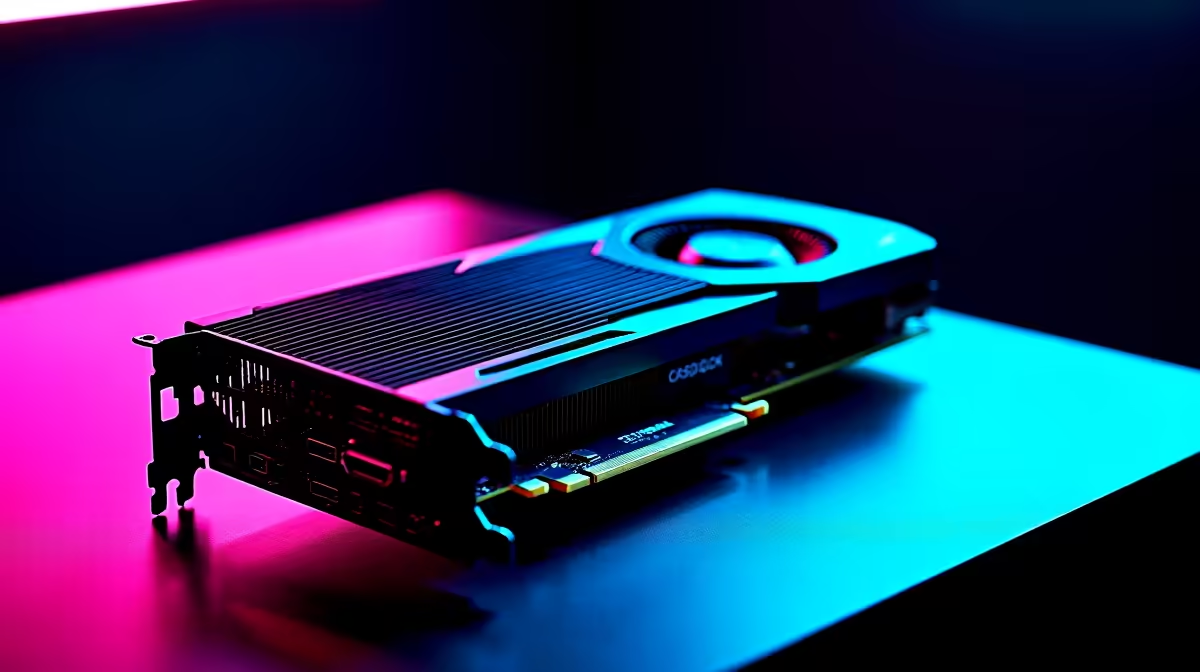
Upgrading your GPU is often the most effective GTA 6 stuttering fix. If your current card struggles to render those gorgeous sunsets, it is time to upgrade your graphics card. A modern RTX or Radeon card will eliminate those frustrating visual bottlenecks.
Not comfortable building your own rig? We have you completely covered. You can grab one of our incredible pre-built PC deals and jump straight into the action. These machines are tested and optimised by our experts. Plus, you can always keep an eye on our weekly specials to save some serious ZAR on your next major upgrade.
Ready to Rule Vice City? Do not let hardware limitations ruin your next-gen experience. For maximum power, choice, and value in South Africa, Evetech is your ultimate destination. Explore our massive range of gaming specials and find the perfect machine to conquer the streets.











