

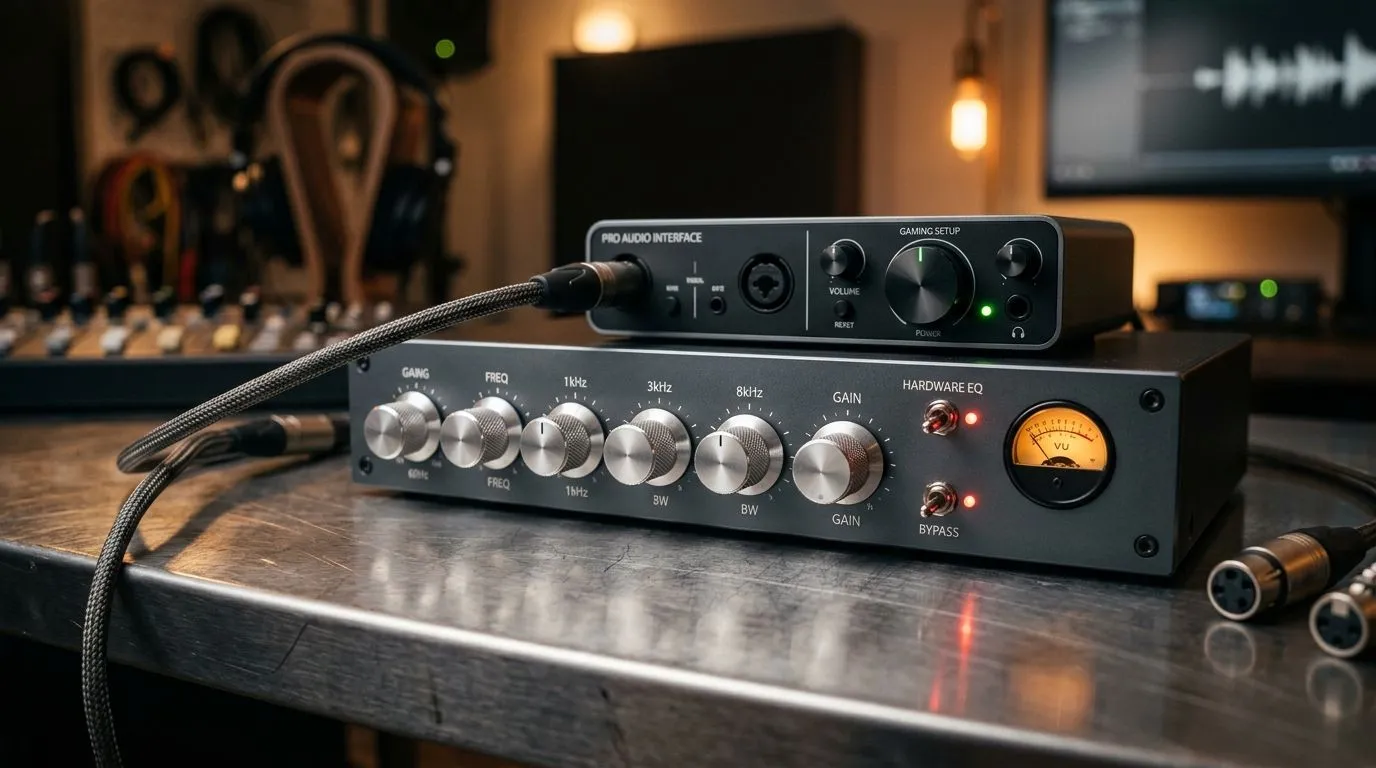
Hardware EQ vs App-Based EQ for Gamers: Quick Reality Check 🎧
South African gamers often ask the same question after a long ranked session… “Why does my headset sound amazing at home, but flat in-game?” The culprit is usually audio tuning, not your reflexes. Today we’re comparing Hardware EQ vs App-Based EQ for Gamers: Which Is Better? so you can pick the option that matches how you play, how you travel between devices, and what you actually hear through your headset.
What “Hardware EQ” Really Means (and why it matters) 🔧
Hardware EQ is built into the headset or its included controller/processor. In practice, you’ll get preset modes, and in some models you can switch profiles without installing software. That’s the big win: it works consistently across devices.
If you rotate between a PC at home, a console at a friend’s place, and maybe a Steam Deck later… hardware-based profiles tend to be more predictable. No drivers. No app mismatch. Just select a mode and go.
For example, when looking at wired and wireless gaming headsets, it’s worth browsing the lineup that fits your platform needs via Razer headsets on Evetech and all headphone and headset options. (Even within the same brand, tuning options can differ between models.)
App-Based EQ: More control, more steps ⚡
App-based EQ gives you deeper control: custom frequency bands, saved presets, and sometimes room for advanced features like noise control and positional tuning. The trade-off is portability. If the EQ is tied to the PC app, the sound may revert when you plug in elsewhere.
Still, for PC gamers, app-based EQ can be a smart move because you can tune specifically for the game you play. FPS players often aim for clearer midrange voices and less harsh treble. Immersive games might benefit from a little extra sub-bass. Just remember: “more bass” isn’t the same as “better hearing footsteps.”
A quick local-buy tip… if you’re comparing a specific model like the Razer Barracuda X Chroma Wireless in Phantom White, check whether you’ll realistically use the companion software on your main gaming PC. If not, hardware presets might suit you better.
Productivity Pro Tip ⚡
Create one “FPS” EQ preset and one “Immersion” preset, then only change volume using your headset’s dial or Windows sound settings. Switching between presets keeps your comp aim consistent while you test.
Which is better for South African gamers? (Choose based on your setup) 🚀
Here’s the honest breakdown:
Choose hardware EQ if…
- You game on multiple devices (PC + console).
- You hate installing extra software.
- You want consistent sound with minimal fuss.
- You prefer presets you can switch quickly between matches.
Choose app-based EQ if…
- You’re on PC most of the time.
- You want fine control over frequencies.
- You’re willing to spend 10–15 minutes learning what sounds good for your ears.
- You tweak per game (not just per headset).
A practical tuning method that actually works (no guesswork) ✨
- Start with a neutral preset (avoid extreme bass boosts first).
- Lower harsh treble if dialogue sounds sharp or fatiguing.
- Raise presence (mids) slightly if footsteps feel masked by music.
- Match your in-game audio to your environment. If your room is echo-y, EQ can’t fix everything… but it can reduce the “spiky” feeling.
- Save your settings immediately so you don’t lose them after a Windows update.
If you’re still unsure, take a close look at the headset models you’re considering and whether they emphasise onboard profiles or software tuning. That decision impacts your everyday experience more than people think.
Hardware EQ vs App-Based EQ for Gamers: Your next move
Ready to make your audio feel “right” every time you log in? Pick the tuning style that matches your gear habits, not just the marketing. Your ears will thank you after the first clean round.
Ready to Find Your Perfect Match? The Mac vs Windows debate is complex, but for maximum power, choice, and value in South Africa, Windows is hard to beat. Explore our massive range of laptop specials and find the perfect machine to conquer your world.











