

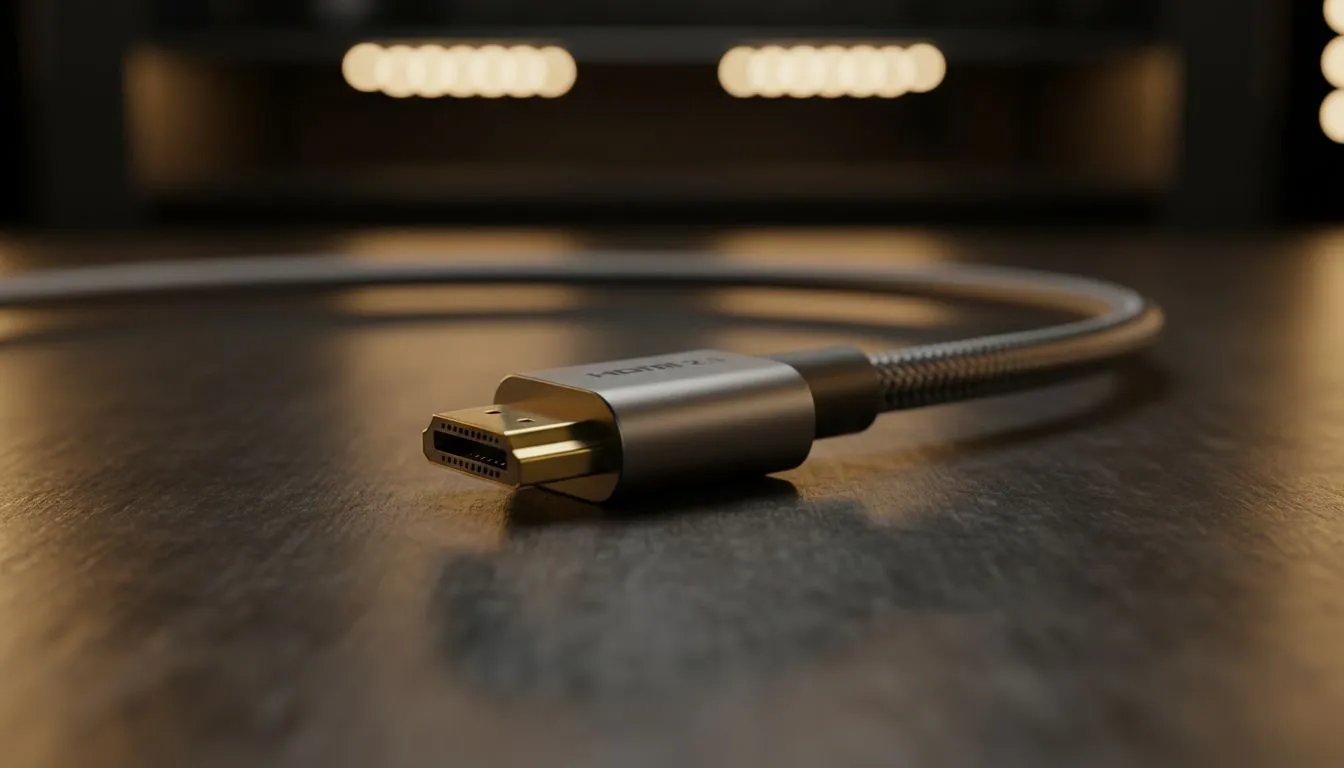
HDMI 2.1 for Presentations: Why it matters right now 🔧🚀
HDMI 2.1 for presentations brings a step-up many South African presenters and hybrid workplaces will notice immediately: smoother motion, higher-res slides, and fewer compatibility headaches. Whether you’re pitching to clients at a Cape Town boardroom or streaming training to a Johannesburg office, these professional visual benefits reduce distractions and keep eyes on the message.
Key visual benefits of HDMI 2.1 for presentations
HDMI 2.1 increases bandwidth and features compared with older standards, so presentations look cleaner and timings stay precise. It supports higher frame rates and resolutions—think 4K at 120Hz and 8K at 60Hz—thanks to up to 48 Gbps of bandwidth (HDMI Licensing, HDMI 2.1 specification). That matters when you use animations, 4K video inserts, or live content alongside slides. (Source: https://www.hdmi.org/spec/hdmi2_1)
If your meeting room runs varied gear, HDMI 2.1’s enhanced audio return and dynamic HDR help keep colour and sound consistent across displays and AV receivers. For quick swaps between laptops and media players, those features cut setup time and technical glitches.
Check suitable monitor types to match HDMI 2.1 performance: browse our IPS panel selection for consistent colour accuracy and wide viewing angles: https://www.evetech.co.za/PC-Components/pc-monitors-89?attributes-paneltype=IPS.
Smooth motion and low latency: what presenters notice
Variable refresh rate (VRR) and Auto Low Latency Mode (ALLM) reduce stutter and input lag, making remote demos and live annotation feel immediate. If you rely on live editing or cursor tracking while presenting, VRR keeps video and slide transitions fluid.
For displays that complement low-lag HDMI connections, consider FreeSync-capable monitors: https://www.evetech.co.za/PC-Components/pc-monitors-89?attributes-adaptivesync=FreeSync+%28AMD%29 or G-Sync-certified models for Nvidia setups: https://www.evetech.co.za/PC-Components/pc-monitors-89?attributes-adaptivesync=G-Sync+%28NVIDIA%29. Both reduce tearing and improve perceived responsiveness.
Fit the room: size and shape tips
Pick a screen style that suits the audience. Flat screens work well for standard boardrooms and clear text reproduction: https://www.evetech.co.za/PC-Components/pc-monitors-89?attributes-curved%2Fflatscreen=Flat. For wider presentation canvases or immersive demos, curved monitors can help focus attention: https://www.evetech.co.za/PC-Components/pc-monitors-89?attributes-curved%2Fflatscreen=Curved.
If you need an all-in-one browse of options and sizes, start with Evetech’s main monitor range: https://www.evetech.co.za/PC-Components/pc-monitors-89. For hybrid rooms where both Windows laptops and macOS devices connect, look for monitors with multiple HDMI inputs and USB-C to simplify switching; adaptive sync options can be useful too: https://www.evetech.co.za/PC-Components/pc-monitors-89?attributes-adaptivesync=Adaptive+Sync.
Presentation Setup Tip ⚡
Always test your presentation on the exact projector or monitor before the meeting. Use a short video clip and a few animated slides to confirm resolution, aspect ratio, sound routing, and latency. It saves awkward pauses and boosts confidence.
Practical buying advice for South African teams
When upgrading meeting-room AV, balance capability with budget. HDMI 2.1-capable monitors and splitters are becoming more common in South Africa; prioritise devices with reliable firmware and clear warranty terms. For multi-device rooms, choose monitors with at least two HDMI inputs and simple on-screen input switching.
If you’re replacing displays across several rooms, buy a matched set to reduce calibration work. Evetech’s monitor filters help you pick panels by feature—start with the IPS link above for colour-critical work.
Final thoughts
HDMI 2.1 for presentations reduces friction between presenter intent and audience experience. Better motion, higher resolution options, and smarter handoffs between devices help your content land as intended. Small upgrades to cabling and displays can pay back in fewer technical interruptions and more engaged meetings.
Ready to Find Your Perfect Match? The Mac vs Windows debate is complex, but for maximum power, choice, and value in South Africa, Windows is hard to beat. Explore our massive range of laptop specials and find the perfect machine to conquer your world.











