

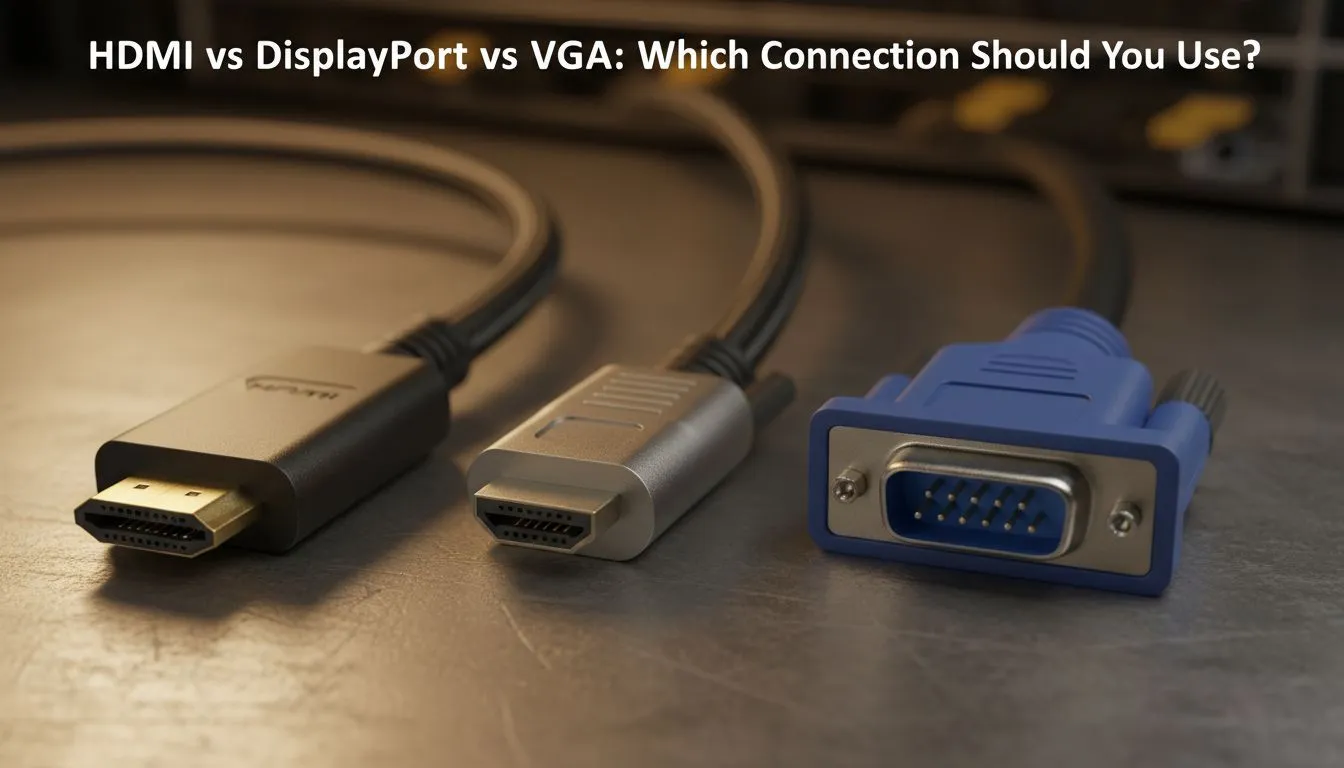
The Great Cable Debate: HDMI vs DisplayPort vs VGA
Staring at the back of your new GPU and feeling lost? You aren't alone. With so many ports, choosing between HDMI vs DisplayPort vs VGA can feel like a mission. Whether you are chasing 144Hz frames in Apex Legends or just trying to get your second screen working for the home office, the right cable makes all the difference. Let's break down which connection earns a spot in your setup.
HDMI: The Universal Standard for Home Entertainment
HDMI is everywhere. From your PS5 to your decoder, it is the go-to for most South Africans. If you are browsing for new PC monitors, you will find HDMI on almost every model. It carries both video and audio... making it perfect for a clean, single-cable setup.
For those who prefer a traditional look for their workstation, flat monitors often rely on HDMI 2.0 or 2.1 to deliver crisp 4K visuals. It is reliable, affordable, and likely already sitting in your drawer. However, while HDMI is great for general use, it sometimes has limitations when pushing extreme refresh rates on older hardware.
DisplayPort: The Choice for High-Performance Gaming
If you are a competitive gamer, DisplayPort (DP) is usually the superior choice. It offers higher bandwidth than most HDMI versions. This is crucial for driving high refresh rates without compression. When you invest your hard-earned Rands in curved monitors, using DisplayPort ensures you get the most out of that immersive panel.
DisplayPort is also the native home for G-Sync (NVIDIA) technology. While some HDMI versions now support variable refresh rates, DP remains the most stable for tear-free gaming. Most high-end IPS monitors include at least one DP 1.4 port to handle deep colour accuracy and high speed simultaneously. ✨
Cable Length Matters ⚡
When buying a DisplayPort or HDMI cable in South Africa, try to keep the length under 3 metres. Longer cables often suffer from signal "dropout" or flickering, especially at 4K resolutions. If you must go long, look for "Active" cables to maintain signal integrity across the room.
Understanding Adaptive Sync and Compatibility
Modern displays often feature Adaptive Sync to prevent ugly screen tearing during intense gameplay. While HDMI works perfectly well for FreeSync (AMD) on many consoles and mid-range PCs, DisplayPort remains the gold standard for enthusiast rigs. 🚀
DisplayPort also handles multiple monitors better through a feature called "daisy-chaining". This allows you to connect one monitor to another... reducing the cable clutter reaching back to your PC. If you are building a multi-screen trading floor or a heavy-duty editing suite, DP is your best friend. 🔧
VGA: The Legacy Connection
VGA is the old-school analogue connection. You might still see it on older office screens or budget projectors. However, it cannot carry audio and the signal degrades over long distances. If your goal is modern gaming or high-definition streaming, it is definitely time to upgrade. Digital signals are sharper, more vibrant, and far more reliable than the ageing VGA standard.
Ready to Find Your Perfect Match? Choosing the right connection is the first step toward a legendary gaming setup. For the best deals on high-refresh displays and premium panels in South Africa, Evetech has you covered. Explore our massive range of PC monitors and find the perfect screen to elevate your experience today.











