

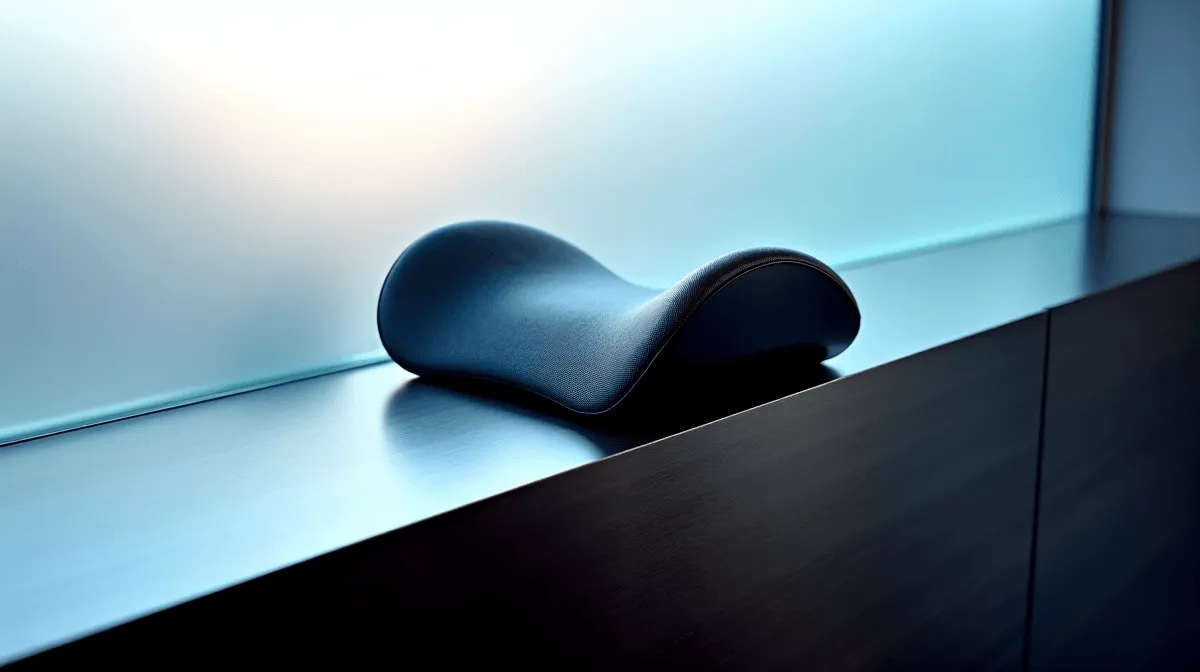
Feeling that familiar ache in your neck after a marathon gaming session? You're not alone. Many South African gamers unknowingly sabotage their comfort and performance with poor posture. The secret to pain-free play isn't just a good chair; it's mastering cervical alignment. This guide will show you how to adjust your headrest curve for perfect neck support, so you can focus on the win, not the wince. 🎮
Why Cervical Alignment is Crucial for SA Gamers
Before we dive into adjustments, let's quickly understand why this matters. Your cervical spine (the part in your neck) has a natural, gentle C-shaped curve. Maintaining this curve is what we call good cervical alignment. When you slouch or your head juts forward to stare at the screen, you flatten or even reverse this curve.
This puts immense strain on your neck muscles, leading to:
- Persistent neck and shoulder pain.
- Tension headaches that kill your focus.
- Reduced reaction times due to discomfort and fatigue.
Properly supporting this curve is the single most effective thing you can do for endurance and comfort. Investing in one of the best gaming chairs in South Africa is the first step, but knowing how to use its features is the key.
Your Step-by-Step Headrest Curve Guide 🔧
Getting your setup right isn't complicated... it just requires a moment of intention. Forget what looks cool; focus on what feels right for your body's natural posture.
Step 1: Position Your Lumbar Support First
Your neck posture starts with your lower back. Before touching the headrest, ensure your lumbar pillow is nestled in the small of your back. This encourages your entire spine to adopt its natural "S" shape, setting the stage for perfect head position.
Step 2: Adjust the Headrest for Neck Support, Not Head Pushing
This is where most people go wrong. The headrest or neck pillow isn't meant to push your head forward. Its job is to fill the gap between the chair and your neck, supporting that natural C-curve.
When you sit back, the pillow should make light contact with your neck, right below the base of your skull. Your head should still feel like it's resting naturally, not being forced into a chin-tuck position. Many gaming chairs above R4000 feature 4D adjustable headrests that make dialling this in incredibly easy.
The Ear-to-Shoulder Alignment Check
For a quick posture check, imagine a straight line running down from your earlobe. It should pass directly through the centre of your shoulder. If your ear is in front of your shoulder, your head is too far forward. Adjust your recline and headrest until they align.
Step 3: The Recline Test
Your ideal headrest position will change slightly depending on your recline angle. If you're sitting upright for competitive play, you'll need the pillow slightly lower. If you're leaning back to enjoy a cinematic game, you might need to move it up to maintain support. Adjust it every time you significantly change your posture. ✨
Common Mistakes That Ruin Cervical Alignment
Are you accidentally causing your own neck pain? Let's check. A good ergonomic setup is achievable on any budget. In fact, even an affordable gaming chair under R4000 can provide excellent support when you avoid these common pitfalls.
- The "Head-Pusher": Your pillow is too thick or placed too high, forcing your chin towards your chest. This is a fast track to strain. If your pillow is too firm, consider replacing it with a softer memory foam alternative.
- The "Gap": Your pillow is too low or non-existent, leaving a space behind your neck. This forces your neck muscles to work overtime to hold your head up, leading to fatigue and pain.
- Ignoring Adjustments: You set the pillow once and forgot about it. Your posture changes throughout the day. Take 10 seconds to readjust your support whenever you sit down for a new session. Your neck will thank you.
Mastering your headrest curve is a simple tweak that pays massive dividends in comfort and performance. By following this guide, you're not just buying a chair; you're investing in pain-free gaming for years to come.
Find Your Perfect Ergonomic Fit Stop letting neck pain compromise your K/D ratio. A chair that fits you perfectly is the ultimate upgrade for any serious South African gamer. Explore the best gaming chair deals at Evetech and feel the difference proper support makes.











