

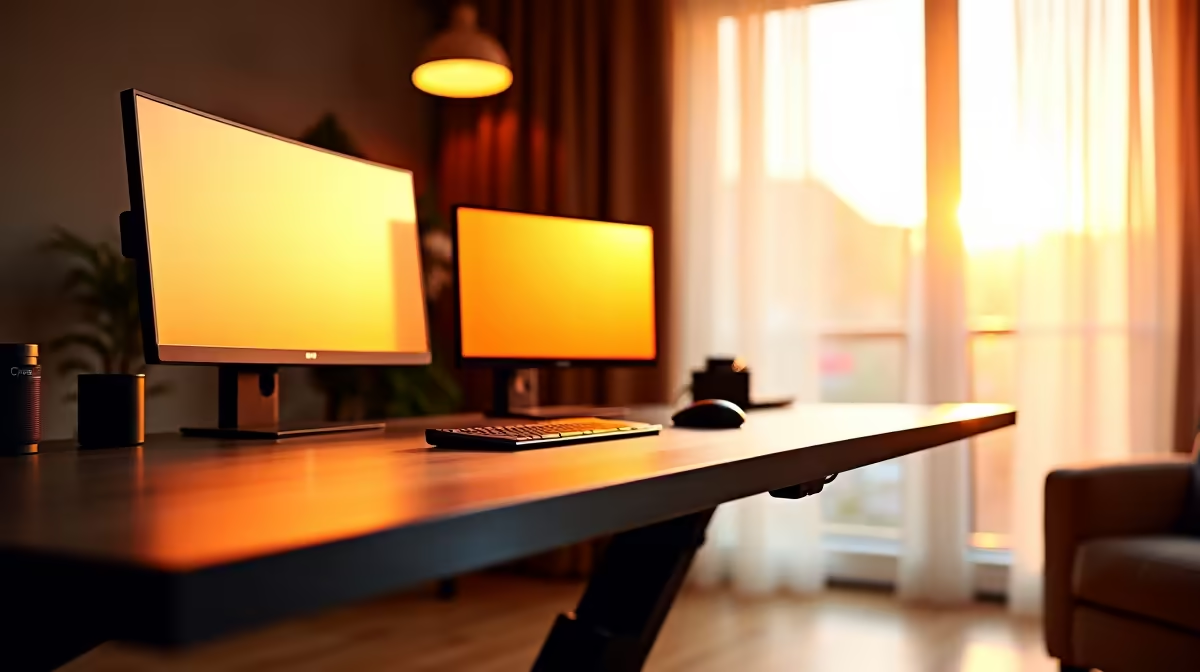
That familiar ache in your lower back after a marathon gaming session? Ja, we know it well. You’ve invested in a height-adjustable desk—a solid move for any South African gamer or creator. But just owning one isn’t enough. To truly conquer discomfort and boost your focus, you need the right standing tips. Let's get your posture, setup, and habits dialled in for peak performance, turning your workspace into an ergonomic powerhouse. ⚡
Mastering Your Stance: Core Standing Desk Tips
Getting the basics right is non-negotiable. Many people stand, but they don't stand correctly. These foundational height-adjustable desk standing tips will make an immediate difference to your comfort and endurance during long sessions.
Nail Your Posture and Height
First, adjust your desk so your elbows are at a roughly 90-degree angle when your hands are on your keyboard and mouse. Your wrists should be straight, not bent up or down. Your shoulders should be relaxed, not hunched up by your ears.
Next, focus on your screen. The top of your monitor should be at or slightly below eye level. This prevents you from craning your neck, a major source of strain. Properly getting your PC monitor to the right height is arguably the most crucial step in any ergonomic setup. If you're constantly looking down, you're defeating the purpose of standing.
The 20-8-2 Rule for Active Sitting
Standing all day isn't the goal; movement is. A great starting point is the "20-8-2 Rule." For every 30 minutes:
- Stand for 20 minutes: Engage your core and keep your posture in check.
- Sit for 8 minutes: Give your legs a break in an ergonomic chair.
- Move for 2 minutes: Walk around, stretch, or grab some water.
This cycle prevents fatigue and keeps your body from getting stiff. It's about creating a dynamic workflow, not just swapping one static position for another.
Optimising Your Ergonomic Setup for Gaming & Work
Your desk is the command centre, but the peripherals are what truly define the experience. An optimised setup ensures that your standing efforts pay off, whether you're climbing the ranks in Valorant or editing a 4K video.
The screen is your window to the world, and its placement is everything. Large, high-resolution 4K and 5K monitors offer incredible detail but require you to sit a bit further back to see everything without moving your head constantly. For competitive gaming, many pros prefer smaller screens to keep the entire frame in their immediate view.
On the other hand, nothing beats the sheer immersion of a wrap-around screen. Modern immersive curved monitors reduce eye strain by matching the natural curvature of your eye, making long hours feel less taxing. They are fantastic for both cinematic single-player games and productivity. ✨
Cable Management is Key 🔧
Use adhesive cable clips or a braided sleeve to bundle your cables. This prevents snagging when you raise or lower your desk and keeps your battle station looking clean and professional. A tidy space equals a tidy mind!
Don't forget the small things that make a big difference. Using quality monitor accessories like arms and stands gives you precise control over height, tilt, and rotation, allowing you to perfect your viewing angle whether you're sitting or standing.
Beyond the Basics: Advanced Standing Desk Strategies
Ready to level up your standing game? These advanced strategies add another layer of comfort and flexibility to your height-adjustable desk setup.
Consider investing in an anti-fatigue mat. It's a small addition that makes a huge difference by providing cushioning and encouraging micro-movements in your feet and legs, which improves blood flow and reduces soreness.
For those who need a flexible, multi-screen setup for coding, streaming, or multitasking, adding a lightweight portable monitor can be a brilliant move. You can position it vertically for reading code or chat feeds, or take it with you for a consistent setup on the go.
Finally, think about how your posture fits your playstyle. You might prefer standing for intense, fast-paced shooters where alertness is key. For a long, story-driven RPG session, you might alternate more frequently or sit down to fully relax and immerse yourself. The beauty of a height-adjustable desk is the freedom to choose what works for you and your game. Whatever your preference, you can explore our full range of gaming monitors to find the perfect match for your ergonomic goals. 🚀
Ready to Perfect Your Setup? A height-adjustable desk is just the start. The right monitor completes your ergonomic transformation, boosting comfort and performance. Find the perfect screen for your setup and leave eye strain in the dust... explore our unbeatable PC monitor deals now.











