


Complete Guide: Setting Up Monitor Light
Setting Up Monitor Light. Tested & verified settings for best FPS and visual quality on SA hardware budgets.
Read more• Assess compatibility • Explain trade-offs • Recommend best monitors High refresh monitors for PS5 and Xbox deliver smoother gameplay but need the right HDMI, VRR and settings. Learn what works, common caveats, and top picks 🎮⚡
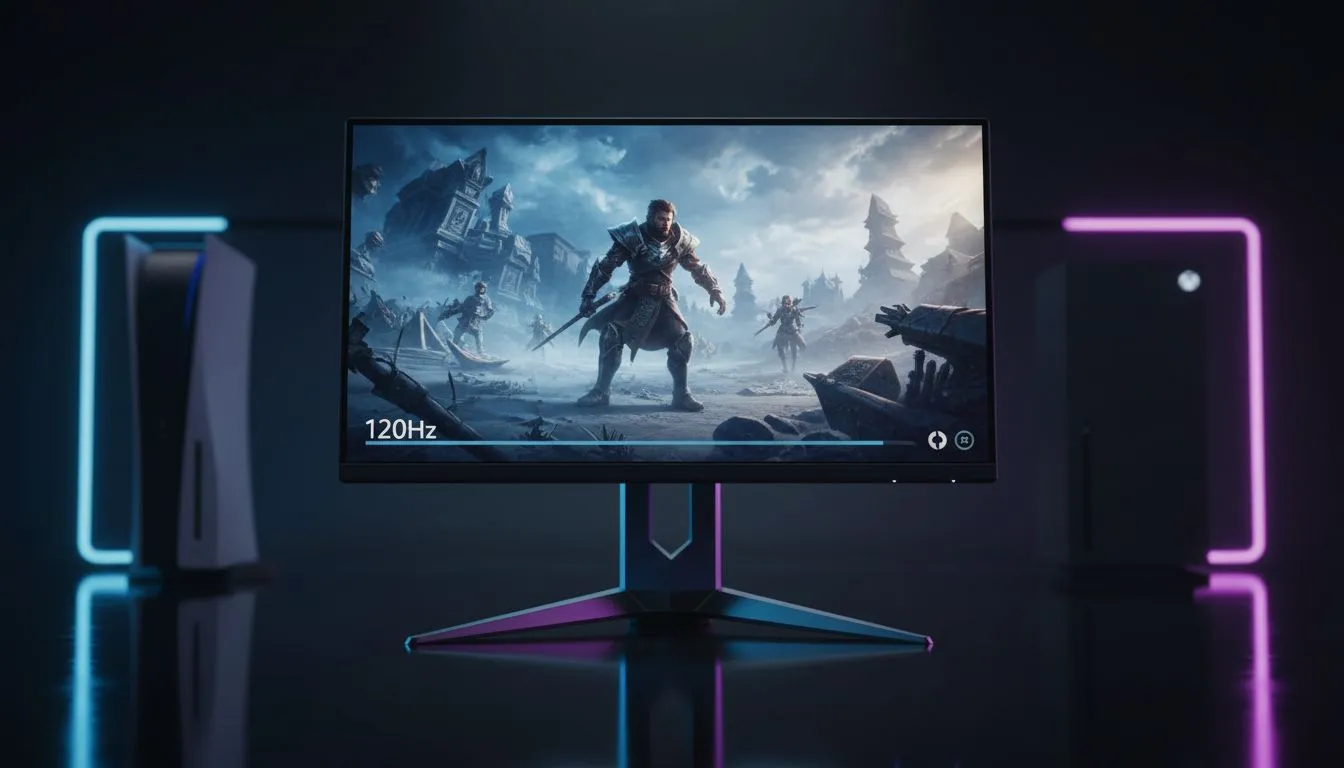
You’ve finally secured a PS5 or Xbox Series X, but that old 60Hz office screen feels like it’s holding back your hardware. You’ve heard about 120Hz gaming, but can you actually use high refresh monitors for PS5 and Xbox? The short answer is yes... provided you have the right setup. Let’s dive into how you can unlock those buttery-smooth frame rates right here in Mzansi. ⚡
Modern consoles are powerhouses, but they are picky about their output. While high refresh monitors for PS5 and Xbox offer incredible fluidity, the console must first recognise the display as compatible. Most players look for high-end 4K monitors to get the best of both worlds: crisp detail and high motion clarity. However, even at lower resolutions, the jump from 60Hz to 120Hz is immediately noticeable in fast-paced shooters or racing sims.
The Xbox Series X is generally more flexible with various resolutions like 1440p, while the PS5 has become much better with recent firmware updates. If you are looking for a versatile display, browsing through all gaming monitors will show you that many PC-centric screens now cater specifically to console timings.
This is where many South African gamers get caught out. To run 4K at 120Hz, you absolutely need a monitor with HDMI 2.1 ports. If you use a standard PC monitor with HDMI 2.0, you will likely be limited to 120Hz at 1080p or 1440p. For many, this is a fair trade-off for the increased responsiveness.
Remember to manually enable 'Performance Mode' in your console's system settings. On PS5, go to Saved Data and Game App Settings... then Game Presets. On Xbox, ensure 'Allow 4K' and '120Hz' are ticked in the TV & Display options. Without these tweaks, your console might default to 60Hz even on a fast screen.
Not every monitor is built the same. Some gamers prefer the wrap-around immersion of curved monitors to fill their peripheral vision during long sessions. While consoles do not natively support the 21:9 aspect ratio, a high-quality curved 16:9 display can still provide a deeper sense of depth than a flat panel. 🎮
If you are hunting for value, keeping an eye on the best pc monitor deals can help you find a high-refresh unit without spending a fortune. You can often find 144Hz or 165Hz panels for under R5,000 that work perfectly with the 120Hz output of your console.
For the competitive player who travels to local tournaments, portable monitors have evolved significantly. Some now offer high refresh rates in a compact form factor. Just ensure you have the correct monitor accessories, such as a high-speed HDMI cable rated for 48Gbps, to ensure you don't experience signal dropouts or flickering during an intense match. 🚀
Using high refresh monitors for PS5 and Xbox is one of the most effective ways to improve your K/D ratio and overall enjoyment. Once you experience the fluidity of 120fps, going back to 60fps feels like playing in slow motion. ✨
Ready to Level Up Your Console Experience? Don't let a slow screen limit your next-gen console's potential. Whether you need 4K clarity or 120Hz speed, we have the perfect display waiting for you. Explore our full range of gaming monitors and experience gaming the way it was meant to be seen.
Yes—PS5 can output 120Hz to compatible monitors if the monitor supports 120Hz at the target resolution and uses HDMI 2.1 or a supported mode.
For 4K 120Hz you need HDMI 2.1. For lower resolutions like 1080p or 1440p, some monitors can achieve 120Hz over HDMI 2.0.
Many modern monitors support VRR or FreeSync; Xbox Series X supports VRR widely, while PS5 supports VRR on compatible monitors via firmware and HDMI features.
G-Sync helps PC GPU sync; for consoles, look for FreeSync/VRR or adaptive sync certified modes since console support for G-Sync is limited.
You can use it, but PS5 will only output up to 120Hz. A 144Hz monitor will work but run at 120Hz when connected to PS5.
Not necessarily. Choose a monitor with proper HDMI input, low latency game mode, and the right resolution to maintain image quality.
Prioritize HDMI 2.1 for 4K120, low input lag, VRR support, and a true 120Hz/144Hz panel for smooth console gaming.
Setting Up Monitor Light. Tested & verified settings for best FPS and visual quality on SA hardware budgets.
Read more
Assassins Creed Shadows Ultrawide Support: 21:9. Clear setup instructions with SA-specific considerations, troubleshooting tips & recommended components.
Read more
Complete Gaming Setup Guide for the Collector. Clear setup instructions with SA-specific considerations, troubleshooting tips & recommended components.
Read more
Will the Steam Deck 2 Have an OLED Screen? Leaked. Plain-English explanation of what it means, why it matters & how it affects your buying decisions in SA.
Read more
Setting Up Ultrawide 144Hz. Tested & verified settings for best FPS and visual quality on SA hardware budgets.
Read more
Kingdom Come: Deliverance 2 Ultrawide Support. Clear setup instructions with SA-specific considerations, troubleshooting tips & recommended components.
Read more
When Will the RTX 6090 Launch in South Africa Detailed answer with SA data, expert analysis & practical recommendations for local buyers.

Top Valorant Settings for RTX 5070: FPS Optimisation picks evaluated on performance, value & SA availability with current Rand pricing from Evetech.

RDNA 3.5 Graphics in Ryzen AI 400? Can You Game. Plain-English explanation of what it means, why it matters & how it affects your buying decisions in SA.

GPU Price Index : December Report. Current stock data & price tracking for SA buyers. See what is available and where prices are heading.

Can the RX 7700 XT Handle 1440p 144Hz Gaming. Performance testing verdict with real data & practical recommendations for SA buyers.

Top Laptop with Core i7 + RX 7700S: Picks picks evaluated on performance, value & SA availability with current Rand pricing from Evetech.

RX 7700 XT Black Myth Wukong 2 FPS: Performance. Real-world benchmark data, FPS numbers & performance analysis. What SA gamers can actually expect.

RTX 6080 Gran Turismo 7 PC Performance: FPS Test. Real-world benchmark data, FPS numbers & performance analysis. What SA gamers can actually expect.
Setting Up Monitor Light. Tested & verified settings for best FPS and visual quality on SA hardware budgets.
Assassins Creed Shadows Ultrawide Support: 21:9. Clear setup instructions with SA-specific considerations, troubleshooting tips & recommended components.
Complete Gaming Setup Guide for the Collector. Clear setup instructions with SA-specific considerations, troubleshooting tips & recommended components.
Will the Steam Deck 2 Have an OLED Screen? Leaked. Plain-English explanation of what it means, why it matters & how it affects your buying decisions in SA.