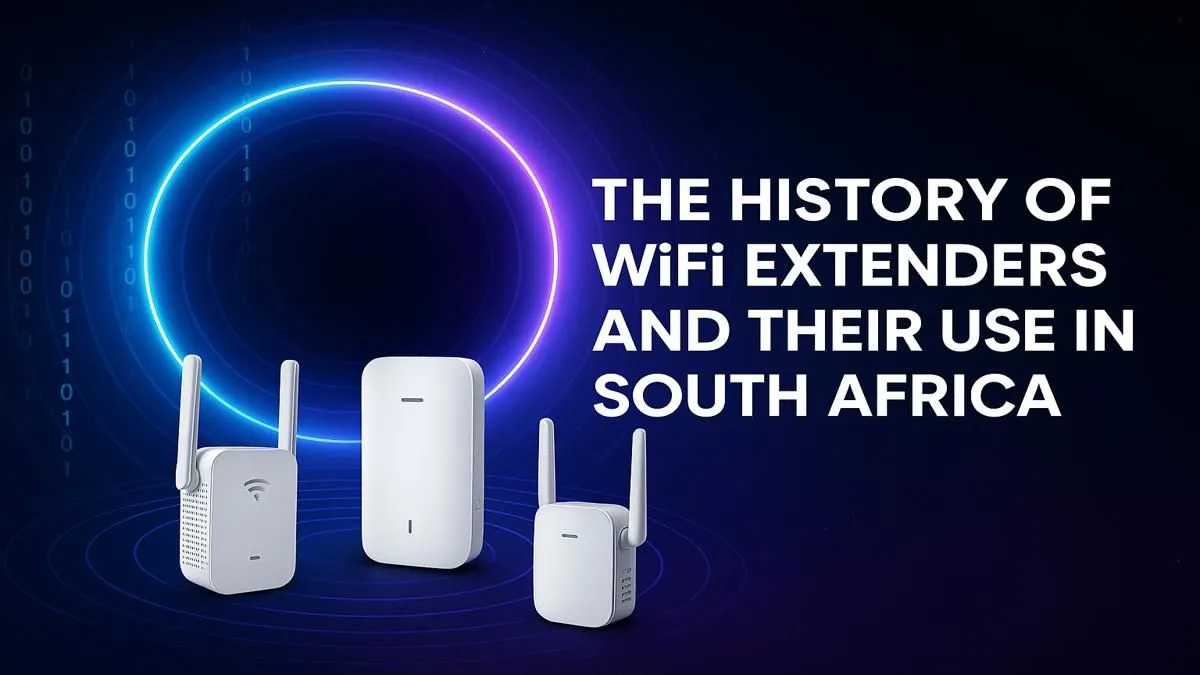
Is your fibre connection brilliant next to the router but basically useless in the bedroom or braai area? You're not alone. Weak signal and dead zones are a massive frustration in many South African homes, turning your high-speed internet into a high-stakes guessing game. Before you consider moving your entire setup, there's a simpler, more affordable solution that has become essential for modern connectivity. This guide explores the complete history and use of WiFi extenders in South Africa. 📶
The Rise of WiFi Extenders in South Africa
Remember the days of dial-up and slow ADSL? A single, lonely router was often enough to cover a small flat. But as we embraced fast fibre and our homes filled with smart TVs, consoles, laptops, and multiple smartphones, those single-point WiFi setups started to crack under the pressure. Thicker walls, double-storey layouts, and the sheer number of devices created WiFi "dead zones."
This digital evolution is precisely why WiFi extenders in South Africa went from a niche gadget to a household staple. They offered a practical way to push that precious signal further without a complex or expensive overhaul of your entire wireless networking setup.
How Does a WiFi Range Extender Work?
Think of a WiFi extender as a relay runner for your internet signal. It's a simple, two-step process:
- Listen: You place the extender somewhere it can still get a decent signal from your main router. It "listens" for that WiFi signal.
- Repeat: The extender then grabs that signal and rebroadcasts it, creating a new, secondary network bubble that covers the previously dead zone.
The main trade-off is that this process typically halves the potential speed of the connection it's extending. However, for streaming, browsing, or even most gaming, a stable 50Mbps connection is far better than an unstable 1Mbps... or no connection at all.
Placement Pro Tip ⚡
The biggest mistake people make is putting the extender in the dead zone. It needs a good signal to extend! For best results, place your extender roughly halfway between your main router and the area you want to cover. Use a smartphone app like 'WiFi Analyzer' to find the sweet spot where the signal from your main router is still strong.
Do You Really Need a WiFi Extender? 🤔
Before you buy, let's see if an extender is the right tool for your job. You might need one if:
- You have clear dead zones: The WiFi signal completely disappears in certain rooms, the garden, or the garage.
- Streaming is a buffer-fest: Your smart TV or laptop constantly pauses to buffer, even though your internet speed is fast near the router.
- Online gaming is laggy: Your ping spikes dramatically when you play in a room far from your router.
- Video calls keep dropping: Moving around the house during a Zoom or Teams call is impossible without the connection failing.
If this sounds familiar, it's definitely worth it to explore our current range of WiFi extenders to find a model that suits your budget and needs.
Choosing the Best WiFi Extender for Your Home
Not all extenders are created equal. When browsing for a WiFi extender in SA, keep these key factors in mind to ensure you get the performance you're paying for.
Match Your WiFi Standards
Does your main router use WiFi 5 (802.11ac) or the newer WiFi 6 (802.11ax)? For the best performance, your extender should match your router's standard. Using a WiFi 5 extender with a WiFi 6 router will work, but it will create a bottleneck, limiting your speed.
Extender vs. Alternatives
Sometimes, an extender isn't the best solution.
- Is your router ancient? If your router is more than five years old, its range and power might be the real problem. Sometimes, upgrading to one of our powerful new wireless routers can solve dead zones and boost speeds for all your devices at once.
- Is only one PC struggling? If your dead zone issue is limited to a single desktop PC that's far from the router, a dedicated wireless adapter with a high-gain antenna can often be a more direct and effective fix.
- Do you have a large, multi-storey home? For big properties, a Mesh WiFi system (which uses multiple nodes to create a single, seamless network) is a superior, albeit more expensive, alternative to a single extender.
Ready to Banish Dead Zones for Good?
A weak signal shouldn't hold you back. For a simple and effective boost, a WiFi extender is the perfect solution for most South African homes. Explore our massive range of WiFi Range Extenders and get the strong, stable connection you deserve.