Tired of seeing insane GPU prices? Worried that your PC can’t handle the next big AAA release? Imagine playing the latest titles on max settings… on your phone, your old laptop, or even your smart TV. This isn’t science fiction; it’s the magic of cloud gaming. For South African gamers, it presents a tantalising alternative to constant hardware upgrades. But how does cloud gaming work, and is it truly ready for our unique internet landscape? Let's dive in.
So, How Does Cloud Gaming Actually Work?
Think of it like streaming a movie from Netflix, but interactive. Instead of a powerful PC sitting under your desk, a monster rig sits in a massive data centre somewhere in the world. When you launch a game, you’re essentially connecting to that remote PC.
Your controller or keyboard inputs are sent over the internet to the server almost instantly. The server’s powerful hardware runs the game, renders the graphics, and streams the video and audio back to your screen. ⚡ It all happens in a fraction of a second. This is the core principle behind services like NVIDIA GeForce NOW and Xbox Cloud Gaming, and it’s how cloud gaming works to deliver high-end experiences on almost any device.
Playing Across PC, Mobile, and TV
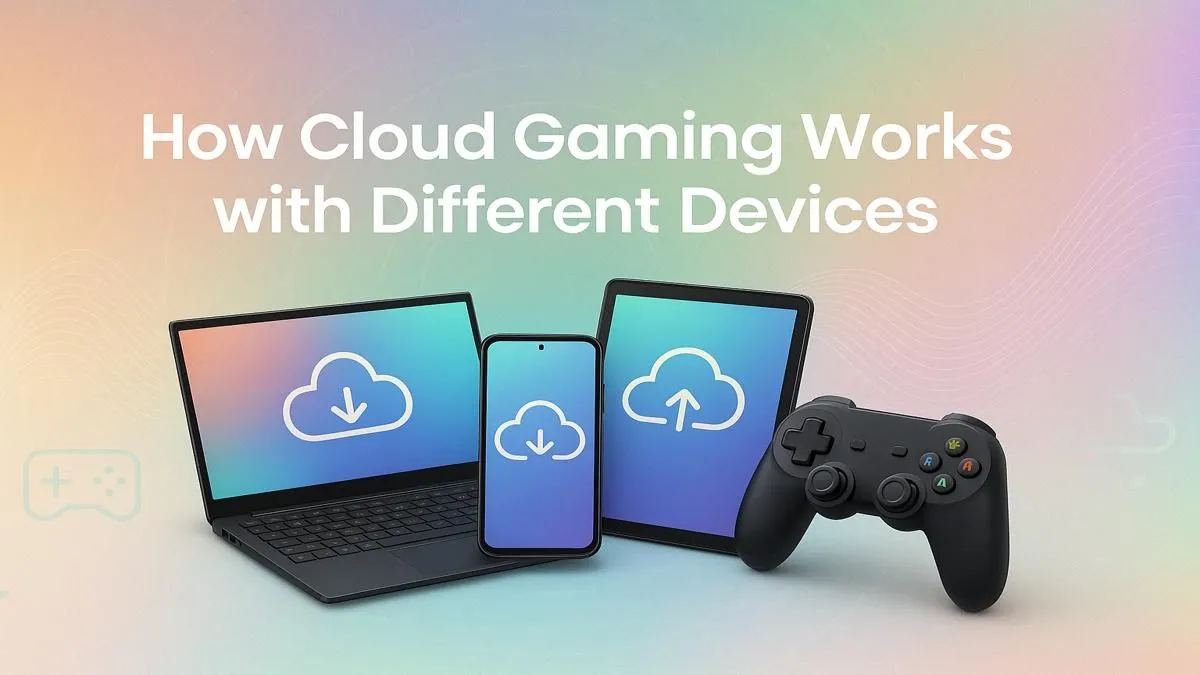
The beauty of cloud gaming is its flexibility. You’re no longer tied to a single, powerful machine.
On Your PC
You don’t need a top-tier graphics card to use cloud gaming on a PC. The main requirement is a stable internet connection and a device capable of decoding a high-quality video stream smoothly. This means even many of our excellent budget gaming PCs can become portals to ultra-settings gameplay, handling the streaming side of things flawlessly while the remote server does the heavy lifting.
On Mobile and Smart TV
This is where cloud gaming truly shines. With a solid Wi-Fi or 5G connection and a Bluetooth controller, your smartphone transforms into a powerful handheld console. 📱 Similarly, many modern smart TVs from brands like Samsung and LG have dedicated cloud gaming apps, allowing you to enjoy a console-like experience on the big screen without any extra hardware.
Check Your Connection First! 🌐
subscribing to a cloud gaming service, run a few tests. Go to a site like Speedtest.net and check three things: download speed (at least 25Mbps is recommended), upload speed, and most importantly, your ping. Ping, or latency, is the delay between your input and the server's response. For gaming, you want this to be as low as possible, ideally under 40ms, to avoid noticeable lag.
The Big Catch… Latency in South Africa
While the technology is incredible, its performance in South Africa hinges entirely on one thing: your internet connection. Specifically, latency. Because the servers for services like GeForce NOW are located in Europe, your data has a long way to travel.
A high-quality fibre connection is almost essential to minimise this "ping" and get a responsive, enjoyable experience. If your connection is unstable, you’ll experience input lag, stuttering, and a blurry image. While a powerful PC won't fix bad internet, having a reliable machine from our range of excellent PCs under R20k ensures that your own hardware is never the bottleneck in the chain.
Is Cloud Gaming a True PC Replacement?
So, should you ditch your desktop dreams for a cloud subscription? For some, it’s a great option. But for serious gamers, owning your hardware is still the undisputed champion. Here’s why:
- Zero Lag: Nothing beats the near-instant response of a local PC.
- Ultimate Quality: No video compression means you see every pixel exactly as the developers intended.
- Ownership: You own your games and can mod them freely.
Cloud gaming is a fantastic supplement, but it’s not a replacement for the raw power and reliability of a dedicated rig. Whether you're looking for great pre-built PC deals or want to explore the best gaming PC deals available, a local machine offers an unmatched experience. For those who demand the absolute best, our lineup of powerful rigs above R20k delivers uncompromising performance that the cloud can't yet touch. ✨
Ready to Own Your Performance?
Cloud gaming is an amazing technology, but for ultimate power, ownership, and zero-lag glory, nothing beats a dedicated gaming PC. Explore our massive range of custom-built PCs and find the perfect machine to conquer your world.