

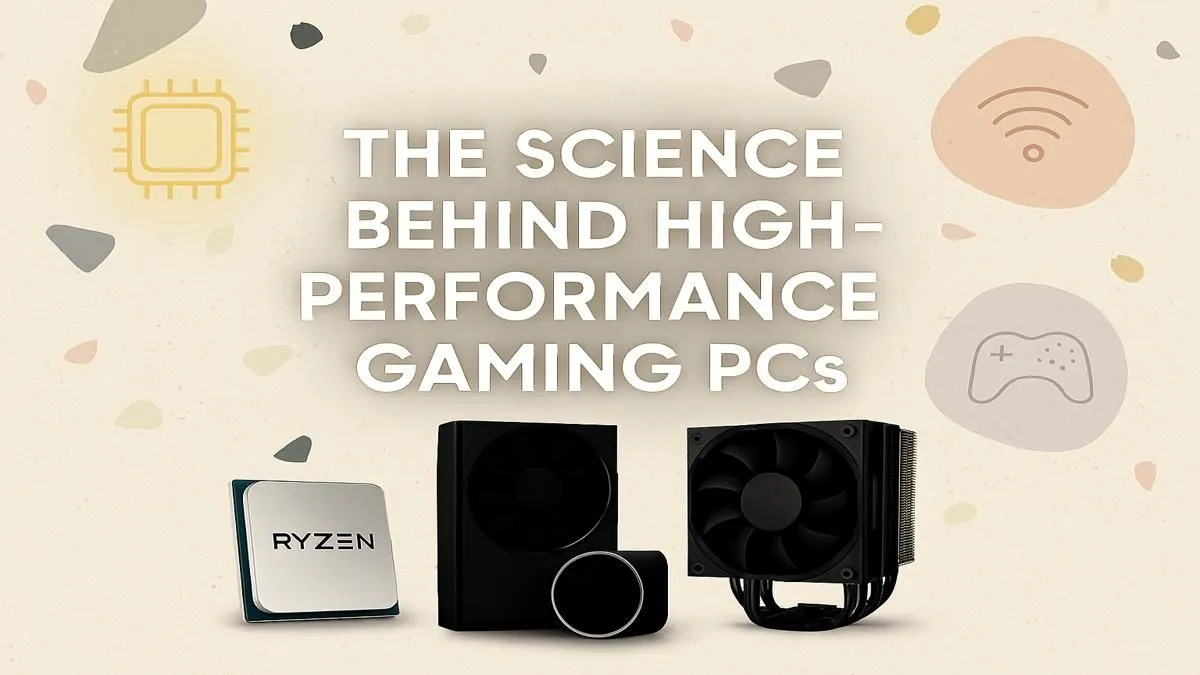
Ever wondered what separates a buttery-smooth 144 FPS from a laggy, stuttering mess? It’s not magic… it's science. Understanding how gaming PCs work is the first step to unlocking true elite performance. Forget the complex jargon; we're breaking down the core components that turn your button presses into on-screen victory. Let's dive in and see what makes a real gaming rig tick here in South Africa.
The Central Processing Unit (CPU): Your PC's Strategic Commander
Think of the CPU as the brain of your entire operation. It handles millions of calculations every second, from enemy AI and physics simulations to managing your operating system in the background. For gaming, two things are key: clock speed (measured in GHz) and core count. Higher clock speeds mean faster calculations, which is critical for achieving high frame rates, while more cores help with multitasking and running modern, complex games. This is fundamental to understanding how a gaming PC works at its core, especially in titles where every millisecond counts. A powerful CPU is what allows our top-tier CS2-optimised rigs to push for maximum competitive advantage.
The Graphics Processing Unit (GPU): Painting Your Digital Worlds 🎨
If the CPU is the brain, the GPU (or graphics card) is the artist. Its sole purpose is to take data from the CPU and turn it into the stunning images you see on your monitor. It renders everything—textures, lighting, shadows, and special effects. The more powerful the GPU, the higher you can push your resolution and graphical settings. VRAM, or video memory, is the GPU's dedicated RAM, and having enough is crucial for loading high-resolution textures. It's the difference between a blurry landscape and being able to soar over photorealistic landscapes with breathtaking clarity. For gamers wanting to experience Night City in all its ray-traced glory, a high-end GPU isn't a luxury; it's a necessity.
Memory & Storage: The Unsung Heroes of Speed
Your PC’s performance isn't just about the CPU and GPU. RAM (Random Access Memory) and storage play vital supporting roles.
RAM: The Short-Term Workspace
RAM is your computer's short-term memory. It holds all the data for the applications and games you're currently running, allowing the CPU to access it almost instantly. Not having enough RAM can cause stuttering as your PC is forced to pull data from your much slower storage drive. For most modern games, 16GB is the sweet spot, but 32GB is becoming the new standard for future-proofing.
Quick Performance Check ⚡
Not sure what's slowing you down? Press Ctrl+Shift+Esc to open the Windows Task Manager. The 'Performance' tab gives you a live look at your CPU, RAM, and GPU usage while a game is running. If one is constantly hitting 100%, you've found your bottleneck!
Storage: Your Digital Library
This is where your games, operating system, and files are permanently stored. The biggest evolution here has been the shift from Hard Disk Drives (HDDs) to Solid-State Drives (SSDs). An SSD has no moving parts, making it exponentially faster. Installing your games on an NVMe SSD means you can drop into Al Mazrah without the frustrating wait times and load into Los Santos faster than ever. Seriously, it's one of the most impactful upgrades you can make.
The Foundation: Motherboard and Power Supply Unit (PSU) 🔧
While they don't generate frames per second directly, the motherboard and PSU are the foundation upon which elite performance is built.
- The Motherboard is the central nervous system, connecting every single component. A good motherboard ensures all parts can communicate efficiently and provides pathways for future upgrades.
- The Power Supply Unit (PSU) is the heart, delivering clean, stable power to everything. Skimping on a PSU is a massive risk; a cheap one can be inefficient or even fail, potentially damaging your expensive components. Ensuring your system has enough wattage is crucial for securing that chicken dinner in PUBG without unexpected shutdowns. Reliable power delivery helps you dominate in fast-paced shooters like Overwatch 2, where system stability is non-negotiable.
How Gaming PCs Work in Harmony for Peak Performance 🚀
So, how do gaming PCs work when all these parts come together? It's a beautiful, high-speed chain reaction:
- You press a key to move forward in a game.
- The CPU processes this command, calculates your new position in the game world, and figures out what you should be seeing.
- It sends this information to the GPU.
- The GPU gets to work, rendering the entire scene—your character, the environment, the lighting—into a single frame.
- Throughout this process, both the CPU and GPU are constantly pulling assets (like textures and models) from RAM, which in turn loaded them from your super-fast SSD.
- This happens dozens, or even hundreds, of times every second.
The key to elite performance is balance. A monster GPU paired with an old, slow CPU will create a "bottleneck," holding your performance back. A balanced system ensures every component can work at its full potential, whether you're trying to get those Victory Royales in Fortnite or building incredible worlds in Minecraft with shaders.
Ready to Experience Elite Performance? Now that you understand the science behind how gaming PCs work, you're ready to choose a machine that's perfectly balanced for your needs. No bottlenecks, just pure performance. Explore our massive range of custom-built gaming PCs and configure the perfect rig to conquer your world.











