

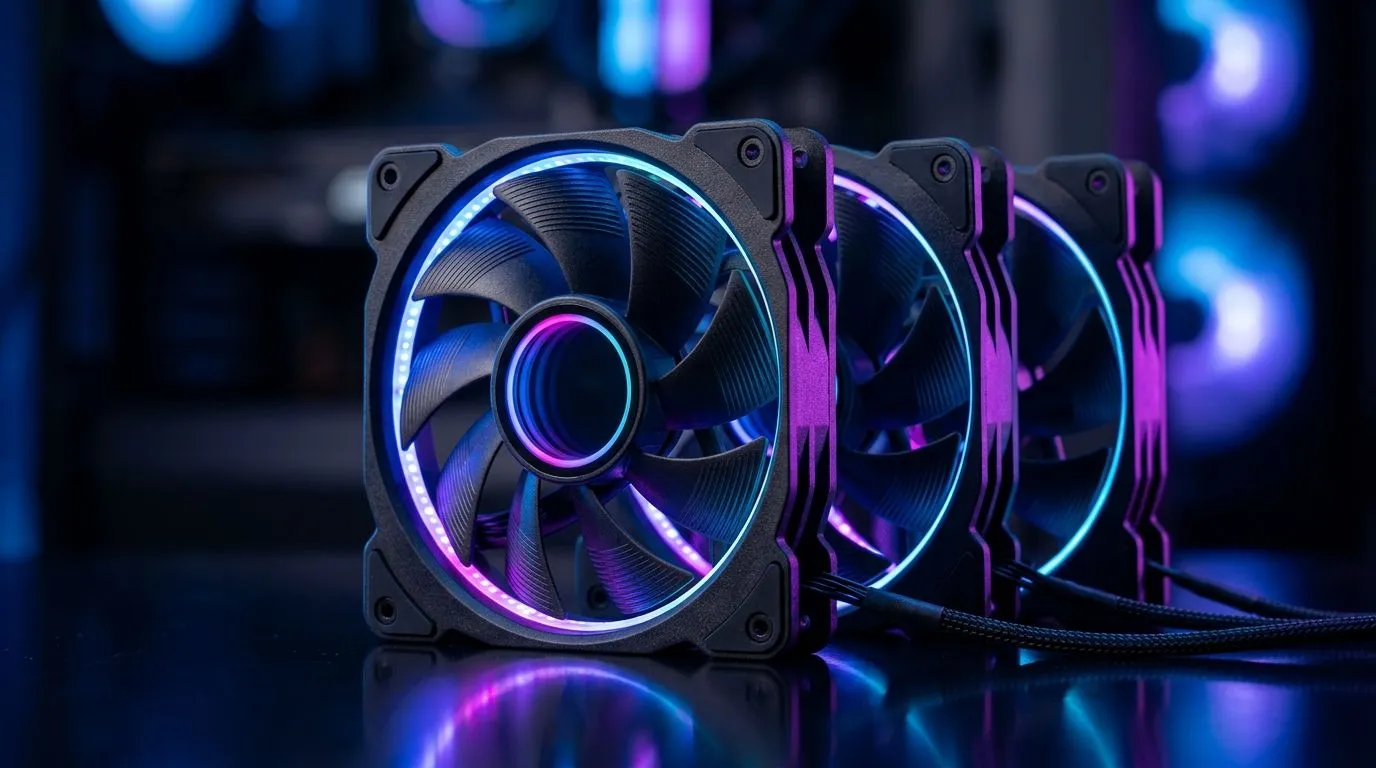
How Many 120mm ARGB Fans for Proper Case Airflow? (And Why It Matters) 🌬️
If you’ve ever wondered why your CPU spikes temps right after a gaming session, you’re not alone. Most airflow issues are not “bad luck”… they’re usually balance problems. Too few fans, wrong placement, or an overemphasis on RGB instead of pressure can turn your case into a warm box. 🔥
So, how many 120mm ARGB fans do you actually need for solid, consistent cooling in a typical mid-tower? Let’s break it down in a practical, South African buying-friendly way.
How Many 120mm ARGB Fans for Proper Case Airflow? The Simple Starting Point 🔧
A good rule of thumb is to aim for pressure + airflow balance: front and bottom as intake, rear and top as exhaust.
Typical mid-tower layouts (the “safe bets”)
1) 2-fan basics (minimum viable airflow)
- 2× 120mm intake (front)
- 1× 120mm exhaust (rear) If your CPU uses an AIO, you may still start with 3 fans total, then scale.
2) 3-fan balanced (most common)
- 2× 120mm intake (front)
- 1× 120mm exhaust (rear) This often keeps GPU temps reasonable and helps your CPU avoid heat soak.
3) 4-fan optimal (cool + quiet)
- 2× 120mm intake (front)
- 1× 120mm intake or exhaust (bottom or rear depending on your case)
- 1× 120mm exhaust (rear) If your case supports a top exhaust, this is where you move to the next step.
4) 5-fan “proper” for many setups
- 3× 120mm intake (front + bottom)
- 2× 120mm exhaust (rear + top) This is usually where you start seeing noticeably steadier temps during long sessions.
Where ARGB fits in
ARGB fans don’t cool better by default. The fan curve, static pressure (for radiators and dust filters), and case design do the work. If your goal is both looks and airflow, choose 120mm ARGB fans that match your build’s mounting points.
How Many 120mm ARGB Fans for Proper Case Airflow? A Quick Fan Map You Can Trust ⚡
Here’s a practical layout you can use without overthinking it:
- Front intake: brings cool air directly across GPU intake.
- Rear exhaust: removes warmed air from the CPU/GPU area.
- Top exhaust (if supported): vents hot air that naturally rises.
- Bottom intake (if supported): helps GPU temps, but watch dust.
If your case has a mesh front, intake fans usually get better results. If it’s more restrictive, you may need more careful fan placement and higher airflow/pressure models.
Where bigger usually beats “more”
120mm fans are convenient and popular. But if your case supports 140mm mounts, you can often get better airflow at the same noise. For airflow-focused builds, it’s worth checking what your case actually supports.
You can browse options here, including 120mm and 140mm configurations and RGB choices:
- Explore the full range of case fans on Evetech: https://www.evetech.co.za/PC-Components/case-fans-97.aspx
- If you’re leaning toward a premium RGB brand, check out Corsair options: https://www.evetech.co.za/PC-Components/case-fans-97.aspx?brands=CORSAIR
- Want more budget-friendly performance? Deepcool has a solid lineup to consider: https://www.evetech.co.za/PC-Components/case-fans-97.aspx?brands=Deepcool
- Specifically looking for ARGB / RGB effects? Filter for lighting features: https://www.evetech.co.za/PC-Components/case-fans-97.aspx?attributes-lightingeffects=RGB
- If you prefer a cleaner look without lighting, view non-RGB selections too: https://www.evetech.co.za/PC-Components/case-fans-97.aspx?attributes-lightingeffects=None
- Shopping for 120mm mounts? Start here: https://www.evetech.co.za/PC-Components/case-fans-97.aspx?attributes-size=120mm
- And if your case supports them, compare 140mm for airflow headroom: https://www.evetech.co.za/PC-Components/case-fans-97.aspx?attributes-size=140mm
How Many 120mm ARGB Fans for Proper Case Airflow? Pro Tips Before You Buy ✨
Before you spend money, do a 10-minute sanity check:
- Count mounting positions in your case. Missing slots means “more fans” is not an option.
- Check radiator placement (if you have an AIO). Fans on a radiator behave differently than case fans.
- Plan cable control. RGB headers and fan headers can get messy fast.
Productivity Pro Tip ⚡
Windows, use Evetech’s typical fan-control logic: set a custom fan curve in your motherboard software based on temperature (GPU first, then CPU). Start with conservative curves, then adjust after a 10-minute gaming test so you don’t blast noise at idle.
Micro-story from the workshop
A client once added 6 ARGB fans to a mid-tower… and temps didn’t improve much. Why? They had equal intake and exhaust, but the front filters were clogged and the top fans were set to exhaust at too low a RPM. After switching to a slightly negative-to-neutral setup (more exhaust than intake in the top area) and cleaning the filters, temps dropped and the system felt more stable.
How Many 120mm ARGB Fans for Proper Case Airflow? Your Buying Checklist ✅
Use this quick target:
- 3 fans: entry-level balanced cooling
- 4 fans: best value for many builds
- 5+ fans: for heavier GPU/CPU loads and cases that support top/bottom airflow
Then match them to your case:
- If you can do front + rear + top, you’re usually in a great place.
- If you only have front + rear, focus on fan quality and correct orientation.
Ready to stop guessing and choose fans that fit your case layout first? 🔥
Ready to Find Your Perfect Match? If you want airflow that actually holds up during long gaming nights, let Evetech help you pick the right fan size, lighting style, and setup for your case. Browse our latest deals and find the perfect components for your build. Shop case fans and upgrades at Evetech and lock in cooler temps without wasting money.











