

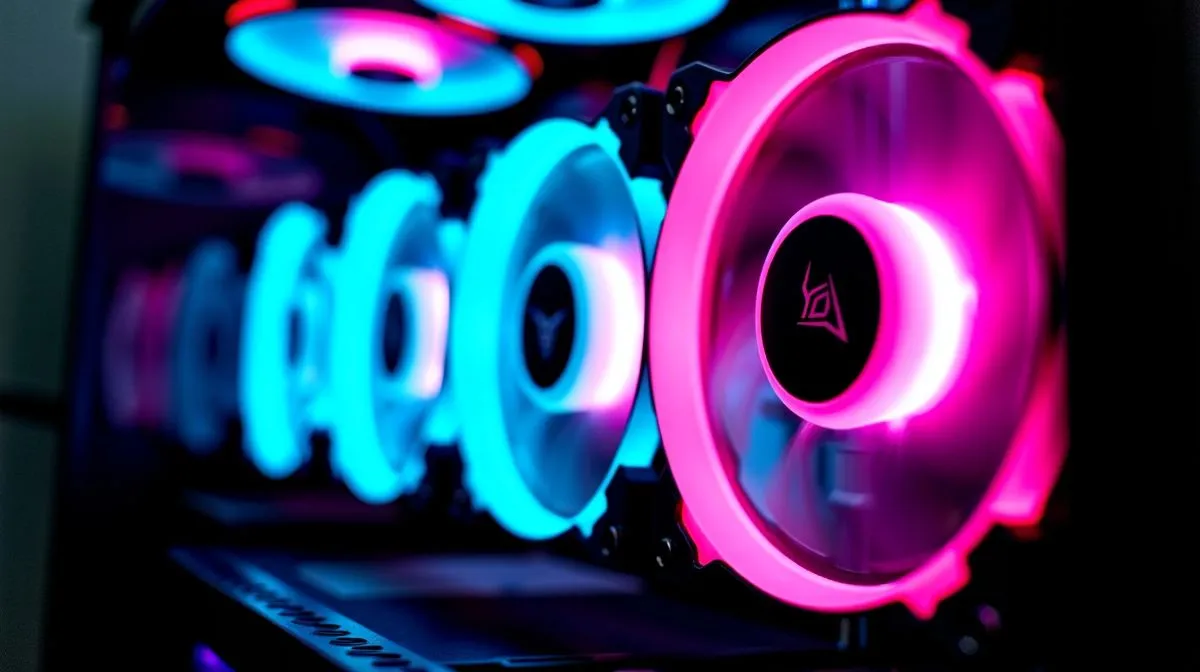
How many fans for gaming PC cooling — start here
If you build in Cape Town or Joburg and hear your rig throttle in a raid, the obvious question is: How Many Case Fans Do You Need for Gaming PC Cooling? Short answer: it depends on case size, GPU heat and airflow plan. This guide gives practical rules, layout examples and shopping links so your next build stays cool and quiet. 🔧
Basic rules for effective gaming PC cooling
First, aim for positive airflow: more intake than exhaust. Use one intake fan for every exhaust, then add another intake if you plan dust filters. For most mid‑tower builds, two intakes up front and one exhaust rear is a solid baseline. If you run a top radiator, add two top exhausts to pull hot air out quickly.
See full case ranges and dimensions at Evetech’s computer cases category for options and compatibility: https://www.evetech.co.za/components/computer-cases-70
Choosing fan sizes and placements
Fans come in 120mm and 140mm commonly. Bigger fans move the same air at lower RPM and noise. For silent builds pick 140mm front intakes when your case allows. Match fan profile to your CPU cooler and GPU clearance; some Fractal cases prioritise quiet airflow with modular mounts and come in multiple sizes: https://www.evetech.co.za/PC-Components/fractal-design-pc-cases-346
Cooling Tip ⚡
If you plan liquid cooling, mount intake fans with dust filters and set your radiator as intake only if you want slightly lower component temps. Regular dust cleaning keeps fans effective and extends component life.
When to add extra fans or replace stock units
If GPU temps exceed 80°C under sustained load, consider extra intake or a higher static pressure fan for radiator pulls. Replace cheap stock fans with higher airflow models rather than adding too many low‑quality units; quality beats quantity. Looking for style or RGB? The Gamdias gaming cases selection shows many designs and bundled fan options: https://www.evetech.co.za/PC-Components/gamdias-gaming-cases-293
On a budget? You can still get good airflow for under R1 500 by choosing cases with good ventilation and room for two 140mm fans: check budget Gamdias options here: https://www.evetech.co.za/PC-Components/gamdias-gaming-cases-293?max-price=1500
Quick configuration checklist before buying
- Identify radiator size and fan thickness.
- Plan intake vs exhaust; start balanced then add intake.
- Prefer larger fans for low noise.
- Ensure PSU shroud and drive cages don’t block airflow.
Keeping fans tidy and controlled with a fan hub or motherboard headers improves life and noise. Small tweaks, like swapping a rear fan to a higher static pressure model, can drop GPU temps several degrees... which matters during long sessions. ✨
Before checkout, double‑check motherboard headers and fan curves. Compare case specs and mounting points on Evetech to avoid surprises. If in doubt, favour cases with removable drive cages and front mesh panels for long‑term airflow performance and maintenance.
Ready to Find Your Perfect Match? The Mac vs Windows debate is complex, but for maximum power, choice, and value in South Africa, Windows is hard to beat. Explore our massive range of laptop specials and find the perfect machine to conquer your world.











