

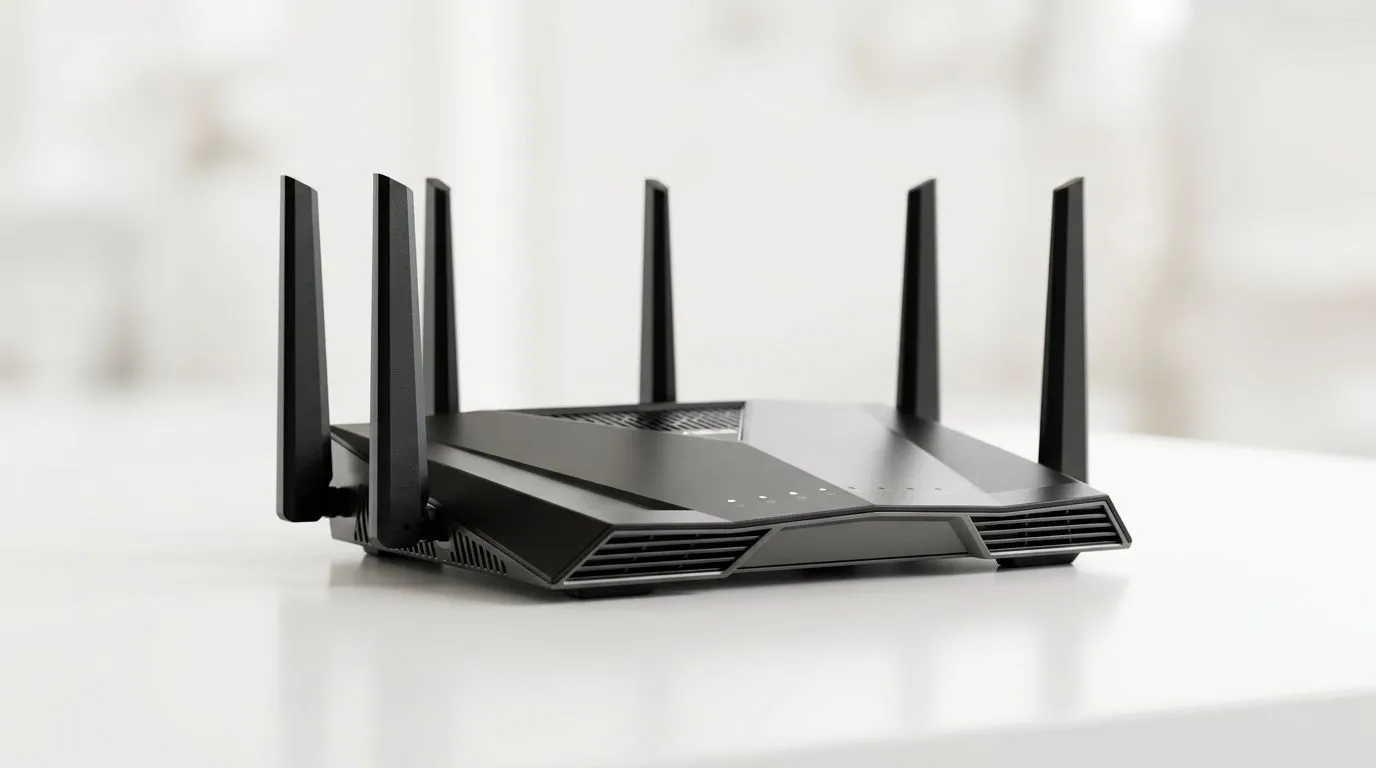
How Many Devices Can a WiFi 6 Router Handle? Performance Limits for South African Homes (and LAN nights) ⚡
If your WiFi 6 router feels “fine” until everyone loads into a match… you’re not imagining things. South African homes have more connected gadgets than ever: phones, smart TVs, set‑top boxes, consoles, laptops, even WiFi cameras. The big question is simple: how many devices can a WiFi 6 router handle? And what happens when you exceed its real-world capacity?
Let’s break down the performance limits in plain terms… and help you pick a setup that keeps latency low for gaming.
How Many Devices Can a WiFi 6 Router Handle? The real bottleneck is airtime, not “device count” 🧠
A WiFi router doesn’t run out of “slots” the way a PC runs out of RAM. Instead, it has limited radio time (called airtime) to send and receive data. More devices means:
- More contention for the same wireless channel
- More retries when signal quality drops
- More overhead from handshakes and small data packets
So the phrase “How Many Devices Can a WiFi 6 Router Handle? Performance Limits Explained” is important, because the answer is conditional. It depends on:
- How many devices are actively transferring data at the same time
- Signal strength and how many walls/floors are in the path
- Client capabilities (some devices are WiFi 5 only)
- Router model, number of streams, and its CPU/firmware performance
For an overview of WiFi tech basics and buying the right gear, start with Evetech’s wireless networking selection: Shop wireless networking gear at Evetech
What “capacity” looks like in everyday gaming
Two scenarios:
- 5–10 active devices, all mostly idle: gaming feels great.
- 15+ devices streaming and updating simultaneously: even if your router “supports” them, your game traffic may suffer because airtime is shared.
In other words… it’s not just the number of devices. It’s the number of busy devices plus how clean the wireless environment is.
How Many Devices Can a WiFi 6 Router Handle? Practical limits for gamers (and families) 🚀
While exact “max device” numbers vary by brand and model, you can use a safe planning approach:
A sensible planning rule of thumb
For smooth gaming, aim for:
- Fewer active high-bandwidth devices per access point (especially on 5 GHz)
- Strong signal where consoles and PCs sit
- Separate SSIDs or bands when needed (2.4 GHz for IoT, 5 GHz for gaming)
If you’re running a busy household (DSTV streams, smart home gadgets, kids on tablets), you may not need a brand-new router immediately. You may just need better placement or adapters that actually use WiFi 6 features.
Avoid the “WiFi adapter mismatch” trap 🔧
A WiFi 6 router won’t magically turn a WiFi 5 laptop into a WiFi 6 client. If the device side is older, you’ll get older performance characteristics and more airtime competition.
That’s why upgrading client adapters can be just as important as upgrading the router. Evetech carries WiFi adapters here: Buy wireless adapters from Evetech
If you’re buying a router too, compare models from the same family and pay attention to how many radios/streams they support. You can browse options here: Explore WiFi routers at Evetech
How Many Devices Can a WiFi 6 Router Handle? Placement and coverage are part of the “limit” ✨
Weak signal can cause retries. Retries reduce effective throughput. Lower throughput increases latency. That’s where gaming gets “mysterious lag” even when your internet speed looks okay.
Common South African home realities:
- Thicker walls in some areas
- Signal reflections from ceilings and fixtures
- Routers tucked near bedrooms or in corners (it happens…)
If your router is in one room and your gaming PC is in another floor… “device count” won’t be the only problem. Coverage will be, too.
Extend smartly (don’t just “add more WiFi”)
If you need more coverage, consider adding a properly matched wireless solution. Evetech has range extenders for when you need extra reach: Check wireless range extenders
If your home is fibre-connected, some setups work better with a fibre router that handles routing duties efficiently. For fibre router options: Browse fibre routers from Evetech
Gaming WiFi Pro Tip ✨
On your router, place the unit in an open central location, then test latency with your console or PC standing where you actually play. If latency spikes in one spot, you don’t need “more devices supported”... you need better coverage. When adding extenders, avoid placing them between your router and your gaming device where the extender has to struggle with weak signal.
How Many Devices Can a WiFi 6 Router Handle? Testing what you actually experience (EEAT-style, no guesswork) 🔍
Want a realistic answer for your home? Do a quick test:
- Pick one “gaming critical” device (PC or console).
- Run a speed test while another device streams video and updates.
- Note latency changes and any packet loss indicators.
- Repeat after moving the router slightly (even a metre or two can matter).
What you’re learning:
- Whether your WiFi is saturated (airtime contention)
- Whether your signal is weak (retries)
- Whether your client devices are underpowered (WiFi mismatch)
If the latency only gets bad when multiple devices are active, your router airtime is likely the bottleneck. If it’s bad in one room all the time, coverage is the bottleneck.
For more networking gear and guidance for setups, Evetech’s wireless networking category is a solid starting point: Wireless networking solutions at Evetech
How Many Devices Can a WiFi 6 Router Handle? When to upgrade your gear (and when not to) 🧠
Upgrade signals:
- Your router feels fine until 2–3 devices stream simultaneously.
- Your gaming device connects but performs inconsistently.
- You see slowdowns during firmware updates or “background downloads”.
Not every case needs a new router. Sometimes:
- Moving placement fixes it
- Upgrading a WiFi adapter fixes it
- A well-chosen extender fixes coverage
- A better fibre router arrangement fixes routing bottlenecks
And if you’re shopping, compare options on Evetech and choose a setup that fits your household’s mix of devices and where you game. In South Africa, that “where” part is huge.
Ready to Find Your Perfect Match? The Mac vs Windows debate is complex, but for maximum power, choice, and value in South Africa, Windows is hard to beat. Explore our massive range of laptop specials and find the perfect machine to conquer your world.











