

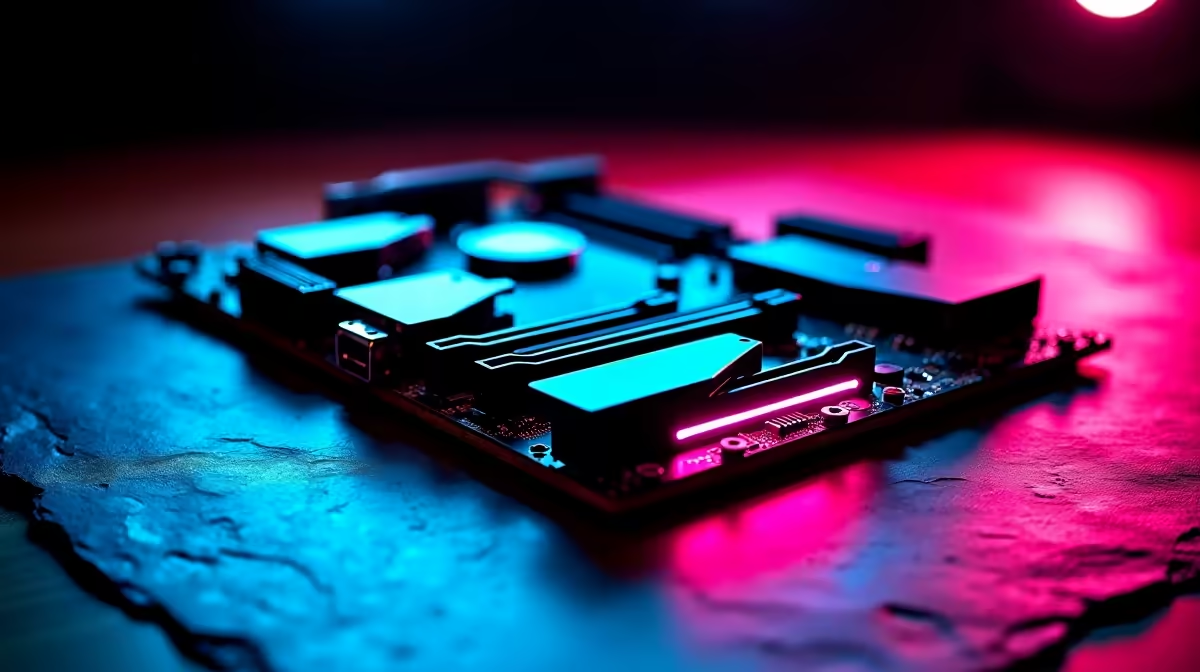
You just dropped good ZAR on a massive new AAA title... only to realise your drive is completely full. Modern games easily chew through 150GB of space. With local internet speeds, re-downloading games is a pain. When building a new rig, you have to ask yourself: how many M.2 slots do I really need on a gaming motherboard for storage and speed? Let us break down exactly what you need. ⚡
The Reality of Modern PC Gaming Storage
Gone are the days of running a tiny SSD for Windows and a slow hard drive for games. Today, NVMe speeds are almost mandatory for a smooth experience. When you decide to upgrade and shop for new motherboards, you will notice boards offering anywhere from one to five M.2 slots.
Having a single slot severely limits your upgrade options down the line. If you fill a 1TB drive, your only choice is to clone your data and replace the entire drive. That is a massive headache for any PC builder. Having multiple slots means you can simply plug in an additional drive when your Steam library inevitably expands. It saves you money and keeps you gaming without delays.
Finding the Sweet Spot for Your Build
For most local gamers, two M.2 slots is the absolute sweet spot. You can use your primary ultra-fast slot for Windows and your daily competitive shooters. The second slot is perfect for a more affordable, high-capacity drive to hold the rest of your heavy games.
If you only play one or two esports titles like CS2 or Valorant, a single large drive might suffice for now. However, modern gaming libraries grow incredibly fast. Future-proofing your system with a dual-slot board is simply smart buying.
If you are building an Intel rig, top-tier ASUS Intel motherboards often feature three or more slots for power users. On the flip side, Team Red fans looking at ASUS AMD motherboards get incredible PCIe lane distribution. This lets you run multiple NVMe drives without bottlenecking your graphics card. Content creators editing massive 4K video files have different needs. They might actually require three or four slots to separate their scratch disks from project files.
Storage Pro Tip 🔧
Always check your motherboard manual before filling every slot. Populating the bottom M.2 slot can sometimes disable SATA ports or slightly reduce the PCIe bandwidth available to your graphics card.
Speed, Memory, and System Balance
Storage is only one piece of the performance puzzle. Smooth gameplay requires harmony between all your components. Fast loading times rely heavily on how quickly your CPU can process that data. To get the absolute best out of your NVMe drives, you must ensure your system has enough RAM. Pairing your blazing-fast storage with high-quality memory kits ensures your PC never stutters during intense gaming moments or heavy multitasking workloads. 🚀
If building from scratch sounds like too much work, you can always skip the hassle entirely. Grabbing one of our best gaming PC deals ensures you get a perfectly balanced system. You get plenty of M.2 storage right out of the box... saving you both time and precious Rands.
Ready to Upgrade Your Storage and Speed? Stop deleting your favourite games just to install new ones. Explore our incredible component deals at Evetech and find the perfect foundation to conquer your next gaming adventure.











