

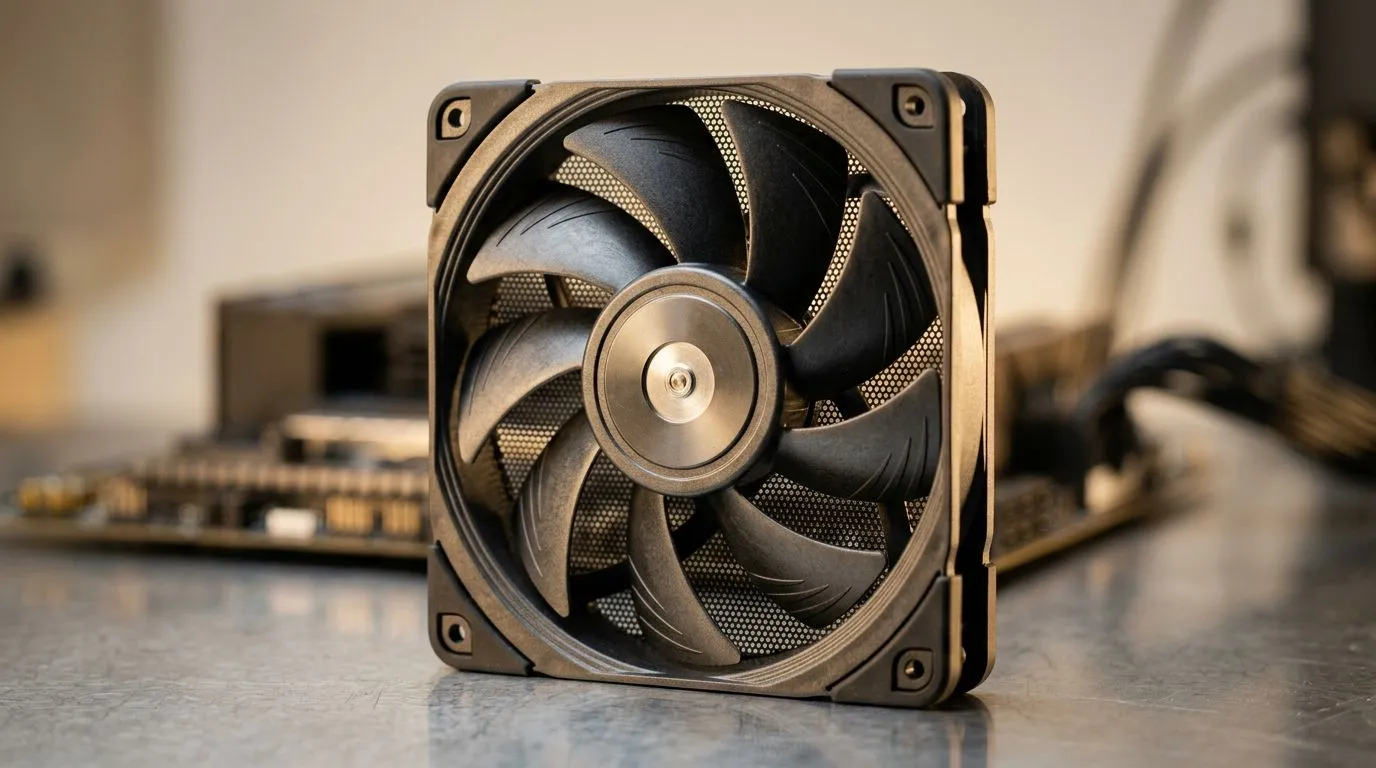
How Much to Spend on Case Fans in South Africa (and what you actually get)
Your PC’s fans don’t just “look cool”... they decide whether your GPU stays within safe temperatures during Warzone sessions or whether your CPU throttles when you’re mid-raid. In South Africa, case airflow is also one of the easiest upgrades to budget for, because you can scale from a few hundred rands to more premium setups. 🔧
If you’re wondering how much to spend on case fans in South Africa, here’s a practical way to plan your spend based on case size, fan type, and goals like quiet gaming or better overclock stability.
How Much to Spend on Case Fans in South Africa: The quick budget guide
Case fans usually cost less than you think, but the big difference is performance consistency and noise control. Rather than guessing, match spending to your build type:
Budget picks (value-first)
If you’re running stock clocks and want decent airflow, focus on:
- Proper fan size for your case (common: 120 mm and 140 mm)
- Solid bearings and stable RPM behaviour
- Simple PWM control (instead of only fixed speeds)
Mid-range (balanced cooling + less noise)
Spend more when you want:
- Smoother PWM curves (fans ramp predictably)
- Better static pressure for mesh-restricted front intakes
- Options like RGB only if you’ll actually use them
Premium (quiet, controlled, consistent)
This is for players who care about:
- Lower noise at the same cooling level
- Better build quality (durability matters in long gaming hours)
- Lighting effects and tighter integration with modern setups
Productivity Pro Tip 🔧
On Windows, after installing new case fans, use a fan control tool (or your motherboard’s BIOS curve) and test under load. Start a 10–15 minute gaming session, then check CPU GPU temps and fan behaviour. If fans ramp too aggressively, lower the curve aggressiveness rather than running at full speed all the time. This saves noise without sacrificing safety.
Choosing the right fan size and features (so your money doesn’t leak)
Your case fans are constrained by space and mounting points. Most cases support either 120 mm or 140 mm fans, and the right choice affects airflow and noise. 🚀
120 mm vs 140 mm: your spend, but also your acoustics
- 140 mm fans often move more air at lower RPM, which can mean quieter operation.
- 120 mm fans can work brilliantly, especially in cases where 140 mm mounts aren’t supported.
Use Evetech’s filters to shop by size and avoid the common “wrong mount” mistake. ✨
- Browse case fans in the general range: case fans on Evetech
- If you prefer CORSAIR, start here: CORSAIR case fans
- Prefer Deepcool? Check this selection: Deepcool case fans
- Need lighting? Explore RGB options: RGB case fans
- Going stealth? Look at non-light models: non-RGB case fans
- For smaller cases or specific mounts: 120mm case fans
- If your chassis supports it: 140mm case fans
A South African “real life” scenario: what to buy first
Here’s the micro-story we hear all the time… “My temps are high, but I don’t want a full PC rebuild.” Often, the best first step is upgrading intake airflow:
- Add 2 quality front intake fans first (or replace the worst ones)
- Keep rear and top exhaust balanced
- Then, only add RGB if your temps are already stable
Remember: spending on case fans doesn’t help if your fan placement is wrong. If your front intake is blocked by a dusty filter or if your airflow direction is backwards, you’ll feel it immediately in higher GPU temps.
Final checklist before you click “Buy”
Before you spend, ask yourself:
- Does my case support the fan size I’m buying?
- Do I want quiet first, or looks first?
- Am I building intake-to-exhaust balance?
- Will I control them via motherboard headers or a controller?
If you want help picking the right fans for your exact case and priority, that’s where we come in. ✅
Ready to Find Your Perfect Match? The Mac vs Windows debate is complex, but for maximum power, choice, and value in South Africa, Windows is hard to beat. Explore our massive range of laptop specials and find the perfect machine to conquer your world.











