

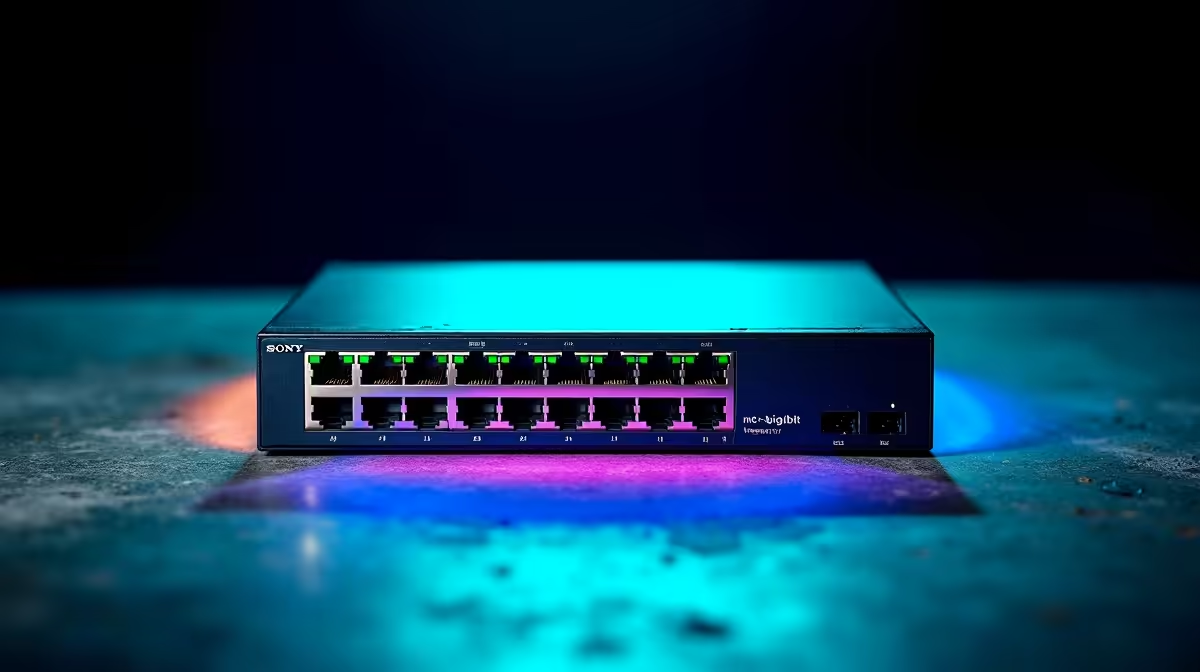
You finally got that sweet 1Gbps fibre line installed at home. You fire up Steam to download a massive 150GB game update... and you are still staring at a loading bar. Why? Your internet connection is fast, but your internal home network is choking. If you want to understand how Multi-Gig LAN improves large file transfers, streaming, and home network performance, you need to look past your ISP and inspect your hardware.
Breaking the Standard 1Gbps Barrier 🚀
For over a decade, standard Gigabit Ethernet has been the default for South African homes. It handles standard web browsing perfectly. However, a 1Gbps connection maxes out at roughly 125 megabytes per second. That sounds fast until you try moving a massive 4K video project to your local network storage.
Suddenly, you are waiting ages for a simple transfer. Upgrading to a 2.5GbE or 10GbE network completely removes this bottleneck. It allows your high-speed NVMe drives to actually stretch their legs across your local network.
Supercharging Large File Transfers
When you see exactly how Multi-Gig LAN improves large file transfers, you will never want to go back to older tech. A 2.5Gbps connection pushes real-world speeds up to 312MB/s. Moving a 100GB backup to your NAS takes mere minutes instead of an hour.
This speed is vital for content creators and gamers who frequently shift massive files around. If you are currently shopping for top-tier hardware, you will notice that many of the best gaming PC deals now feature premium motherboards with built-in 2.5G LAN ports as a standard specification.
Flawless Local Streaming and Network Performance ✨
A multi-gigabit setup is not just about raw copying speed between two PCs. It is about total bandwidth sharing across your home. Imagine someone in the lounge streaming a high-bitrate 4K movie from your local Plex server. At the same time, you are downloading massive game patches.
A standard 1Gbps network struggles to juggle that heavy data traffic. Multi-Gig LAN improves streaming and home network performance by giving your main router and switch significantly more headroom. Everyone gets a flawless experience. To upgrade your home setup without spending thousands of Rands, keep a close eye on our weekly specials for routers and network switches that natively support 2.5GbE.
Networking Pro Tip 🔧
Upgrading your network switch to 2.5GbE is useless if your cables are outdated. Check your cable jackets today. You need at least Cat5e for 2.5Gbps over short distances, but upgrading to high-quality Cat6 ensures you get maximum transfer speeds without any annoying signal drops.
Mobile Flexibility and Future-Proofing
You absolutely do not need a massive desktop tower to enjoy these blazing-fast network speeds. Many modern portable machines come equipped with faster ethernet ports. Others easily support high-speed Thunderbolt docks for wired network connections.
When you are browsing through notebooks for sale in South Africa, always check the spec sheet for 2.5GbE LAN or advanced Wi-Fi 6E capabilities. Taking this step ensures your mobile investment stays highly relevant as local fibre providers continue to bump up their line speeds.
Ready to Eliminate Network Bottlenecks? Upgrading your home network from standard gigabit to 2.5Gbps or higher is the ultimate way to unlock your hardware's true potential. Explore our massive range of PC components and networking gear to build a setup that never keeps you waiting.











