


Complete Guide: Setting Up Monitor Light
Setting Up Monitor Light. Tested & verified settings for best FPS and visual quality on SA hardware budgets.
Read moreDiscover if HP Victus 15 with RTX 5060 beats your desktop! 🎮🔥 High-end laptop vs PC battle inside. Performance, portability, and value compared.
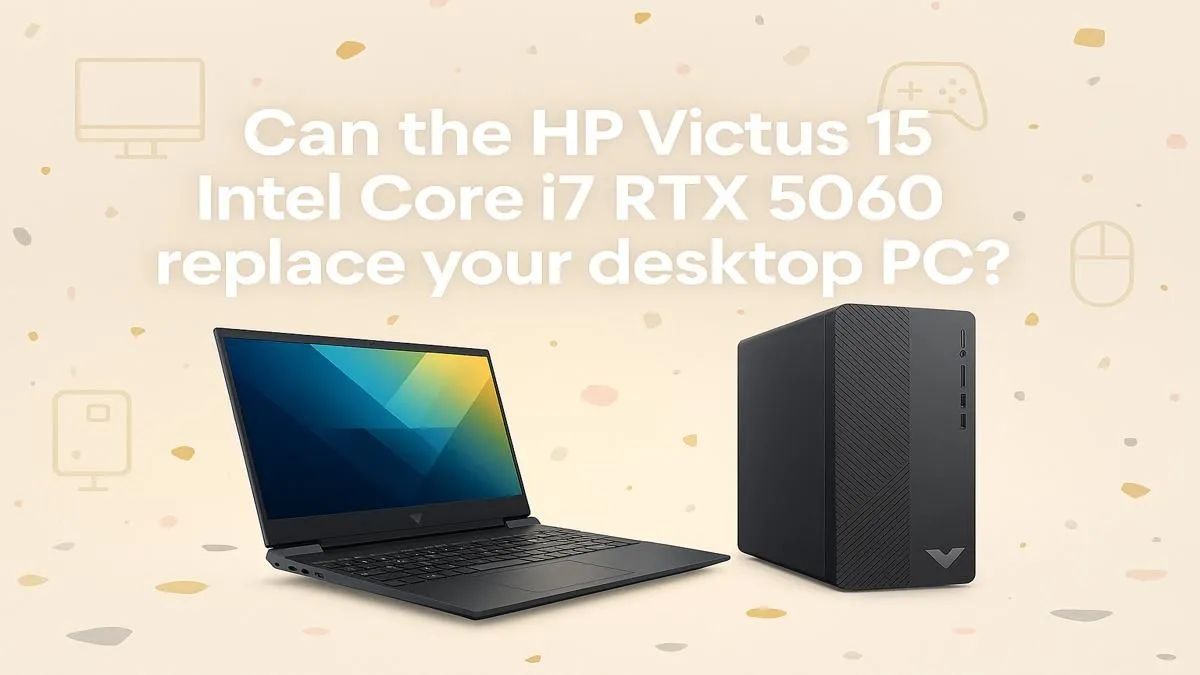
Is your gaming PC gathering dust during loadshedding? It’s a classic Mzansi problem. You've built a beast, but you can’t use it. Enter the HP Victus 15, a sleek contender promising desktop-level power without being chained to a wall socket. But is it just a pretty face, or can this gaming laptop truly replace your PC? Let’s break down the HP Victus 15 laptop vs desktop debate for South African gamers.
A traditional desktop PC will almost always win on raw, unfiltered power. Bigger components, better cooling... it's a simple matter of physics. But the gap is closing fast. The HP Victus 15 often packs serious hardware like NVIDIA GeForce RTX GPUs and modern processors, delivering smooth frame rates in today's biggest titles.
The real knockout punch for the Victus, however, is portability. ⚡ Being able to scoop up your entire gaming rig and move to a room with a charged UPS, or head to a mate’s place for a LAN party without hiring a bakkie, is a massive win. This flexibility makes it a top choice among the latest laptop specials for sale in South Africa. The question isn't just about power anymore; it’s about accessible power.
Let's get straight to it: for the vast majority of gamers, the answer is a resounding yes. The Victus 15 is engineered for 1080p gaming, the sweet spot for competitive play. With high-refresh-rate screens and powerful internals, it demolishes titles like Apex Legends, Warzone, and Valorant.
The comparison of an HP Victus 15 laptop versus a gaming desktop becomes even more compelling when you create a hybrid setup. At home, you can connect it to an external monitor, a mechanical keyboard, and your favourite gaming mouse. You get the big-screen, tactile experience of a desktop, but with a machine you can pop into a backpack. It’s the best of both worlds, especially if you’re looking at powerful but affordable Intel laptops on special.
To instantly transform your Victus 15 into a desktop replacement, use a USB-C docking station or hub. It lets you connect your monitor, keyboard, mouse, and ethernet with a single cable. When it’s time to go, just unplug one cord and you’re mobile again.
Here’s where a desktop still holds a significant advantage: long-term customisation. With a PC, you can swap out the GPU, upgrade the motherboard, or change the entire cooling system. The journey of building and tweaking is part of the fun for many enthusiasts.
An HP Victus 15's upgrades are typically limited to RAM and storage. While this is enough for most users, it won’t satisfy the hardcore tinkerer. Cost-wise, the initial outlay can be similar, but a Victus is a complete package. You won't need to budget an extra R5,000-R10,000 for a monitor, keyboard, and mouse. This makes many of the AMD laptops on special an incredible value proposition right out of the box. For many, finding a solid performer among the gaming laptops under R20k is a smarter financial move than starting a desktop build from scratch.
So, in the HP Victus 15 laptop vs desktop showdown, who wins? For the modern South African gamer juggling work, studies, loadshedding, and a need for flexibility, the HP Victus 15 isn't just a replacement; it's an upgrade in lifestyle.
It offers more than enough power for mainstream gaming and productivity, all in a package you can actually use when the power goes out. While the dedicated PC builder will always prefer the modularity of a tower, the Victus 15 makes a powerful case for itself as the smarter, more practical choice for almost everyone else.
Ready to Upgrade Your Freedom? The debate is settled. For power that moves with you, the HP Victus 15 is an unbeatable choice. Explore our best gaming laptop deals for performance that leaves lag in the dust.
Yes! The RTX 5060 laptop GPU delivers near-desktop 1080p performance with DLSS 3 support. 🎮
The i7-14700H and 16GB RAM handle Adobe Suite smoothly, though desktops still lead in sustained rendering.
Laptop thermals manage 100W+ sustained CPU+GPU power, but desktops offer better thermal headroom for overclocking. 🔥
For plug-and-play convenience with RTX 5060 graphics, yes. Custom desktops remain superior for price/performance scaling.
Yes! 2.5K 200Hz panel matches most gaming desktops. Upgrade to 4K via external monitors.
Laptop fans can reach 45dBs under load – slightly quieter than most mid-tower desktop cooling setups.
Limited compared to desktops. Upgrades restricted to RAM/storage – GPU and CPU are soldered.
Setting Up Monitor Light. Tested & verified settings for best FPS and visual quality on SA hardware budgets.
Read more
Assassins Creed Shadows Ultrawide Support: 21:9. Clear setup instructions with SA-specific considerations, troubleshooting tips & recommended components.
Read more
Complete Gaming Setup Guide for the Collector. Clear setup instructions with SA-specific considerations, troubleshooting tips & recommended components.
Read more
Will the Steam Deck 2 Have an OLED Screen? Leaked. Plain-English explanation of what it means, why it matters & how it affects your buying decisions in SA.
Read more
Setting Up Ultrawide 144Hz. Tested & verified settings for best FPS and visual quality on SA hardware budgets.
Read more
Kingdom Come: Deliverance 2 Ultrawide Support. Clear setup instructions with SA-specific considerations, troubleshooting tips & recommended components.
Read more
When Will the RTX 6090 Launch in South Africa Detailed answer with SA data, expert analysis & practical recommendations for local buyers.

Top Valorant Settings for RTX 5070: FPS Optimisation picks evaluated on performance, value & SA availability with current Rand pricing from Evetech.

RDNA 3.5 Graphics in Ryzen AI 400? Can You Game. Plain-English explanation of what it means, why it matters & how it affects your buying decisions in SA.

GPU Price Index : December Report. Current stock data & price tracking for SA buyers. See what is available and where prices are heading.

Can the RX 7700 XT Handle 1440p 144Hz Gaming. Performance testing verdict with real data & practical recommendations for SA buyers.

Top Laptop with Core i7 + RX 7700S: Picks picks evaluated on performance, value & SA availability with current Rand pricing from Evetech.

RX 7700 XT Black Myth Wukong 2 FPS: Performance. Real-world benchmark data, FPS numbers & performance analysis. What SA gamers can actually expect.

RTX 6080 Gran Turismo 7 PC Performance: FPS Test. Real-world benchmark data, FPS numbers & performance analysis. What SA gamers can actually expect.
Setting Up Monitor Light. Tested & verified settings for best FPS and visual quality on SA hardware budgets.
Assassins Creed Shadows Ultrawide Support: 21:9. Clear setup instructions with SA-specific considerations, troubleshooting tips & recommended components.
Complete Gaming Setup Guide for the Collector. Clear setup instructions with SA-specific considerations, troubleshooting tips & recommended components.
Will the Steam Deck 2 Have an OLED Screen? Leaked. Plain-English explanation of what it means, why it matters & how it affects your buying decisions in SA.