

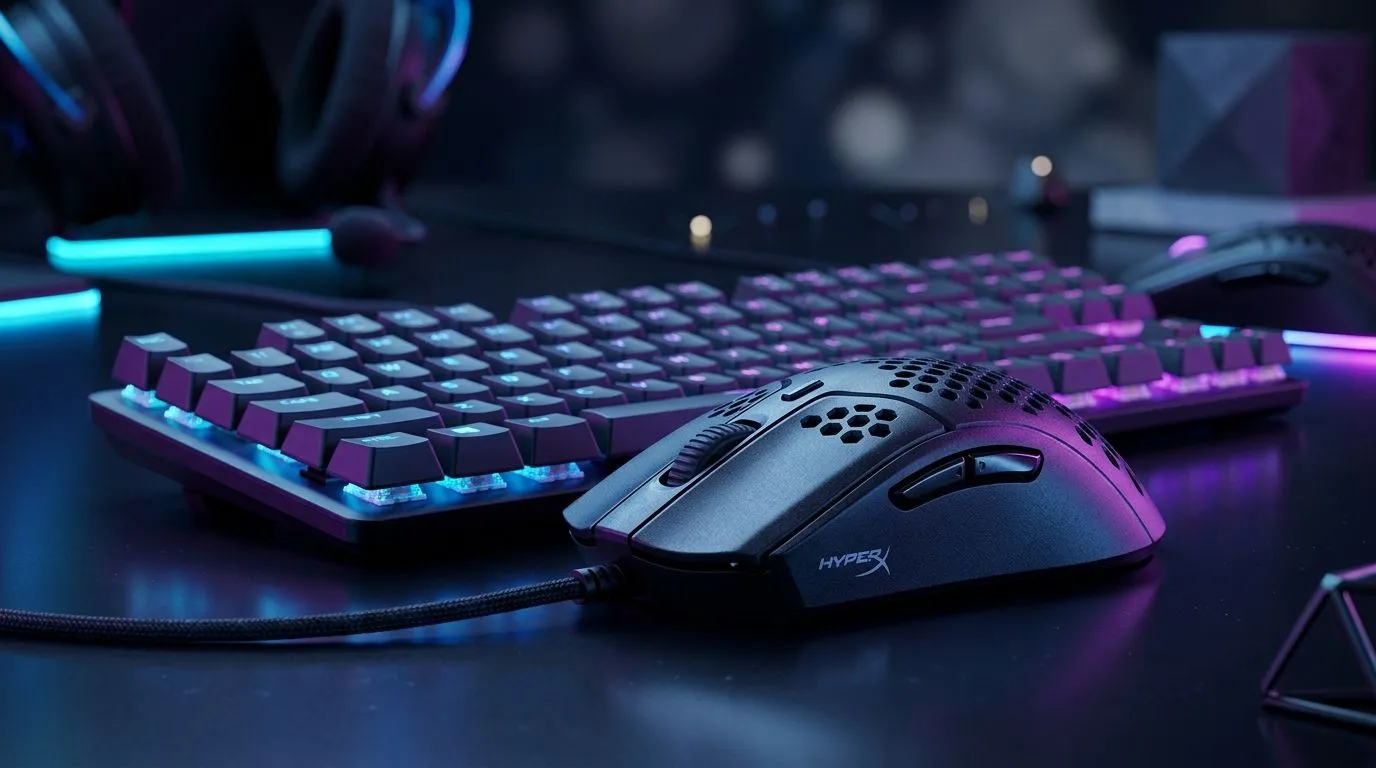
Mastering HyperX NGENUITY for Better Aim and Faster Inputs 🔧
If your shots feel inconsistent, the problem might not be your aim. It could be your settings. With HyperX NGENUITY, you can tailor DPI profiles and button mapping to match how you actually play. That matters whether you’re grinding ranked at night, hopping into Warzone with the squad, or just trying to make your desktop feel less clunky. A few smart tweaks can make your mouse feel properly yours... and that confidence shows up fast.
Why HyperX NGENUITY DPI Profiles Matter for South African Gamers
DPI is simply how sensitive your mouse feels. Higher DPI moves the cursor faster. Lower DPI gives you finer control. The sweet spot depends on the game, your grip, and your screen setup.
A good starting point is to create separate profiles for different use cases. For example:
DPI profiles for everyday use
- One low-sensitivity profile for FPS titles
- One balanced profile for general desktop work
- One high-sensitivity profile for fast navigation or multiple monitors
This keeps things tidy and cuts down on constant tweaking. If you’re shopping for a new setup, it helps to compare gear across Evetech’s mouse accessories range, especially if you want extra grips, feet, or replacement parts to keep your mouse feeling sharp.
How Button Mapping Improves Comfort and Speed
Button mapping is where NGENUITY becomes genuinely useful. You can assign common actions to side buttons or remap unused inputs for quicker access. That means less time reaching for the keyboard and more time focused on the match.
Practical examples
- Map push-to-talk to a side button
- Set melee or crouch for faster reaction in shooters
- Use profile switching for work and play
- Assign browser back and forward for daily browsing
If you’re still using an older mouse, it may be worth browsing wired mouse options or wireless mouse options depending on whether you want zero-lag certainty or cable-free convenience.
Quick Setup Tip ⚡
When building DPI profiles, start with two or three sensible presets instead of too many. Fewer profiles mean less confusion in-game, and you’ll learn your preferred sensitivity much faster.
A Simple Workflow for Cleaner Mouse Customisation
The best way to set up HyperX NGENUITY is to keep it practical. Don’t chase random internet settings. Build around your own habits.
Try this approach
- Pick your main game.
- Set a low DPI profile for precision.
- Create a higher DPI profile for desktop work.
- Remap only the buttons you use every day.
- Test for a few sessions before changing anything again.
That kind of method saves time. It also helps you avoid the “too many adjustments” trap, where nothing ever feels settled.
For buyers comparing value, Evetech’s best gaming mouse deals page is a smart place to look for current savings in rand, especially when you’re trying to stretch a tight budget without compromising performance. If you want a broader view of available models, the full gaming mouse category is worth a look too.
Small Settings, Big Difference in Real Play
Most gamers do not need extreme configurations. They need consistency. A stable DPI profile, clean button mapping, and a mouse that suits the hand can make aim feel calmer and movement feel more natural.
That’s why HyperX NGENUITY is useful... it removes friction. No fuss. No overthinking. Just a quicker route to settings that match your style.
If you are pairing your mouse with a new PC or laptop, these small tweaks can help your gear feel instantly better without spending heavily. Sometimes the most noticeable upgrade is simply making the hardware you already own work harder for you.
Ready to Find Your Perfect Match? The Mac vs Windows debate is complex, but for maximum power, choice, and value in South Africa, Windows is hard to beat. Explore our massive range of laptop specials and find the perfect machine to conquer your world.
**











