

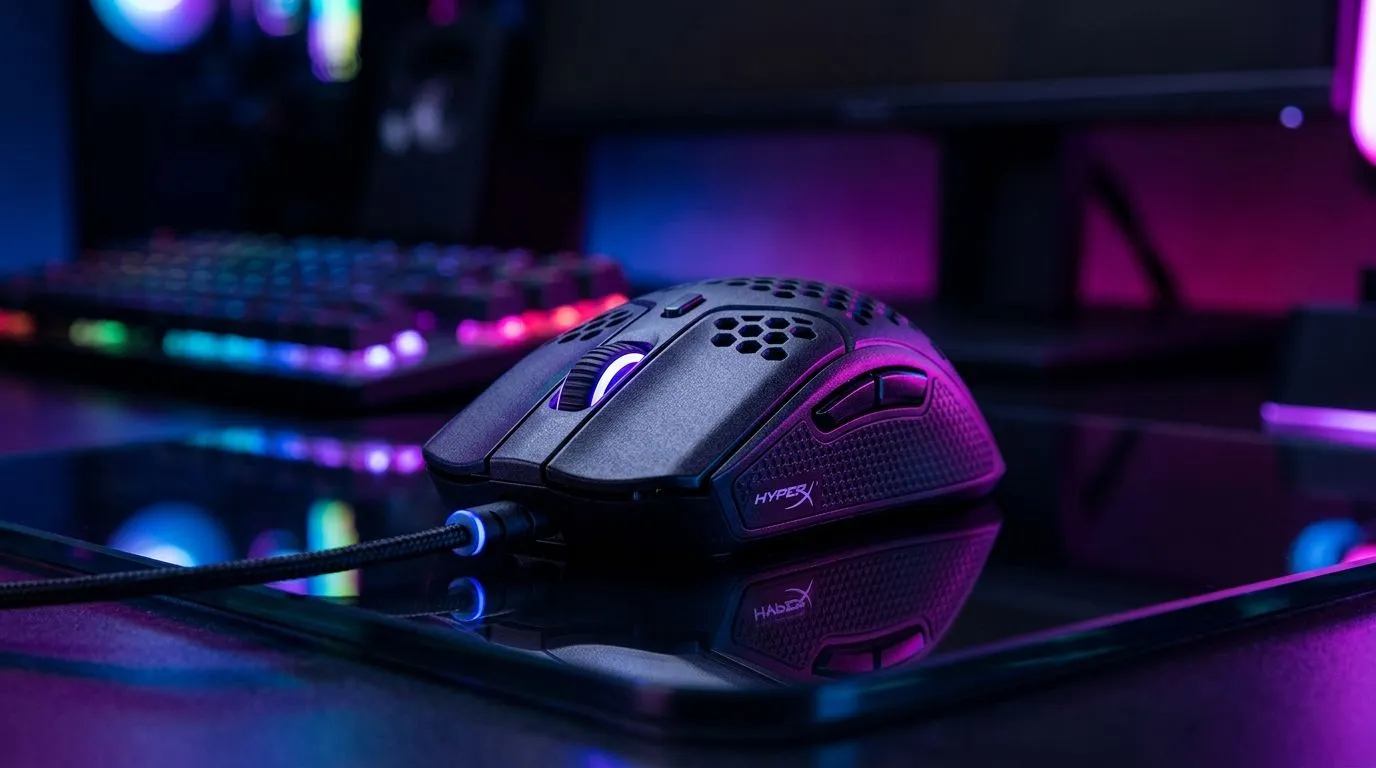
Mastering HyperX NGENUITY DPI Profiles for Precision Gaming 🎯
South African gamers know that milliseconds matter. The HyperX NGENUITY DPI profiles unlock precision at your fingertips, tailored perfectly for every gaming style. Whether you’re sniping in Apex Legends or blitzing through Valorant, adjusting your DPI settings can sharpen your aim and speed. With HyperX’s software, fine-tuning sensitivity is effortless, putting you ahead in every match.
The key is how the DPI profiles let you switch sensitivity on the fly. Imagine having a low DPI for accurate sniper shots and a higher one for quick, sweeping moves—all controlled with simple shortcuts. This flexibility is why many competitive players rely on HyperX gear.
Button Mapping That Puts You in Command 🔧
Customising HyperX mouse buttons through NGENUITY lets you execute complex commands instantly. Assign macros, toggle modes, or swap keys to suit your favourite games. South African gamers appreciate tapping into this level of customisation because it streamlines gameplay and reduces response times.
If you’re upgrading from a basic mouse, explore the range of wired mice on Evetech’s wired mouse selection for hardware that works flawlessly with NGENUITY. The software and hardware combo unlocks physical and virtual control over your gaming experience. From MMO setups to FPS quick-keys, button mapping is a silent edge that often wins rounds.
RGB Lighting: Style Meets Function in HyperX Mice ⚡
RGB lighting isn’t just about aesthetics; it enhances your setup mood and visibility under different lighting conditions. NGENUITY's RGB controls let you customise colour patterns to match your rig or current game, syncing flawlessly with other HyperX components. A well-lit mouse also helps in those intense late-night sessions.
For wireless freedom that doesn’t compromise customisation, check out Evetech’s wireless mouse range. Many models support full NGENUITY integration, delivering sleek design with vibrant RGB and full DPI and button programming.
Setting Up HyperX NGENUITY: Easy Steps for South African Gamers 🚀
Getting started is simple. Download the official HyperX NGENUITY software and connect your mouse—then dive into DPI profiles, button layouts, and RGB schemes. The interface is intuitive, but here’s a quick approach:
- Start by configuring your DPI presets (try three: low, medium, high).
- Map essential buttons to macros or hotkeys you repeatedly use.
- Customize your RGB lighting to match your gaming setup or mood.
Want to browse some top options? Evetech’s gaming mouse deals showcase bundles starting from affordable prices in ZAR—perfect for budget-conscious enthusiasts.
Pro Tip for NGENUITY Users
Hit “Save to Device” after configuring profiles. This stores your settings directly on the mouse, ensuring they stay active even away from your PC.
Choosing the Right HyperX Mouse for NGENUITY Enthusiasts
HyperX offers wired and wireless mice designed to maximise NGENUITY’s potential. When choosing, consider your gaming style: wired mice boast ultra-low latency, ideal for competitive FPS titles, while wireless provides freedom and comfort for longer sessions. Browse Evetech’s full gaming mouse collection to find a model tuned to your needs—even discover exclusive South African bundles.
Remember, the best setup combines the mouse, software, and your preferences. HyperX NGENUITY empowers every player to customise with precision, giving you control from your fingertips to your lighting.
Elevate Your Gaming Setup Unlock your mouse’s full potential with HyperX and Shop now at Evetech for performance that leaves lag in the dust.











