

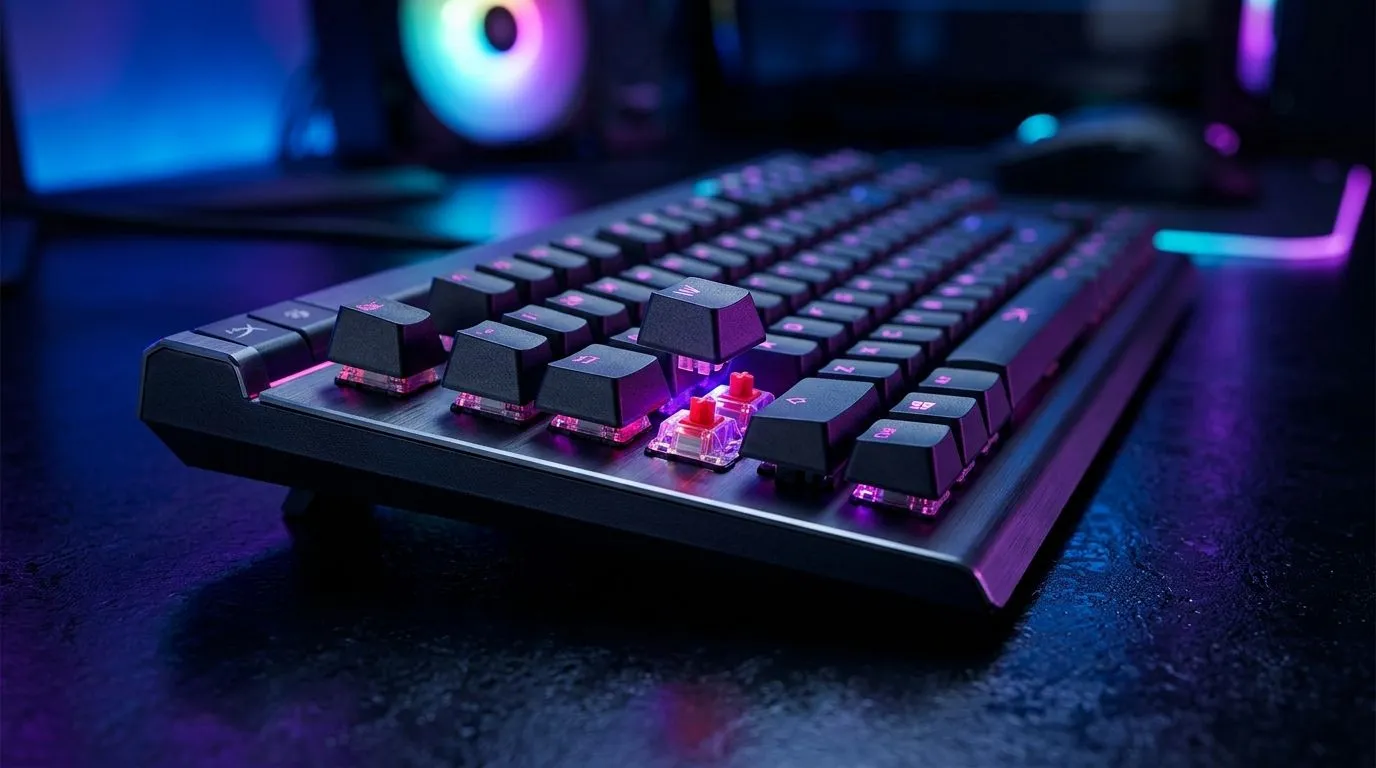
Why HyperX Optical Switches Matter for Gamers
South African gamers crave precision and speed in every click ⚡. If you’re hunting for an edge in PUBG or Valorant, the switch inside your mouse can make all the difference. HyperX optical switches use light-based actuation instead of traditional metal contacts, offering quicker response times and improved durability. These features translate into real advantages during intense gaming moments where every millisecond counts.
Understanding HyperX Optical Switches and Performance Impact
HyperX optical switches cut input delay by up to 0.2 milliseconds compared to mechanical switches, thanks to their light-triggered mechanism. This means faster, cleaner signal registration and a smoother click feel with less debounce delay. Plus, they’re rated for over 80 million clicks, so your mouse keeps performing without the typical wear and tear.
This tech is ideal for South African gamers who want dependable hardware that won’t let them down mid-match. Whether you prefer wired or wireless, HyperX integrates these switches into various mouse designs to suit your setup. For example, wired options like those at Evetech’s wired mouse selection balance latency and reliability perfectly.
Choosing the Right HyperX Optical Switch Mouse for Your Playstyle
Your gaming needs should dictate switch choice and mouse design. Fast-paced shooters demand rapid actuation and crisp tactile feedback, and many HyperX optical switch mice excel here. For casual gamers or streamers, wireless models provide freedom without sacrificing performance. Explore wireless options in Evetech’s wireless mouse collection to find your match.
To customise your rig further, consider pairing your mouse with quality mouse accessories — whether it’s replacement grips or cable management tools. Check out the Evetech mouse accessories page to level up your experience.
Pro Tip for Gamers
Optical switches reduce debounce delay, but pairing your mouse with a stable USB port helps maintain consistent signal strength. Avoid using USB hubs to minimise input lag. {{/TipBox}}
Maximising Your Setup with HyperX Optical Switches
Combining a HyperX optical switch mouse with ultra-low latency settings on your PC and optimised game configurations can unlock your best performance yet. Ensure your mouse polling rate is at least 1000Hz—most recommended HyperX models support this. For those hunting great deals and extensive choice, browse the best gaming mouse deals at Evetech or explore their full range of gaming mice.
Understanding the tech behind HyperX optical switches helps you make informed purchases and sharpens your competitive edge. Investing in reliable hardware pays off, especially in South Africa’s growing esports and streaming scene.
Upgrade Your Gaming Gear Today Step into a new realm of responsiveness with HyperX optical switches. Shop now at Evetech for performance that leaves lag in the dust.











