

There is nothing quite like the tension of a low-visibility approach in a flight simulator. You are tracking the localiser... sweat on the yoke... waiting for the "minimums" call. If your IFR Visibility Settings: Best Ways to Spot Runways aren't dialed in... you might miss the threshold entirely. Getting that visual acquisition early is the difference between a smooth landing at OR Tambo and a frustrating go-around. ✈️
Optimising Graphics for Approach Clarity
To master instrument flight, your digital cockpit needs to mimic reality as closely as possible. The primary hurdle in flight simulation is often "shimmering" or "aliasing" on distant objects. When you are five miles out in heavy fog, the runway lights shouldn't look like a blurry mess of pixels.
Start by adjusting your Anisotropic Filtering to 16x. This ensures that textures... especially runway markings... remain sharp even at tight angles. If you are struggling to see detail, upgrading to high-resolution 5K and 4K monitors can provide the pixel density required to spot the Rabbit Lights (the sequential flashing approach lights) much earlier in the descent.
The Role of Contrast and Brightness
In the real world... pilots rely on the contrast between the dark surroundings and the high-intensity runway lighting. In a sim, your display's black levels are critical. If your monitor has poor contrast, the "soup" of a rainy night at Cape Town International will just look like a flat grey wall.
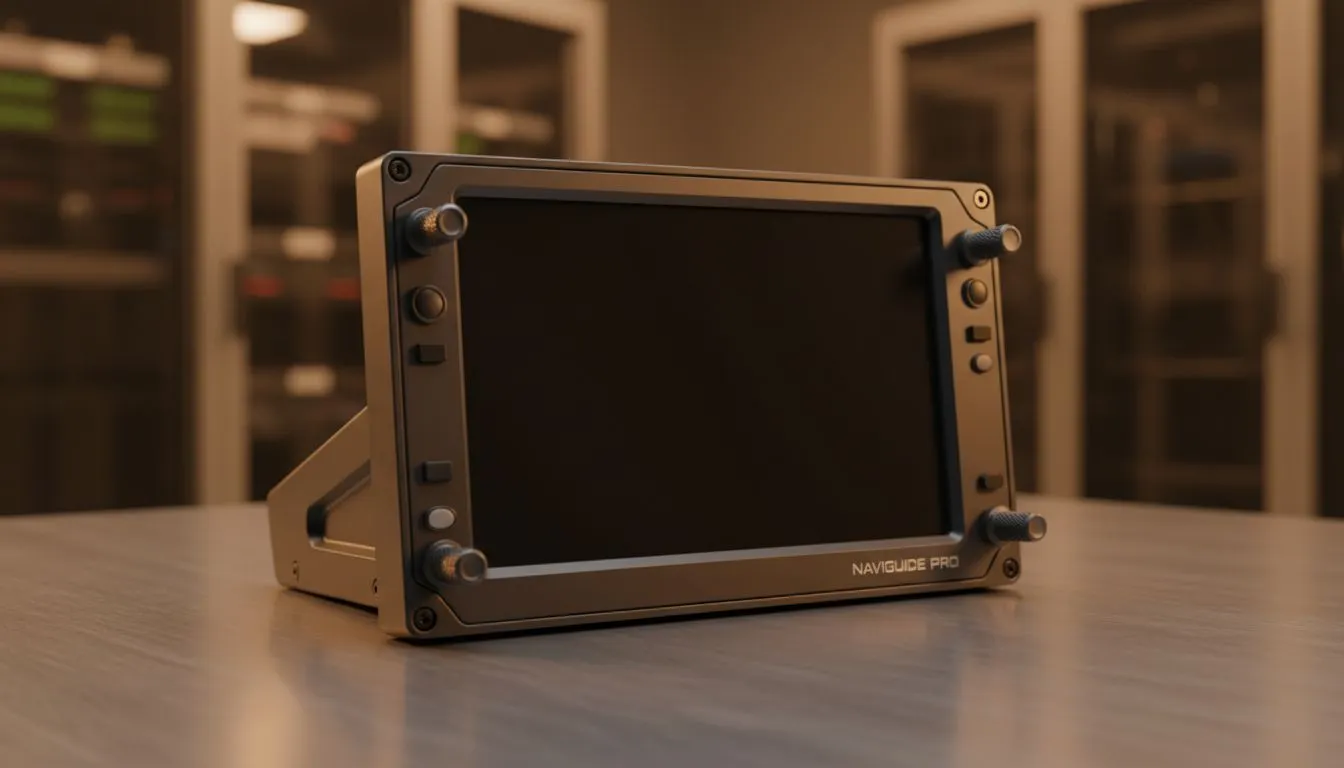
Using high-quality PC monitors with HDR support allows those strobes to "pop" against the gloom. For those who need to keep an eye on their charts or SimBrief data simultaneously, adding portable monitors as dedicated Electronic Flight Bags (EFB) can save you from constantly tabbing out of your primary view. 🔧
Visibility Pro Tip ⚡
In Microsoft Flight Simulator, try lowering your "Volumetric Clouds" setting by one notch while keeping "Texture Synthesis" high. This often reduces the 'milkiness' of the fog at ground level, allowing the runway's PAPI lights to pierce through the haze more effectively without ruining the atmospheric immersion.
Hardware Layout and Immersion
Your physical setup dictates how quickly your eyes can transition from the "six-pack" of instruments to the world outside the window. Many South African virtual pilots are moving towards wrap-around setups. High-quality curved monitors help fill your peripheral vision... making it easier to maintain situational awareness when the runway finally breaks through the clouds.
To ensure your eye level is perfectly aligned with the horizon, investing in proper monitor accessories like gas-spring arms is a smart move. This allows you to position the screen exactly where you need it for a natural line of sight. ⚡
Finding the Best Value for Your Cockpit
Building a flight rig shouldn't cost as much as a real PPL. You can often find incredible value by scouting for the best PC monitor deals that offer low response times and high colour accuracy. Whether you prefer an ultrawide or a multi-screen setup, browsing the full range of all gaming monitors ensures you find a panel that handles the fast-moving ground textures of a landing flare without ghosting. 🚀
When you've fine-tuned your IFR Visibility Settings: Best Ways to Spot Runways, the entire experience changes. You stop fighting the software and start flying the aircraft... exactly how it was meant to be.
Ready to Spot Every Runway? Don't let poor visibility ruin your flight plan. Whether you are flying into a misty Joburg morning or a clear night in Durban, the right display makes all the difference. Explore our massive range of monitor specials and upgrade your cockpit today.











