

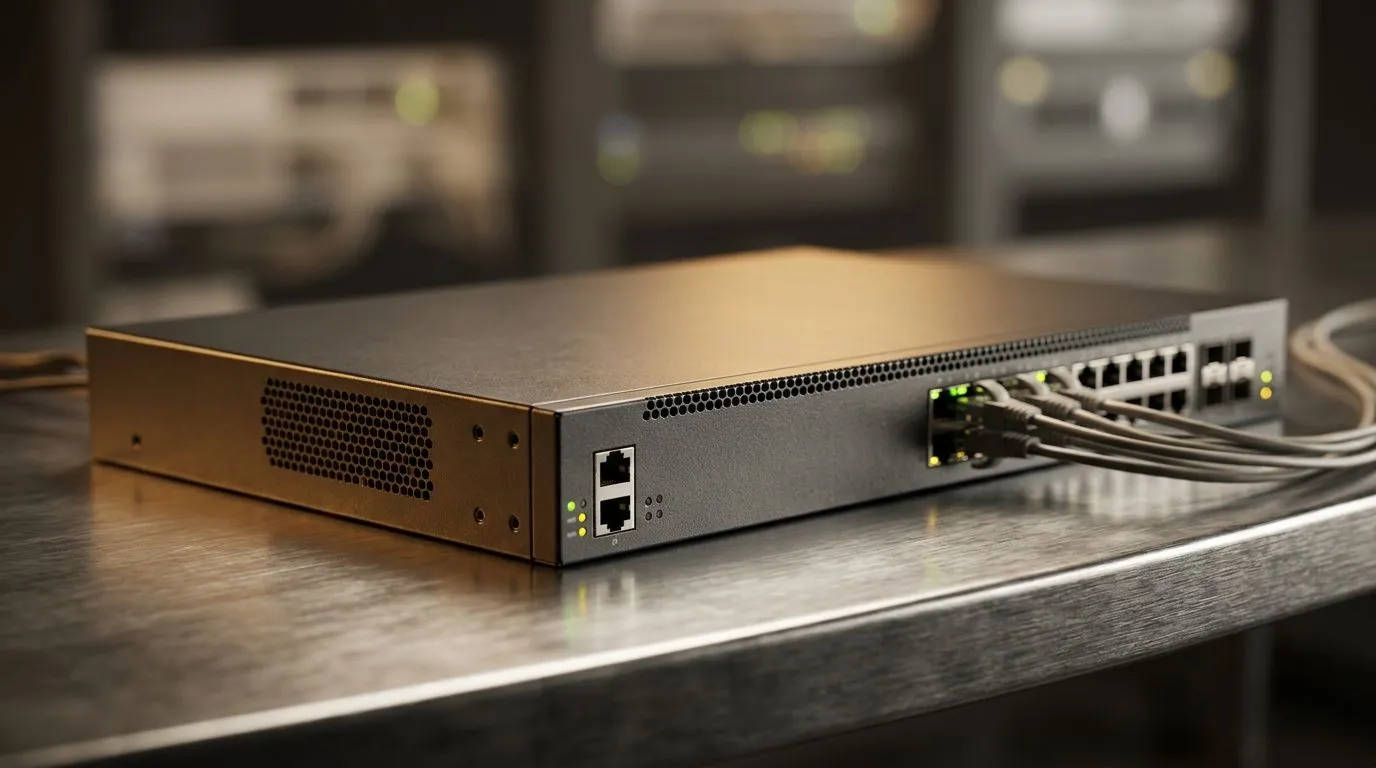
IGMP Snooping: Why It Matters on Busy Home and Gaming Networks 🔧
If your network feels fine until the whole house wakes up... then you already understand the problem IGMP snooping solves. A gaming stream starts buffering. The smart TV hiccups. Your ping spikes for no clear reason. In many South African homes, one router must juggle work, play, and video at once. That is where IGMP snooping earns its place.
At its core, IGMP snooping helps a switch learn which devices actually want multicast traffic. Instead of blasting the same data to every port, it forwards that traffic only where it is needed. Less wasted bandwidth. Less noise on the network. More breathing room for gaming and streaming.
IGMP Snooping Explained for Real-World Networks ⚡
IGMP stands for Internet Group Management Protocol. It is used by devices to join or leave multicast groups. Multicast is common in IPTV, live video, some discovery services, and other shared-data workloads. IGMP snooping lets a managed switch “listen in” on those IGMP messages and build a map of interested devices.
That matters because unmanaged multicast can behave a bit like a loud neighbour’s music. Everyone hears it, whether they asked for it or not. With snooping enabled, the switch limits the traffic to the correct ports. That reduces unnecessary load and can improve overall stability.
For gamers, the benefit is indirect but real. A network that handles background traffic more efficiently leaves more headroom for latency-sensitive tasks. If your household runs a few streams while you are trying to hold a clean connection in Apex or Warzone, that extra efficiency helps.
Why IGMP Snooping Helps South African Homes and Small Offices 🌐
Many local homes now run fibre, mesh Wi-Fi, smart TVs, consoles, and work laptops at the same time. Small offices do too. The more devices you add, the more valuable traffic control becomes.
If you are shopping for a network upgrade, it is worth looking at a range of switches for home and business networks. Managed features like IGMP snooping are often found there, especially on models built for more demanding setups.
Need something from a specific maker? Browse Cudy switches at Evetech if you want to compare options from that brand. If budget is the priority, you can also check switches from around R1,153 and up to narrow the field quickly.
When it matters most
IGMP snooping is most useful when you have:
- IPTV or multicast video
- Multiple users on the same wired network
- A smart home with lots of connected gear
- A gaming PC competing with streaming devices
Network Pro Tip ⚡
If your router supports it, pair IGMP snooping with wired backhaul or a dedicated switch for the busiest rooms. That keeps multicast traffic under control and helps reduce congestion on your main Wi-Fi link.
How to Tell If You Need It
You probably need IGMP snooping if your network feels busy even when nobody is “doing much”. Maybe the TV stutters when the kids start streaming. Maybe cast devices show up slowly. Maybe your gaming session feels fine one night and messy the next.
A simple test helps. Watch a live stream on one device, then check whether other devices on the same network slow down or light up with extra traffic. If they do, your switch may be flooding multicast more broadly than it should.
IGMP Snooping Done Right
The feature is useful, but it is not magic. It works best on the right hardware, with a clean network layout and proper configuration. If your setup is small, it may not matter much. If your home is packed with devices, it can make the network feel more disciplined 🔥
Before you buy, check whether the switch is managed and whether IGMP snooping is listed in the specs. That small detail can save you from chasing random streaming issues later.
Ready to Find Your Perfect Match? The Mac vs Windows debate is complex, but for maximum power, choice, and value in South Africa, Windows is hard to beat. Explore our massive range of laptop specials and find the perfect machine to conquer your world.











