

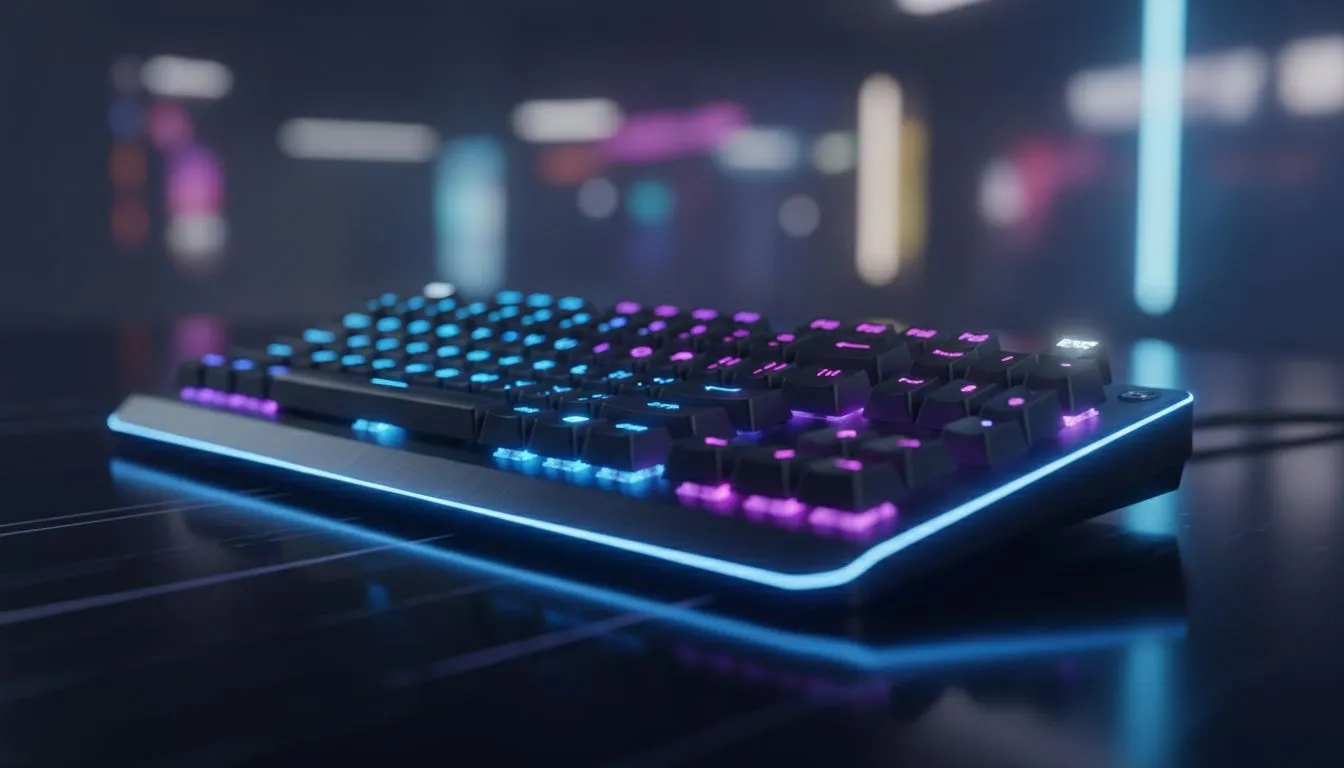
Why You Need an Illuminated Keyboard: Backlighting Modes Explained
Ever tried finishing a late-night raid or finishing a deadline during a South African power cut... only to realise you cannot see your WASD keys? An illuminated keyboard is more than just aesthetic "bling". It is a functional necessity for gamers and professionals alike. In this guide, we provide an Illuminated Keyboard: Backlighting Modes Explained breakdown to help you find the perfect glow for your setup. ⚡
Common Lighting Modes on Modern Keyboards
When you browse the best gaming keyboard deals, you will notice various lighting effects mentioned in the specs. Understanding these helps you decide if a board fits your vibe.
- Static Mode: The keys stay one solid colour. It is perfect for those who want visibility without distractions.
- Breathing Mode: The lights slowly fade in and out. It adds a "living" feel to your desk without being too flashy.
- Reactive Mode: This is a fan favourite... the keys only light up when you press them. It provides great visual feedback during intense matches.
- Spectrum Wave: A rainbow of colours flows across the deck. This is the classic RGB look that many South African gamers love to show off.
Choosing Between RGB and Single-Colour LEDs
If you are looking for the cheapest gaming keyboard in South Africa, you might find "Rainbow" lighting. Unlike true RGB, where every key can change to any colour, Rainbow boards have fixed colours in specific zones. If you want a complete matching set for your desk, a keyboard mouse combo often provides synchronised lighting effects for a cleaner look. ✨
Battery Saving Pro Tip ⚡
If you are using a wireless keyboard, keep your backlighting at 50% brightness. You will barely notice the difference in a dark room, but it can often double your battery life between charges, ensuring you aren't left in the dark mid-game.
Connectivity and Lighting Performance
Does connectivity affect your glow? Generally, wired gaming keyboards offer the brightest LEDs because they draw constant power from your PC. They are the go-to for maximum "RGB goodness".
However, modern wireless options have become incredibly efficient. Many high-end wireless boards now feature "Smart Illumination" that only activates when your hands approach the keys... helping you conserve power while still looking premium. 🚀
Customising Your Experience
Most mid-to-high-end illuminated keyboards come with dedicated software. This allows you to map specific colours to specific keys. For example, you could set your ability keys to red and your movement keys to blue. This level of customisation isn't just for show... it actually helps reduce misclicks during high-pressure moments in titles like CS2 or Dota 2. 🔧
Ready to Find Your Perfect Match? Finding the right lighting setup is about balancing style and functionality. For the best prices and the widest selection of gaming gear in South Africa, we have you covered. Explore our massive range of keyboard specials and find the perfect machine to conquer your world.











