

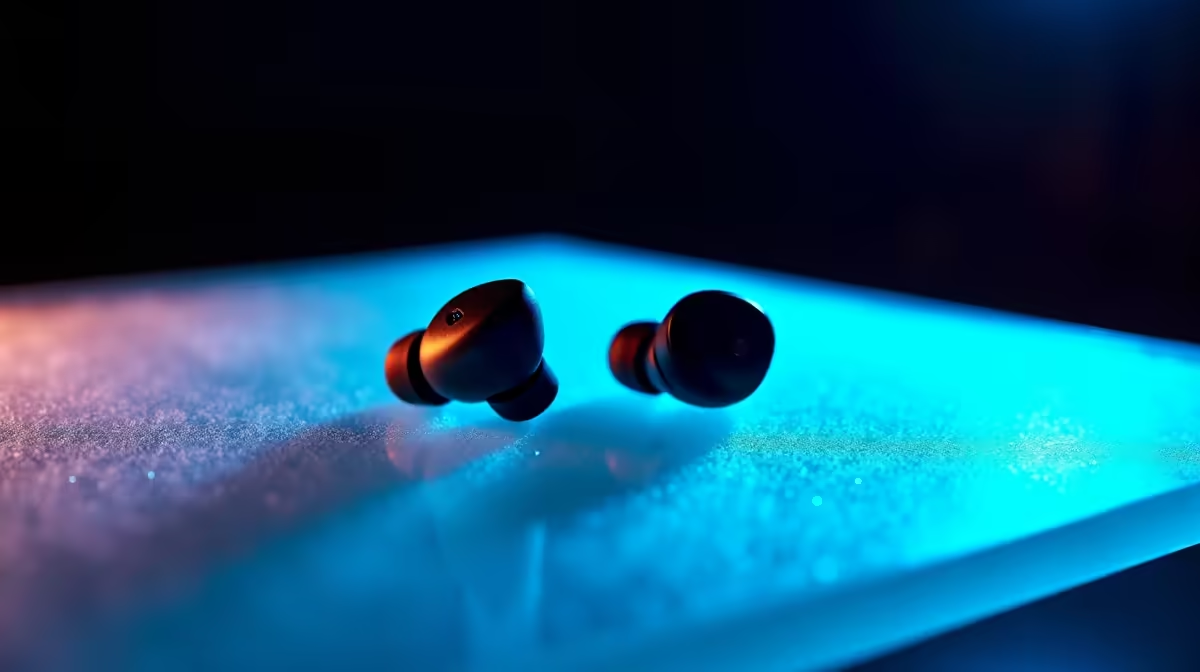
Mzansi, ever tried to close a deal on the go, or coordinate a raid with your squad, only for your wireless earbuds to turn your voice into a garbled mess? 😫 In a country as vibrant and sometimes chaotic as ours, clear communication is non-negotiable. Whether you're dodging traffic noise or navigating a bustling mall, knowing how to improve call quality with wireless earbuds is essential, especially in those notoriously noisy places.
Mastering Wireless Earbud Call Quality in Busy SA Environments
It’s a common frustration: you've got your sleek, new wireless earbuds, ready to conquer your day, but the moment you step into a windy street or a bustling coffee shop, your voice becomes a distant whisper to the person on the other end. This isn't just an inconvenience; it can impact your productivity, your gaming experience, and even your personal connections. The good news is, with a few clever tricks and some understanding of how these gadgets work, you can significantly improve call quality wireless earbuds offer, even when loadshedding hits and the generator next door kicks in.
The Science Behind Clear Calls: How Wireless Earbuds Tackle Noise
Modern wireless earbuds aren't just about playing music; they're sophisticated communication devices. To deliver clear audio, especially when you need to improve call quality wireless earbuds in noisy environments, they employ various technologies:
- Multiple Microphones: Many high-end earbuds feature two or more microphones per bud. One typically captures your voice, while others listen to ambient noise.
- Beamforming Technology: This clever tech uses multiple mics to focus on your voice, creating a "beam" that picks up your speech while actively ignoring sounds coming from other directions.
- Environmental Noise Cancellation (ENC) / Clear Voice Capture (CVC): These algorithms work in tandem with the microphones to identify and digitally suppress background noise, ensuring your voice stands out.
- AI Noise Reduction: The latest advancements use artificial intelligence to distinguish between human speech and other sounds, offering superior clarity.
Optimise Your Environment ⚡
Before dialling, take a moment to assess your surroundings. Can you move closer to a wall to block some ambient noise? Or perhaps find a quieter corner away from loud conversations or traffic? Even a slight change in your physical location can dramatically improve your earbud call quality.
Practical Tips to Improve Call Quality with Your Wireless Earbuds
Even with cutting-edge tech, sometimes a little user intervention goes a long way. Here are actionable tips to improve call quality wireless earbuds provide:
Ensure a Stable Bluetooth Connection
A shaky connection is the enemy of clear communication. Keep your phone or device close to your earbuds and avoid placing obstacles between them. If you're walking, try keeping your phone in a front pocket rather than a backpack. Interference from other devices (like Wi-Fi routers or other Bluetooth gadgets) can also degrade signal quality. A strong, consistent connection is foundational for good earbud call quality.
Position Your Microphones Correctly
While most earbuds are designed for optimal mic placement, sometimes a slight adjustment can help. If your earbuds have stems, ensure they're pointing generally towards your mouth. If you're in a particularly windy spot, try cupping your hand over the earbud that's being used for the call – it acts as a mini windbreak.
Adjust Software Settings
Dive into your phone's Bluetooth settings or your earbud's companion app. Many apps offer customisation options for call quality, noise cancellation levels, or even an "ambient sound" mode that might be interfering with your mic. Experiment with these settings to find what works best for you to optimise calls on your earbuds.
Keep Your Earbuds Clean
It might sound simple, but earwax and dirt can easily block microphone ports, severely hindering their ability to pick up your voice clearly. Regularly clean your earbuds with a soft, dry cloth or a cotton swab to ensure all ports are clear.
Update Firmware Regularly
Manufacturers frequently release firmware updates for wireless earbuds that improve performance, including call quality and noise cancellation. Always check for and install these updates via your earbud's companion app. It's a quick way to ensure you're getting the best possible performance from your device.
Choosing the Right Wireless Earbuds for Superior Call Performance
While these tips can certainly help, the foundation of excellent call quality starts with the right hardware. If you frequently find yourself needing to take calls in noisy environments, consider investing in earbuds specifically designed for communication. Look for features like:
- Active Noise Cancellation (ANC): While primarily for listening, good ANC helps prevent your voice from being drowned out by background noise on your end, making it easier for the earbud's mics to isolate your voice.
- Dedicated Call Microphones: Some premium models boast specific "call-focused" microphones.
- Advanced Chipsets: Chipsets from Qualcomm (with CVC) or custom solutions from brands like Apple and Sony are known for their superior audio processing.
For those who need top-tier voice clarity and don't mind a larger form factor, exploring a dedicated wireless headset or even a Bluetooth headset might be a better option. These often have boom mics positioned closer to your mouth, offering unparalleled voice pickup. However, for on-the-go convenience, True Wireless Stereo (TWS) earbuds remain the popular choice. And while we're talking audio, remember that a complete audio setup extends beyond just personal listening; sometimes, for a truly immersive experience at home, a robust Promate speaker system can complement your tech arsenal.
Ultimately, achieving crystal-clear calls with your wireless earbuds in noisy places is a combination of smart tech and smart usage. By understanding the underlying technology and applying these practical tips, you can significantly improve call quality wireless earbuds offer, making sure your voice is heard, loud and clear, no matter where you are in South Africa.
Ready to Upgrade Your Audio Experience? Don't let poor call quality hold you back. Whether you're looking for the latest in TWS technology or a robust headset for professional use, Evetech has a massive selection to ensure your voice is always heard. Explore our range of wireless earphones and find your perfect match today!











