

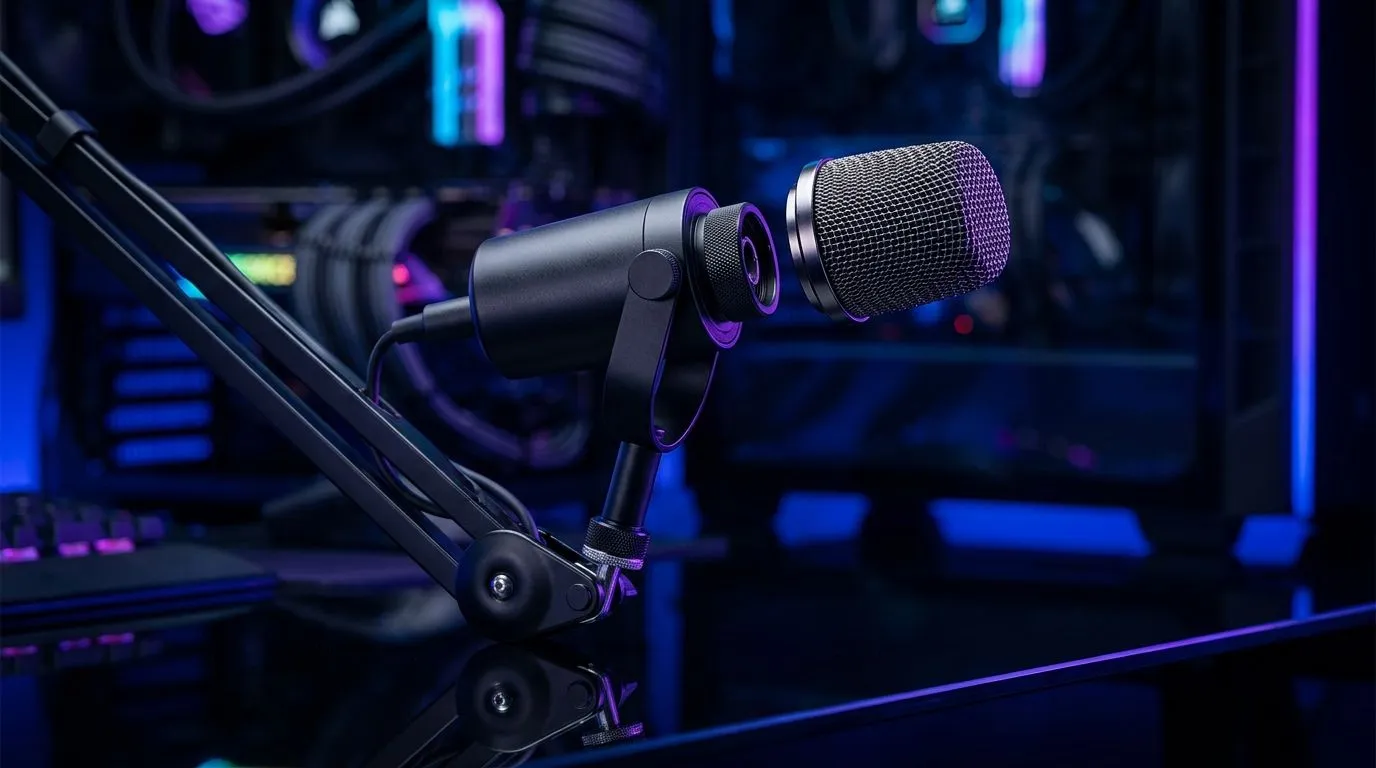
Improve Voice Chat Clarity with Detachable Cardioid Gaming Mics: the “can you hear me?” fix
Ever dropped into ranked, only for teammates to say your mic sounds like it’s trapped in a tunnel? 😅 In South African homes, it’s often the same culprits: background noise, fan hum, or your mic picking up the room instead of your voice. The good news? A detachable cardioid gaming mic is one of the most practical upgrades you can make for clearer comms… without buying a whole new headset.
Improve Voice Chat Clarity with Detachable Cardioid Gaming Mics: why cardioid helps in real life
Cardioid mics are designed to capture sound from the front while reducing pick-up from the sides and behind. That matters because most “bad voice” complaints are really “too much room noise” complaints. When a microphone is positioned correctly and uses a cardioid pattern, your teammates hear your words, not the keyboard clatter or the TV in the next room.
With detachable designs, you also get a simple advantage: you can route the mic closer to your mouth or adjust it when you change setups. Less fiddling means more consistent comms across sessions, whether you’re grinding Valorant or coordinating tactics in CS2.
A quick calibration routine (takes 60 seconds) ✨
- Set voice chat volume and mic gain roughly mid-level in-game.
- Sit in your normal position and speak at your usual volume.
- If you hear yourself “echoing” or it sounds distant, lower mic gain slightly and move the mic closer.
- If you hear noise but not speech, angle the mic a bit more toward your mouth, then test again.
Productivity Pro Tip 🔧
On Windows, use the Windows Sound settings to test your microphone input level, then run a short voice sample before every ranked session. This helps you catch “sudden background noise” (like a desktop fan spin-up) before you lose comms for an entire match.
Improve Voice Chat Clarity with Detachable Cardioid Gaming Mics: what to buy (and what to avoid)
When shopping, look for headsets designed for competitive voice capture and proper mic behaviour. Evetech’s headphone and headset range includes options across wireless and wired styles, with varying mic designs and audio tuning that can affect clarity.
If you’re coming from a standard headset mic, consider whether your current setup is actually isolating your voice. Detachable cardioid mics tend to help, but you still need good placement. In noisy environments, the mic’s direction and distance matter as much as the headset.
Evetech picks to consider for clearer comms 🚀
- If you want a wireless gaming headset to pair with stable audio, check out the Razer Barracuda X Chroma (Wireless Headset, Phantom White) on Evetech: https://www.evetech.co.za/razer-barracuda-x-chroma-wireless-headset-phantom-white/best-deal/24367
- Browse more Razer headsets and headphones to compare mic and audio approaches: https://www.evetech.co.za/PC-Components/razer-headphones-headsets-105
- For broader options, explore Evetech’s headphone and headset category: https://www.evetech.co.za/components/headphone-headsets-10
Audio mode also affects how you hear yourself and mix voice. If your experience is “my voice sounds weird,” it can be worth matching your headset’s recommended audio setting. Take a look at:
- Headphone headsets (7.1): https://www.evetech.co.za/components/headphone-headsets-100?attributes-audio=7.1
- Headphone headsets (Stereo): https://www.evetech.co.za/components/headphone-headsets-100?attributes-audio=Stereo
Note: The “best” choice depends on your game and your room noise. Test mic settings in-game after switching audio modes.
Improve Voice Chat Clarity with Detachable Cardioid Gaming Mics: make it work with your setup
Here’s the part people skip… and then blame the headset. Clear voice is a system:
- Mic distance: aim for a consistent gap.
- Angle: keep it facing your mouth.
- Noise control: close doors, reduce fan spin-ups where possible.
- In-game thresholds: push-to-talk can reduce accidental background pickup, especially in shared spaces.
If you consistently sound muffled, try moving the mic closer and lowering gain slightly. If you sound sharp or “harsh,” reduce gain and reposition. You’re not imagining it, you’re tuning it.
When you get it right, comms feel effortless. Less guessing, faster callouts, better teamwork… and fewer “repeat that please” moments.
Ready to Find Your Perfect Match? The Mac vs Windows debate is complex, but for maximum power, choice, and value in South Africa, Windows is hard to beat. Explore our massive range of laptop specials and find the perfect machine to conquer your world.











