

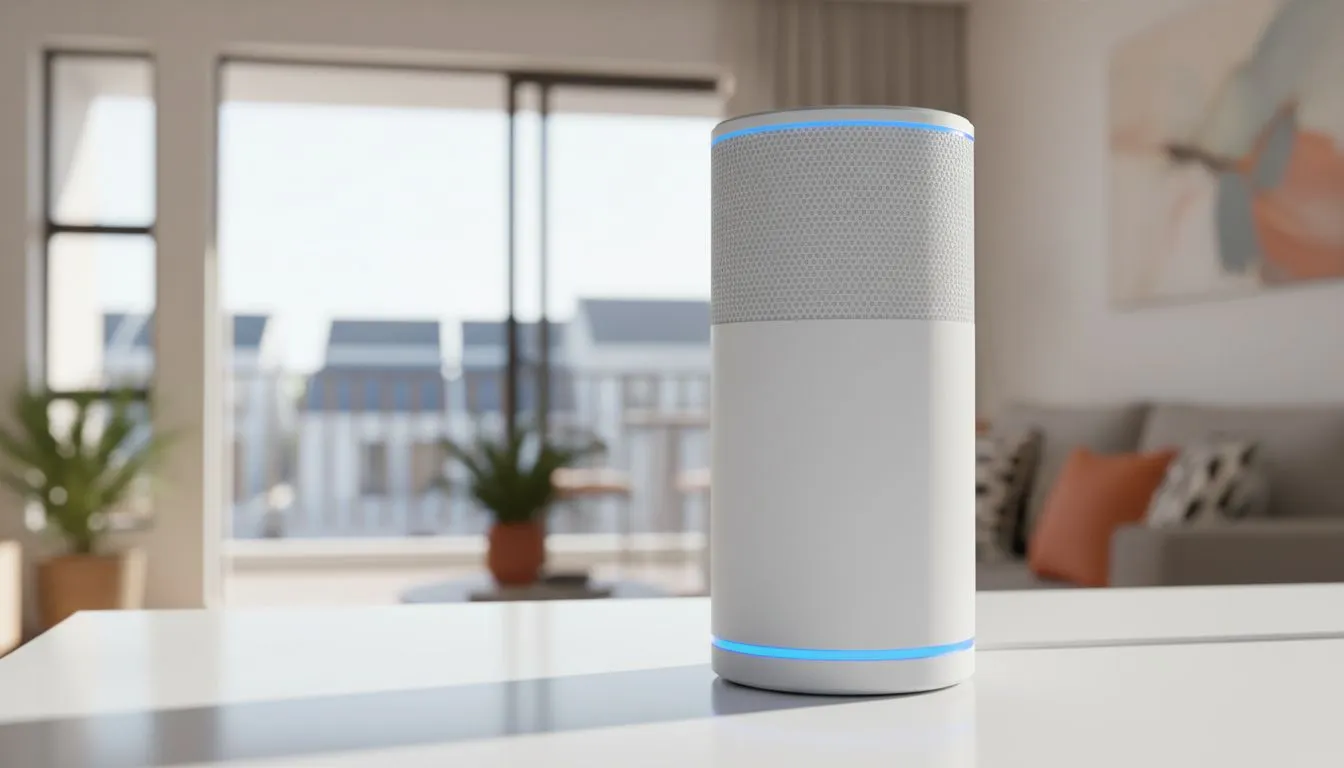
Living in a Sandton apartment or a Cape Town townhouse often means fighting thick concrete walls for a decent signal. There is nothing worse than your ping spiking just as the final circle closes in Apex Legends. If your Wi-Fi feels like it is crawling through molasses, you are not alone. Let us fix your connection and get your speeds back to where they belong. ⚡
Tackling Interference in High-Density Areas
High-density living creates a crowded airwave environment. Your neighbours' routers are likely screaming on the same frequency as yours. This overlap causes "noise" that slows down your data packets. To improve Wi-Fi signal in South African apartments & townhouses, you must first address this congestion.
Most modern routers use two bands: 2.4GHz and 5GHz. While 2.4GHz travels further, it is incredibly crowded. If you are gaming or streaming 4K content, stick to the 5GHz band. It offers higher speeds and less interference from household appliances like microwaves. For those living in complex environments, the Cudy South Africa range provides excellent hardware designed to handle multiple simultaneous connections without dropping the ball.
Frequency Pro Tip ⚡
Use a free Wi-Fi analyser app on your smartphone to see which channels are most crowded in your complex. Manually setting your router to a less congested channel... like channel 1, 6, or 11 on the 2.4GHz band... can instantly reduce latency and improve stability during peak evening hours.
Optimising Router Placement for Townhouses
Placement is everything in a multi-story townhouse. Many South Africans tuck their routers inside TV cabinets or behind sofas to hide the cables. This is a mistake. Concrete and brick are the natural enemies of wireless signals. Every wall your signal passes through reduces its strength significantly.
Try to place your router in a central, elevated position. If you live in a duplex, placing the router on the upper floor often provides better coverage for the ground floor than vice versa. If your current unit lacks the punch to reach the back bedrooms, you might need to buy TP-Link wireless routers that feature high-gain antennas. These models use Beamforming technology to focus the signal directly toward your devices rather than broadcasting in a simple, weak circle. 🔧
Staying Online During Load Shedding
In South Africa, a good signal is useless if the power is out. Load shedding often knocks out local fibre nodes, leaving you stranded even if you have an inverter for your router. This is where hybrid solutions become essential for staying connected.
A dedicated mobile backup ensures that your smart home and gaming rig stay online when the grid fails. The Cudy LT700 AC1200 4G router is a fantastic option for apartment dwellers. It allows you to insert a SIM card and switch to high-speed LTE when your primary fibre line goes dark. It is a reliable way to maintain a consistent connection without relying on a flimsy mobile hotspot from your phone. 🚀
Eliminate Dead Zones with Mesh
If your townhouse has "dead zones" where the signal simply disappears, a single router might not be enough. Mesh Wi-Fi systems are the gold standard for larger South African homes. Unlike traditional extenders that create a second, weaker network, mesh units work together to create one seamless blanket of connectivity. You can move from the kitchen to the upstairs study without ever losing your connection or having to manually switch networks.
By investing in the right hardware and optimising your settings, you can turn a frustrating connection into a high-speed hub. Don't let thick walls or crowded complexes dictate your gaming performance.
Ready to Boost Your Connection? Don't let poor signal strength ruin your K/D ratio or interrupt your Netflix binge. Whether you need a high-speed mesh system or a reliable 4G backup for load shedding, we have the hardware to keep you connected. Explore our full range of high-performance routers and take control of your home network today.











