

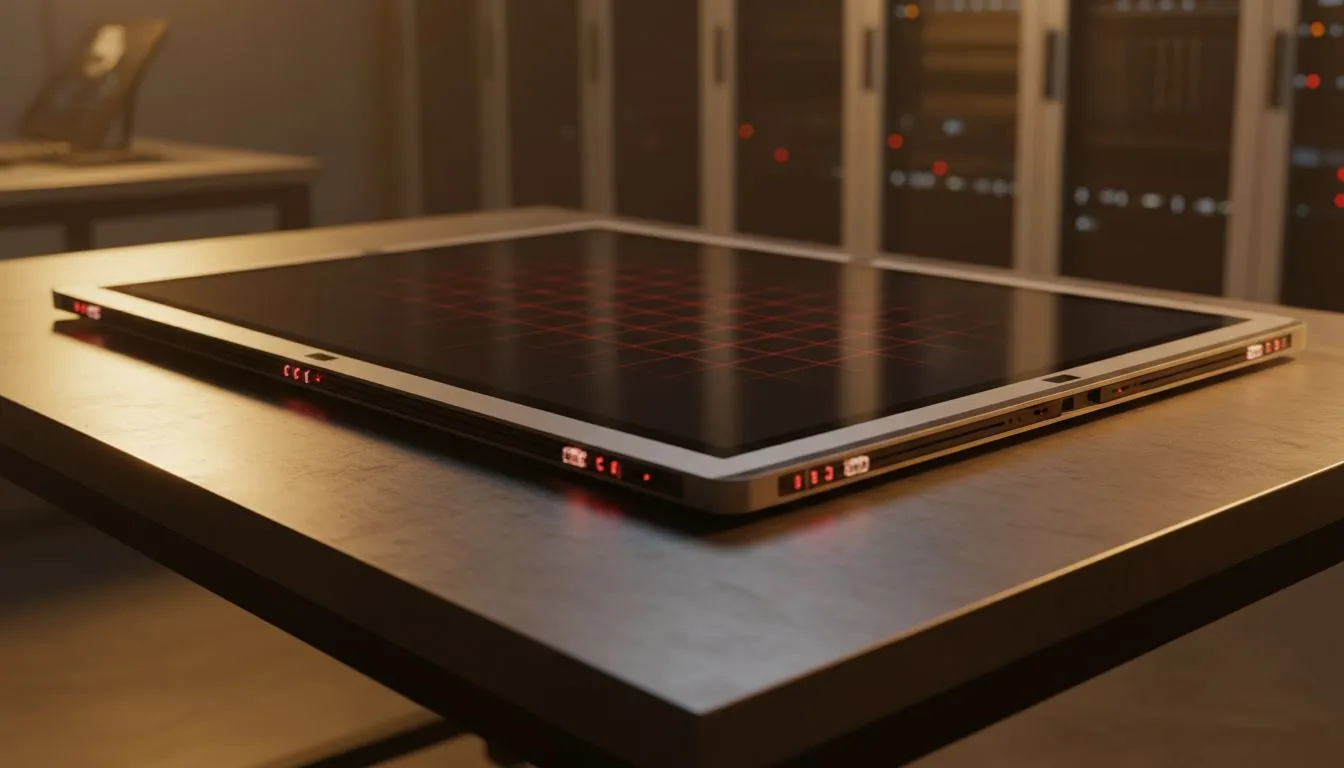
Infrared touch technology on large displays — fast, robust, and ready for SA setups 🔧
South African gamers and AV buyers: if you’ve swiped a kiosk or potted around a museum display, you’ve met infrared touch. On large displays it feels more responsive than you expect. This guide explains infrared touch technology on large displays, why it scales so well, and what local buyers should look for when shopping for big-screen interactivity.
How the infrared touch system actually works
Infrared touch uses a grid of infrared LEDs and photodiodes around the display bezel. When a finger or stylus breaks those beams, the controller triangulates the touch point. No pressure is needed, so large panels keep a uniform response. For more monitor choices that support display features you might want alongside touch, browse Adaptive Sync options here: https://www.evetech.co.za/PC-Components/pc-monitors-89?attributes-adaptivesync=Adaptive+Sync.
Why it’s excellent for large-format screens
Unlike capacitive on phones, infrared scales without multi-touch accuracy dropping off on bigger surfaces. It tolerates gloves and non-conductive styluses, which is handy in studios and school labs. If you prefer a traditional flat surface for touch installs, check Evetech’s flat screens catalogue: https://www.evetech.co.za/PC-Components/pc-monitors-89?attributes-curved%2Fflatscreen=Flat.
Installation realities and upkeep ✨
Mounting a large infrared touch display needs a stable frame so the bezel alignment stays accurate. Keep the bezel clean; dust can occasionally affect beam detectors. For the most consistent colours and viewing angles on-screen, many professionals pair touch overlays with IPS panels: https://www.evetech.co.za/PC-Components/pc-monitors-89?attributes-paneltype=IPS.
Productivity Pro Tip ⚡
On Windows, use the PowerToys FancyZones utility to create custom snap layouts for your windows. It's a lifesaver for managing multiple apps on an ultrawide monitor, letting you organise your timeline, preview window, and asset folders perfectly for video editing.
Performance considerations for gamers and creators
If you’re using a large touch-capable monitor for creative work or local co-op gaming, factor in input latency and refresh. Infrared touch adds negligible latency for UI navigation, but ensure your display’s refresh and adaptive sync tech suit gaming. Compare FreeSync models if you’re AMD-centric: https://www.evetech.co.za/PC-Components/pc-monitors-89?attributes-adaptivesync=FreeSync+%28AMD%29 and G-Sync if you run an NVIDIA setup: https://www.evetech.co.za/PC-Components/pc-monitors-89?attributes-adaptivesync=G-Sync+%28NVIDIA%29.
Form factor: curved vs curved-friendly touch
Curved displays can give immersive viewing for large touch panels, especially in collaboration zones. If a seamless curve is part of your plan, explore Evetech’s curved options: https://www.evetech.co.za/PC-Components/pc-monitors-89?attributes-curved%2Fflatscreen=Curved. Otherwise, standard large monitors are listed here: https://www.evetech.co.za/PC-Components/pc-monitors-89 — filtering by size and feature set helps you lock in the right model.
Buying checklist for South African buyers 🚀
- Confirm bezel alignment and warranty for the touch overlay.
- Match the panel type to your use case — IPS for colour work, higher refresh for gaming.
- Check local stock and ZAR pricing; compare models and shipping at Evetech’s monitor hub before you buy.
Ready to Find Your Perfect Match? The Mac vs Windows debate is complex, but for maximum power, choice, and value in South Africa, Windows is hard to beat. Explore our massive range of laptop specials and find the perfect machine to conquer your world.











