

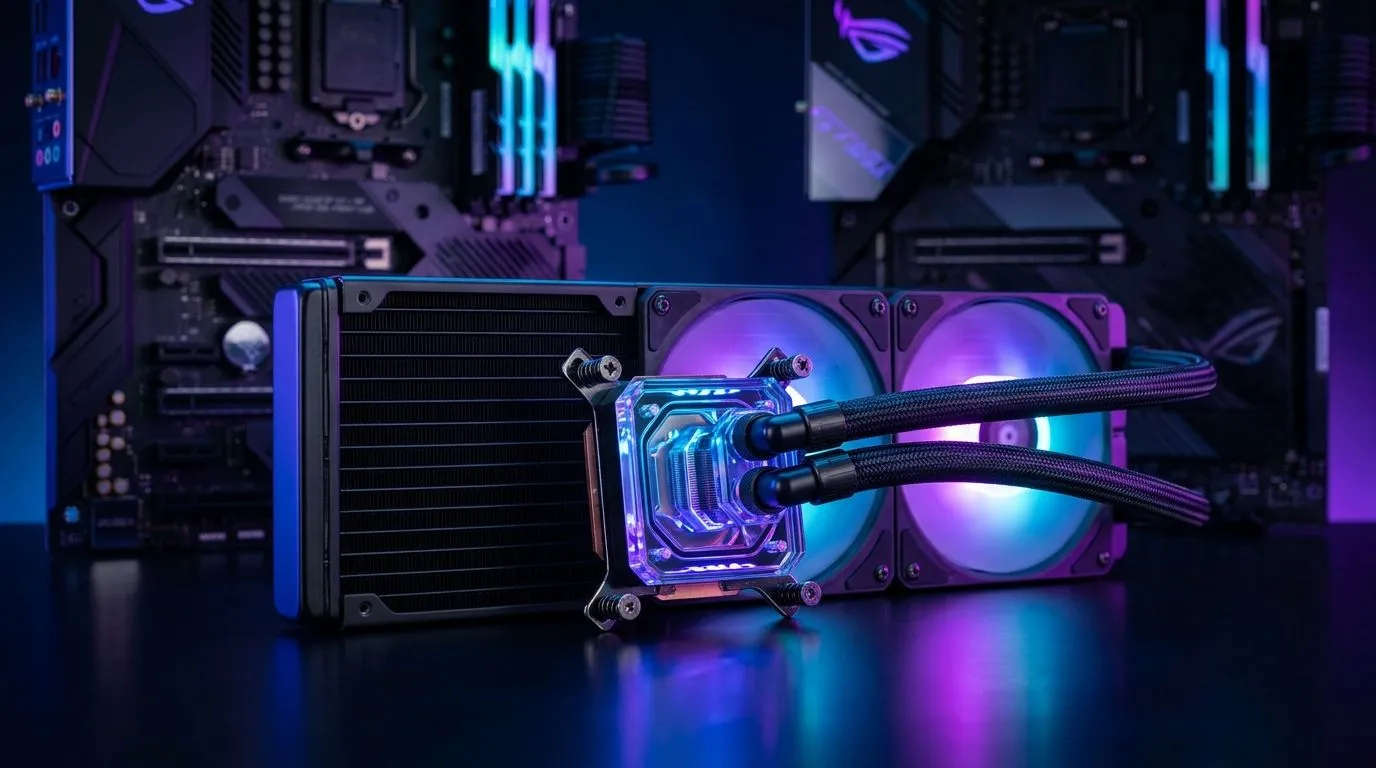
Mastering 360mm AIO Liquid Cooler Installation on AM5 and LGA1700
For South African gamers craving peak PC performance, installing a 360mm AIO liquid cooler on AM5 or LGA1700 CPUs can be the secret sauce. Beyond flashy RGB, it slashes temps and keeps your rig whisper-quiet during intense gaming marathons. Ready to dive into the installation without second-guessing? Here’s a clear, practical guide tailor-made for local enthusiasts keen to unlock unmatched cooling power with ease. 🔧
Why Choose a 360mm AIO Liquid Cooler for AM5 and LGA1700?
Liquid cooling is more efficient than traditional air cooling, especially for demanding tasks such as gaming or content creation. The 360mm radiator offers more surface area for heat dissipation, perfect for high-end AMD AM5 and Intel’s LGA1700 platforms. Brands like CORSAIR and Deepcool have specialised liquid coolers designed specifically for these sockets and radiator sizes.
Explore which 360mm liquid coolers on Evetech are best suited for your setup. South African buyers can enjoy competitive prices and reliable delivery on these advanced cooling systems.
Prepping Your Build: What You Need Before Installation
Before getting started, ensure you have these at hand:
- The right 360mm AIO liquid cooler compatible with AM5 or LGA1700 sockets
- A Phillips-head screwdriver
- Thermal paste (if not pre-applied)
- Anti-static wrist strap (optional but recommended)
Refer to the full Evetech CPU coolers catalogue to find components that fit your budget and PC specs.
Step-by-Step Installation Guide for AM5 and LGA1700
1. Remove the stock cooler and clean the CPU surface
Turn off your PC, unplug it, and carefully remove any existing cooler. Use isopropyl alcohol and a clean cloth to clear residual thermal paste.
2. Attach the mounting brackets
AM5 and LGA1700 sockets use different bracket styles. Your AIO cooler kit will include a universal or socket-specific bracket. Secure the bracket firmly without overtightening — this prevents motherboard damage.
3. Apply thermal paste
If your cooler doesn’t come with pre-applied paste, add a pea-sized drop on the CPU’s centre.
4. Position the CPU block and tighten screws evenly
Place the cooler block onto the CPU, align the screws to the bracket, and tighten diagonally for even pressure.
5. Install the radiator and fans
360mm radiators usually mount at the top or front of your case. Check the airflow direction to optimise cooling and connect all fans to the motherboard headers.
Ensure you check out the liquid cooler range by CORSAIR and Deepcool for models with reliable bracket kits and thorough instructions.
Installation Pro Tip
Before mounting the radiator, plan your tube routing to avoid sharp bends. This keeps the coolant flowing smoothly and extends your cooler’s lifespan. Small tweaks like fan orientation can save 3–5°C on your CPU temps! }}
After Installation: Testing and Optimising Performance
Power on your PC and enter BIOS to check if the cooler is detected and the pump is running. Monitor CPU temperatures under load using software like HWMonitor or Ryzen Master for AMD. Adjust fan curves for a balance of noise and cooling efficiency.
For smaller systems or alternative builds, consider 240mm AIO coolers as a compact option.
Benefits for South African Gamers and Tech Enthusiasts
With power-hungry CPUs on AM5 and LGA1700, a 360mm AIO liquid cooler prevents thermal throttling during esports or AAA titles. South African fibre speeds and low-latency routes mean every millisecond counts; keeping your hardware cool adds stability and boosts overclocking potential. A good cooler also prolongs component lifespan, an investment that pays off over years of intense play.
Elevate Your Cooling Setup Today Ready to upgrade your rig with high-quality 360mm AIO liquid coolers? Shop now at Evetech for performance that leaves lag in the dust.











