

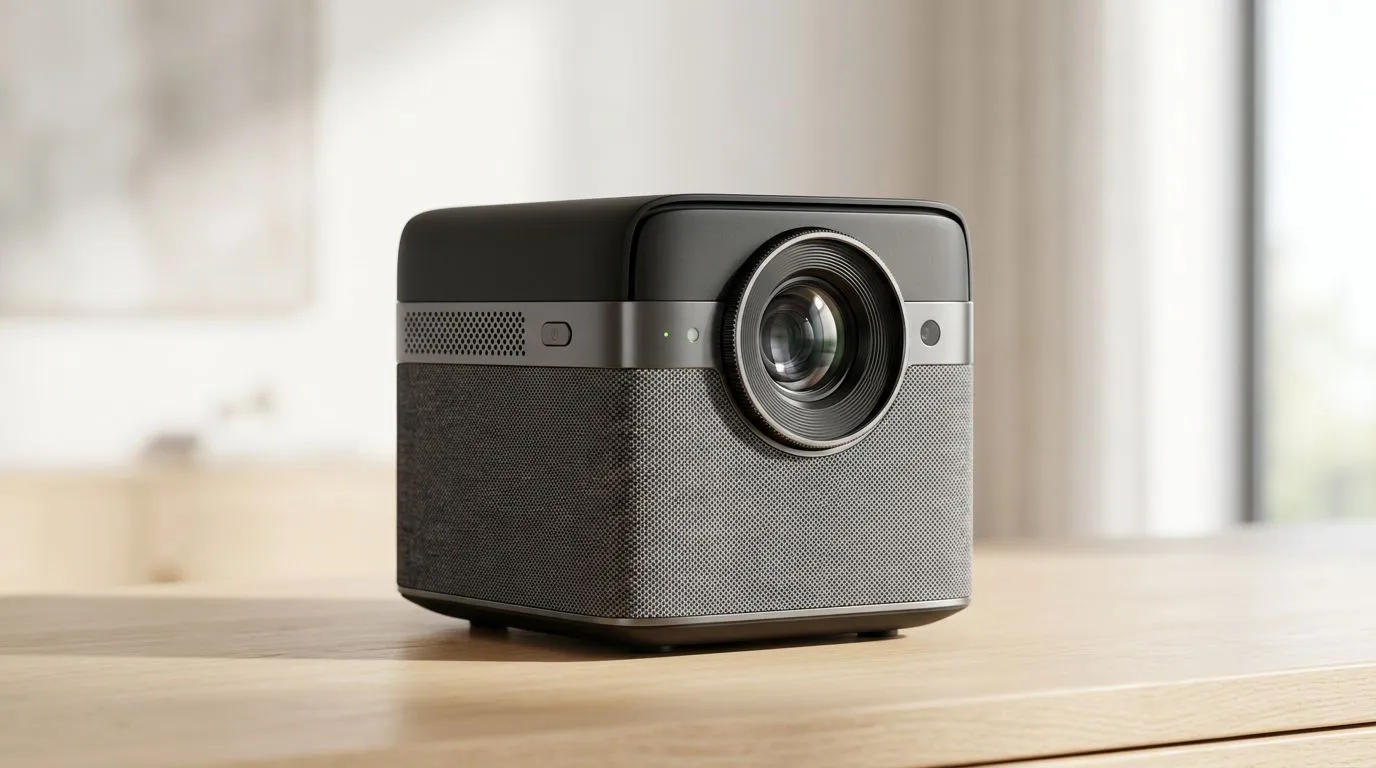
Instant Auto Focus Projectors: Master Your Setup in Seconds
South African gamers and movie buffs love one thing… speed. You unbox, you power on, and you want the picture right now. If you’ve ever wrestled with manual focus and misaligned images at 2am, you’ll feel this. Instant Auto Focus Projectors cut that hassle down dramatically, so your setup feels more like plugging in a controller and less like tuning a radio. Let’s get you confidently set up in seconds. 🔧✨
Instant Auto Focus Projectors: What “Auto Focus” Should Actually Mean
Instant Auto Focus Projectors use sensors and image analysis to lock focus quickly when you place or move the unit. The key word is “quickly”… but you should also care about consistency.
Before you buy, think about your use case:
- Living-room couch sessions: You’ll set it once, then leave it.
- LAN nights and gaming over weekends: You’ll reposition it often.
- Upstairs vs downstairs: Different distances, different light, different surfaces.
Auto focus helps most when you:
- Move the projector between rooms, and
- Change throw distance slightly.
But remember… auto focus is not magic. If your screen is unusually textured or you’re projecting onto a dark wall with high ambient light, the projector may struggle more.
Instant Auto Focus Projectors: The Setup Checklist That Saves You Time
A fast auto-focus experience starts before you press “Auto”. Here’s the short list that works in real homes across South Africa.
1) Get your placement “good enough” first
Set the projector roughly where it will live. Then:
- Keep the lens clean (micro-dust ruins sharpness).
- Aim at the middle of your projection area.
- Try to avoid extreme angles. If the image is heavily skewed, focus can take longer.
2) Use the built-in focus routine, not guesswork
Most auto-focus modes cycle once and lock. Don’t interrupt it halfway through. Give it a full moment, then confirm the text and game HUD elements are crisp.
3) Reduce ambient light (even a little helps)
Gaming looks better with less glare. If you can, pull curtains or dim a room light near the screen. ⚡
Productivity Pro Tip 🔧
Using a simple A4 sheet as a “focus target” during setup is surprisingly effective. Place it where your screen will be, run auto focus, then switch to your projector’s sharpness text mode if available. Once the small text looks crisp on the sheet, you’ll usually be set for gameplay and movies.
Instant Auto Focus Projectors: Buying the Right One for SA Homes
Different brands handle auto focus and image processing in different ways. If you want fast results and dependable performance, consider brand reliability and model support.
If you’re shopping within a practical budget, start here:
- Browse projectors up to R7,000 at Evetech: Projectors under R7,000
- Want a specific manufacturer like Promate? Check: Promate projectors from Evetech
- Prefer ViewSonic options? Take a look at: Viewsonic projectors at Evetech
- Or compare the full selection: All projectors on Evetech
Quick compatibility notes for gamers
- Throw distance matters: auto focus can’t fix an obviously incorrect size.
- Keystone correction can help, but too much digital correction can soften edges.
- If you’ll connect a console or PC, check input options before you buy. Evetech’s listings are your best starting point for what ports and features a model offers.
Instant Auto Focus Projectors: Real-World Tips for Crisp Gaming
Let’s make this practical. Here’s how to get a “wow, that’s sharp” image during a South African weekend.
Use the “start-up pattern”
When you first power on:
- Run auto focus.
- Display a high-contrast scene (game menu UI or a bright subtitle).
- Verify corners and edges, not only the centre.
If the corners look soft but the centre is sharp, it’s often placement angle rather than focus. Move the projector slightly closer to square-up and repeat auto focus once.
Keep your setup consistent
Auto focus works fastest when the projector “recognises” your setup. If you always use the same stand height and roughly the same distance to the screen, it will feel instant every time. 🚀
Instant Auto Focus Projectors: When Auto Focus Still Needs Help
Sometimes auto focus won’t behave perfectly. Here are the most common causes:
- Lens is dirty (very common after storage).
- Projection surface is too dark or glossy.
- Ambient light is strong.
- Extreme placement angles make the image hard to analyse.
- Rapid repositioning during the autofocus cycle.
If it fails twice, stop and reset your placement first. Then run auto focus again. That’s usually faster than repeatedly trying to “fix focus” by nudging random settings.
Instant Auto Focus Projectors: Ready to Choose Your Setup
The best instant auto focus experience comes down to two things: reasonable placement and picking a projector that matches your room. If you want the fastest path to a clean, sharp image for FIFA, Fortnite, or story mode nights, get browsing and shortlist a couple of models. Then pick the one that fits your distance, screen size, and budget.
Ready to Find Your Perfect Match? The Mac vs Windows debate is complex, but for maximum power, choice, and value in South Africa, Windows is hard to beat. Explore our massive range of laptop specials and find the perfect machine to conquer your world.











