

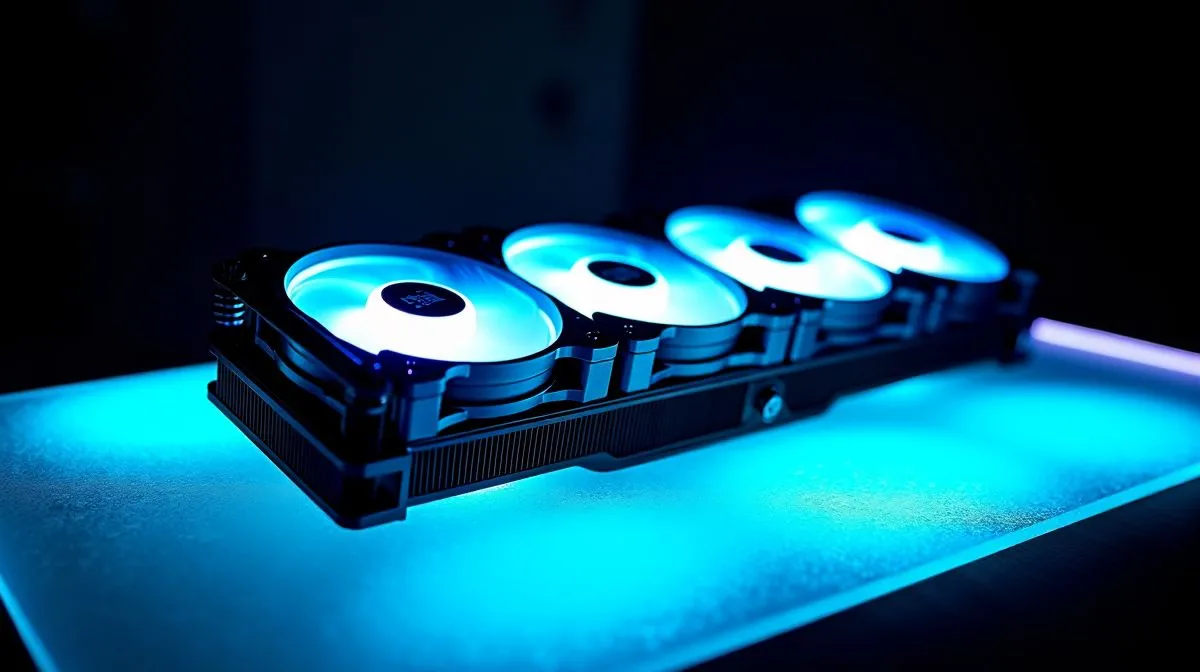
Integrated Fans vs Separate Fan Setups on Radiators: Airflow Stability for South African Builds
You’ve probably seen it in community builds... “just slap the fans wherever” versus “match the airflow.” If you’re planning a gaming PC in South Africa, temperatures matter when you’re chasing consistent FPS on a hot afternoon. ☀️ Whether you’re cooling a Ryzen 7 on a 1440p rig or keeping a quiet workstation steady for streaming, radiator airflow stability is the difference between smooth sessions and thermal throttling.
Let’s break down Integrated Fans vs Separate Fan Setups on Radiators: Airflow Stability. We’ll keep it practical for buyers and builders who want reliability, not guesswork. 🔧
What “airflow stability” really means on a radiator
On a radiator, airflow stability is how consistently air moves through the fins as system conditions change. That includes fan RPM behaviour, dust loading over time, and whether the fan’s direction and mounting pressure are correct.
In real builds, airflow stability improves when:
- fan placement is consistent (same push/pull logic each time)
- radiator mounting prevents gaps that reduce static pressure effectiveness
- fan curves are tuned so you’re not constantly hunting RPM
But the “integrated fans vs separate fan setups” question changes how easy it is to get those basics right.
Integrated fans vs separate fans: the airflow trade-offs
Integrated fans (AIO kits) tend to be simpler and more predictable ✨
Many liquid coolers (AIOs) come as a matched set: radiator + fans + controller logic designed to work together. That means less time dialing in fan curves and fewer compatibility questions. If you’re buying quickly, that simplicity is a big win.
For example, Evetech stocks AIO options across cooler types and brands, which you can browse starting here:
- Explore Evetech’s CPU cooler selection: https://www.evetech.co.za/PC-Components/cpu-coolers-84
And if you specifically want liquid coolers (AIO), start with this filtered view:
- https://www.evetech.co.za/PC-Components/cpu-coolers-84?attributes-coolertype=Liquid+Cooler+%28AIO%29
When fans are integrated with the cooler design, the system is often tuned for airflow across that radiator’s fin geometry. That can help with airflow stability right out the box.
Separate fan setups give you control… but you must be careful ⚡
Separate fan setups can be excellent, especially if you already own good static pressure fans or you want a specific noise-to-performance balance.
However, separate setups add variables:
- fan model differences (static pressure curve, blade design, bearing type)
- incorrect fan orientation (push vs pull)
- mismatch of radiator size to fan layout
If you go this route, you’ll get the best stability when the fans you choose are built for radiator use (static pressure), mounted securely, and configured with sensible curves.
Evetech’s catalogue makes it easy to choose the exact AIO type and then decide whether you want to match it with your preferred fans:
- https://www.evetech.co.za/PC-Components/cpu-coolers-84?attributes-coolertype=Liquid+Cooler+%28AIO%29&brands=CORSAIR
- https://www.evetech.co.za/PC-Components/cpu-coolers-84?attributes-coolertype=Liquid+Cooler+%28AIO%29&brands=Deepcool
Radiator size: airflow stability improves with more surface area (within reason) 🚀
Radiator size matters because larger radiators allow fans to move the same heat with less aggressive RPM. In practical terms, that can reduce noise while keeping temps stable.
Evetech lists multiple AIO radiator sizes, including:
- 360mm radiators: https://www.evetech.co.za/PC-Components/cpu-coolers-84?attributes-coolingsize=360mm+Radiator
- 240mm radiators: https://www.evetech.co.za/PC-Components/cpu-coolers-84?attributes-coolingsize=240mm+Radiator
If your case fits it, 360mm often gives more stable airflow (more fin area) at lower RPM. But the “best” choice depends on your CPU heat output and your case airflow.
Productivity Pro Tip 🔧
On Windows, use the HWiNFO64 sensor view to log CPU package power and radiator fan RPM while you game. If you see the fan curve “hunting” (spiking up and down every few seconds), adjust your BIOS curve to ramp earlier and smoother. That steadier RPM usually improves perceived stability even if peak temps are similar. If you’re using an AIO, also watch coolant pump RPM if your system reports it. You want consistency, not constant micro-adjustments. "
Quick buying checklist for stable airflow (no overthinking)
Before you click “add to cart,” check these:
- Radiator size matches your case (and your motherboard layout).
- Fan orientation is correct (push or pull based on your mount).
- Fan curve is smooth (steady RPM beats constant up-down behaviour).
- If using separate fans, pick ones suited for radiator/static pressure use.
- Keep airflow path clear. One blocked intake can ruin stability.
If you’re torn between “integrated” and “separate,” ask yourself: do you want low effort and consistent results, or do you want custom tuning and your own fan models?
CALLTOACTION
Ready to Find Your Perfect Match? Choosing between integrated fans and a separate fan setup is easier when you’ve got options that fit your case, radiator size, and noise preferences. Explore our CPU cooler range and dial in stable temps for your next South African gaming session. Shop CPU coolers at Evetech











