

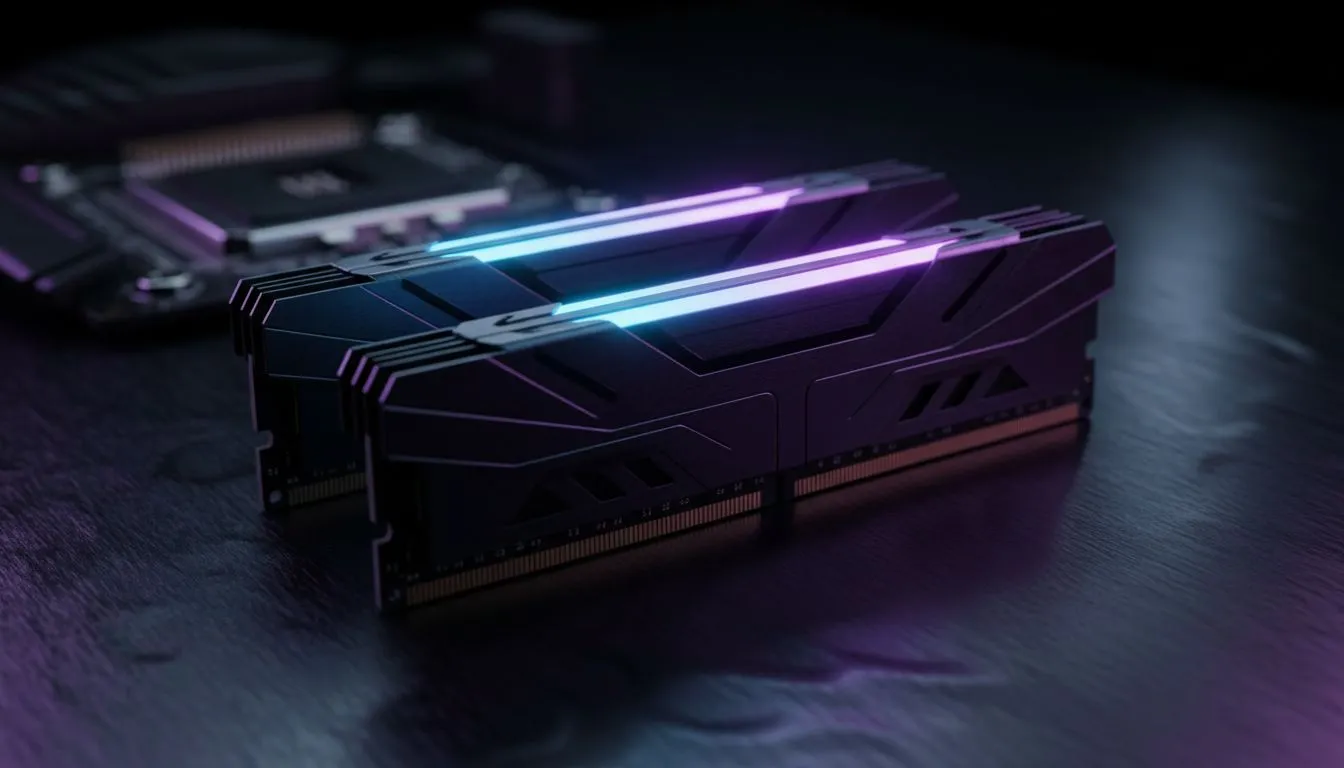
So, you’ve picked your CPU. Team Blue or Team Red? That’s the big decision done, right? Not so fast, boet. The next critical choice in your PC build journey is memory, and the question of Intel vs AMD memory compatibility can be a real headache. Choosing the wrong RAM can throttle your brand-new processor, leaving performance on the table. Let's make sure you get every drop of speed you paid for. 🚀
Is RAM Universal for Intel and AMD?
The short answer is... no, not entirely. While you don't buy "Intel RAM" or "AMD RAM" specifically, compatibility hinges on two key factors that are directly tied to your CPU and motherboard choice: the DDR generation and the memory overclocking profile. Getting this right is crucial for a stable, high-performance system. Mismatched components can lead to frustrating boot issues or your expensive, fast RAM running at a snail's pace.
Understanding DDR Generations
Before diving into the processor specifics, the most fundamental part of RAM compatibility is the "DDR" standard. DDR stands for Double Data Rate, and the number that follows (3, 4, or 5) signifies its generation.
Each generation is a physical and technological leap forward, offering higher speeds and better efficiency. The golden rule is simple: DDR generations are not interchangeable. The slots on a DDR5 motherboard have a different physical layout from a DDR4 board, so you can't force a module to fit.
- DDR3: Now considered a legacy standard, you'll only find DDR3 gaming RAM modules relevant for upgrading much older systems.
- DDR4: For years, this was the go-to for PC builders. It still offers fantastic value and performance, and many modern Intel and AMD platforms support it. If you're building on a budget, our range of DDR4 memory is the perfect place to start.
- DDR5: The new king. It's the standard for the latest platforms, delivering blazing-fast speeds essential for high-end gaming and demanding creative workloads. All new top-tier builds should be looking at DDR5 memory.
Some recent Intel generations (like 12th and 13th Gen) cleverly offered support for both DDR4 and DDR5, but you had to choose a motherboard that was specifically built for one or the other. AMD's latest AM5 platform, however, is exclusively DDR5.
Intel XMP vs. AMD EXPO: The Real Compatibility Nuance
Here’s where the Intel vs AMD memory compatibility debate gets interesting. When you buy RAM advertised at, say, 6000MHz, it doesn't run at that speed out of the box. You need to enable a special profile in your motherboard's BIOS to unlock its full potential. ⚡
This is where the two teams have their own tech:
- Intel XMP (Extreme Memory Profile): This is Intel's long-standing, certified standard for memory overclocking. Kits with XMP are rigorously tested for stability on Intel platforms.
- AMD EXPO (Extended Profiles for Overclocking): Introduced with the Ryzen 7000 series, this is AMD's answer to XMP. It’s an open standard designed to provide simple, stable one-click memory overclocking for AMD systems.
Can you use an XMP kit on an AMD board? Often, yes. Many AMD motherboards can read the basic XMP data. But for guaranteed stability and performance, especially at higher speeds, it's always best to match the profile to the platform. Using an EXPO-certified kit on an AMD Ryzen 7000 series CPU is the safest bet.
Pro Tip: Check the QVL! 🔧
Before you buy any RAM, check your motherboard's support page on the manufacturer's website for the "Qualified Vendor List" (QVL). This is a comprehensive list of every single RAM kit that has been officially tested and certified to work with that specific board. It removes all the guesswork and is the single best way to guarantee compatibility.
Practical Steps for Choosing Your RAM
Feeling confident? Let's put it all together. Follow these steps to nail your choice.
- Confirm Your Platform: Check your motherboard's specifications. Does it use DDR4 or DDR5? This is your first and most important filter.
- Match the Profile: If you have a modern Intel CPU, prioritise RAM with XMP profiles. Building with a new AMD Ryzen 7000 or newer? Look for kits with the EXPO logo on the box.
- Pick a Trusted Brand: You can't go wrong with industry leaders who work closely with both Intel and AMD. For example, brands like Kingston offer fantastic DDR5 kits with profiles optimised for both platforms.
- Consider Your Needs: For most gamers in South Africa, 16GB is a solid starting point, but 32GB is becoming the new sweet spot for future-proofing. Brands like ADATA provide excellent value DDR5 options that are perfect for hitting that 32GB target without breaking the bank.
Ultimately, choosing the right RAM isn't about a brand war. It's about smart pairing. By matching the DDR generation to your motherboard and the memory profile to your CPU, you ensure your PC runs as smoothly and quickly as it was designed to. ✨
Ready to Find Your Perfect Match? Navigating memory compatibility is simple when you know the rules. Now that you're armed with the facts, you can confidently build a stable, high-performance machine. Explore our massive range of DDR5 memory and find the perfect modules to unleash your PC's true power.











