

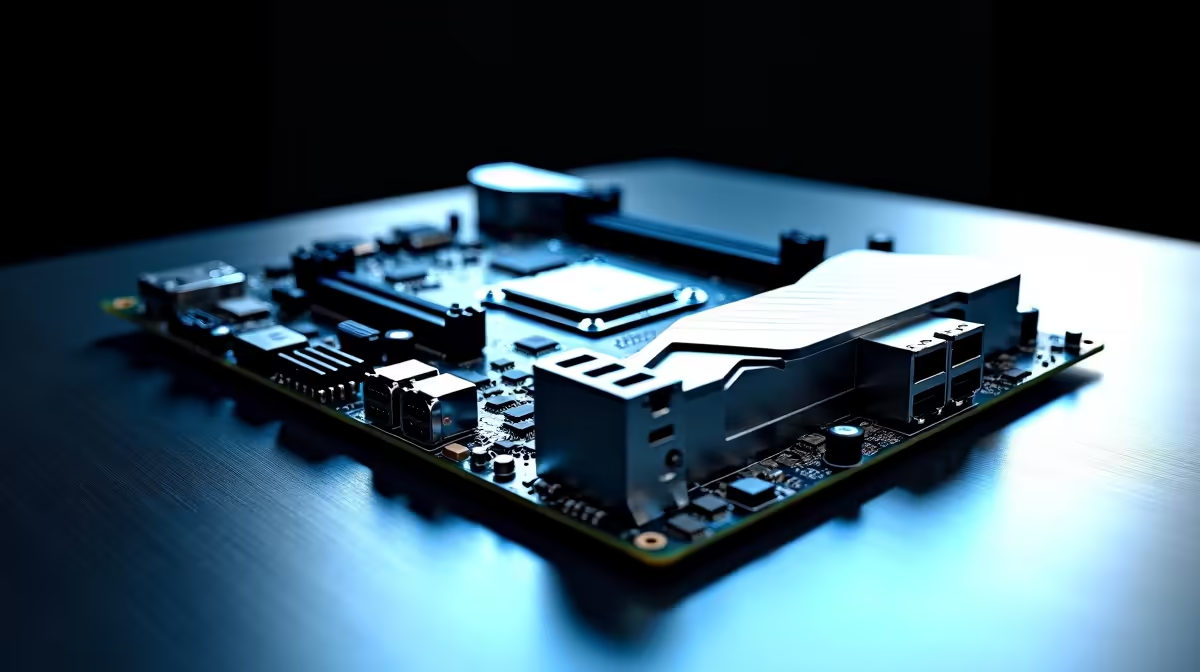
Building a new rig in South Africa shouldn't drain your bank account. Every frame matters in competitive shooters. The latest B890 motherboards offer incredible value for local gamers. Want to maximise frames without spending ZAR 8,000 on a flagship board? This guide is for you. Let us dive into our complete Intel B890 setup and configuration tutorial. We will get your system running flawlessly.
Pre-Build Hardware Checklist 🔧
Before tweaking software... you need the right hardware. The B890 chipset pairs perfectly with the latest Intel processors. You get DDR5 support and PCIe 5.0 capabilities at a fraction of the cost. Proper installation is crucial. Seat your CPU gently to avoid bending any socket pins.
Ensure your power supply can handle your chosen CPU and GPU combo. Cable management also improves airflow drastically. If building from scratch feels daunting... explore our curated custom gaming PCs instead. We handle the hard work for you.
First Boot and BIOS Tweaks ✨
Your Intel B890 setup and configuration truly begins in the BIOS. Press 'Delete' or 'F2' during your first startup. First... update your BIOS to the latest version via a formatted USB drive. This ensures maximum stability and hardware compatibility.
Next... navigate to the memory settings. Enable XMP to get the full speed out of your DDR5 memory kit. Standard RAM speeds will severely bottleneck your system. You want those high frequencies for competitive gaming.
Memory Pro Tip ⚡
Always install your RAM modules in slots A2 and B2 first. This ensures optimal signal integrity for DDR5 on B890 motherboards, preventing random crashes during heavy gaming sessions.
Optimising Power Delivery
B890 boards handle power differently than their Z-series older brothers. You cannot over-clock the CPU multiplier... but you can optimise power limits. Find the 'Power Management' section in your BIOS.
Set PL1 and PL2 according to your cooler's maximum capacity. Unlocking these limits allows your processor to boost higher for longer. This keeps performance high during those intense summer days in Mzansi. Sometimes... grabbing a complete pre-built desktop saves you this tweaking hassle entirely.
Operating System and Drivers 🚀
Once Windows is installed... avoid relying on default Microsoft drivers. Download the official Intel chipset drivers directly from your motherboard manufacturer. Install the LAN and audio drivers next. This guarantees your network adapters function perfectly with zero lag. You can also sync your RGB colour profiles here.
If you are a mobile user reading this... notebook setup is largely automated. Desktop builders must be much more hands-on. Take your time to install every utility properly.
Final Performance Checks
Run a quick stress test to monitor your system temperatures. Software like Cinebench will confirm if your new B890 build was successful. Watch your CPU package temps closely.
Keep an eye out for any thermal throttling under heavy loads. Do not let poor cooling ruin your gaming experience. If you need better cooling... check out our latest component specials to upgrade your case airflow. Adding a few extra fans makes a massive difference. A cool PC is always a fast PC.
Ready to Build Your Dream Rig? Mastering your hardware shouldn't be a headache. For maximum power, choice, and value in South Africa, Evetech is your ultimate destination. Explore our massive range of PC components and find the perfect parts to conquer your world.











