

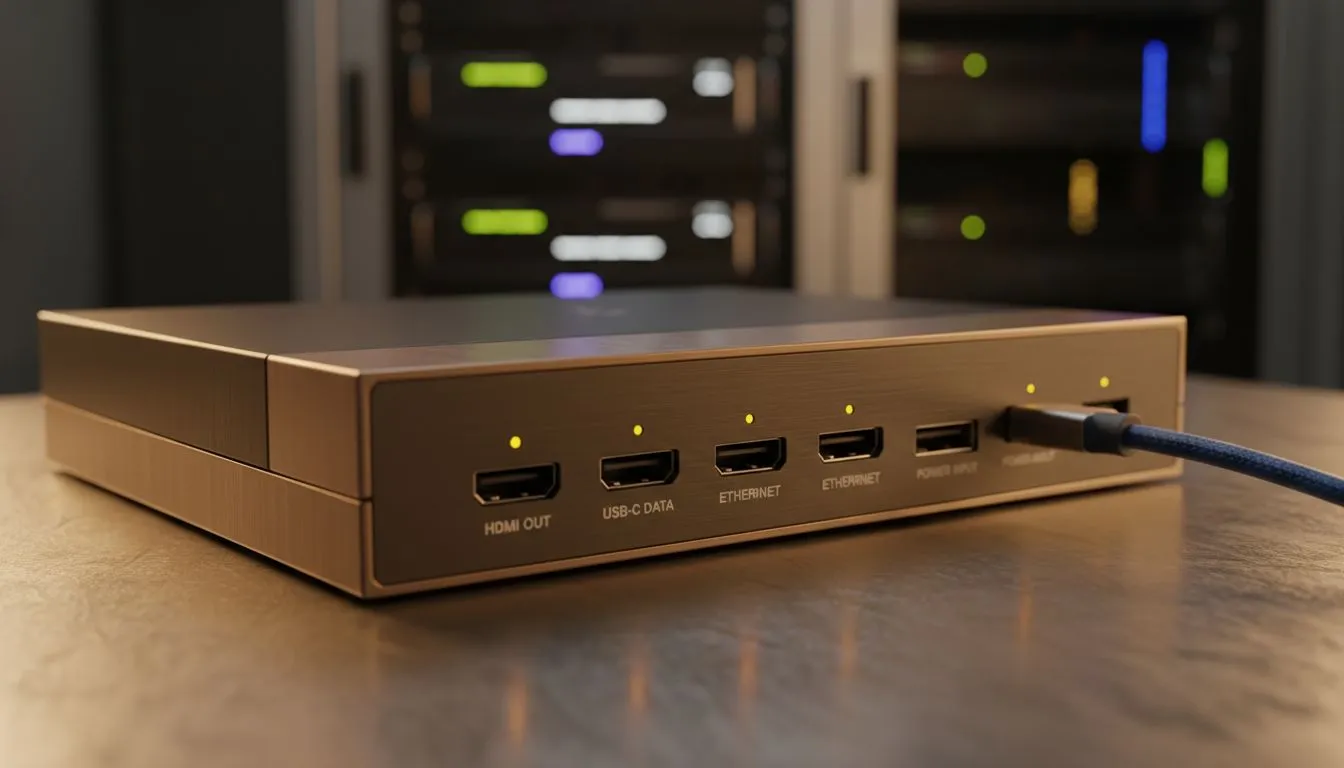
Interactive display connection issues — quick troubleshooting 🔧
Lost signal mid-game or your interactive whiteboard refuses to mirror your laptop? Breathe. Start with the basics: cables, input selection and a quick reboot. Many connection problems are simply a loose HDMI/DP cable, wrong input, or a sleeping display. If you need replacement hardware, browse Evetech’s full PC monitors range to compare panel types and ports. https://www.evetech.co.za/PC-Components/pc-monitors-89
Interactive display connection issues — cables, ports and syncing ⚡
Check which cable your device and display actually support: older laptops may need HDMI 1.4, while gaming rigs favour DisplayPort 1.4 for higher refresh rates. If you see tearing or intermittent sync drops, verify your monitor supports the same adaptive tech as your GPU. AMD users: look at FreeSync monitor options that pair well with Radeon cards. https://www.evetech.co.za/PC-Components/pc-monitors-89?attributes-adaptivesync=FreeSync+%28AMD%29
NVIDIA owners should confirm G-Sync compatibility to avoid stutter during competitive play. https://www.evetech.co.za/PC-Components/pc-monitors-89?attributes-adaptivesync=G-Sync+%28NVIDIA%29 Adaptive Sync bridges the gap for many mid-range GPUs — check those models too. https://www.evetech.co.za/PC-Components/pc-monitors-89?attributes-adaptivesync=Adaptive+Sync
Productivity Pro Tip ⚡
On Windows, use the PowerToys FancyZones utility to create custom snap layouts for your windows. It's a lifesaver for managing multiple apps on an ultrawide monitor, letting you organise your timeline, preview window, and asset folders perfectly for video editing.
Interactive display connection issues — driver and firmware checks 🚀
Drivers matter. Update your GPU drivers first, then the display firmware if available. On Windows, use Device Manager for quick checks, and download the latest drivers from the GPU vendor. If a monitor still shows "no signal" after driver updates, try a different cable or port. Flat screen monitors sometimes behave differently across inputs; if issues persist, test a curved panel as a sanity check. https://www.evetech.co.za/PC-Components/pc-monitors-89?attributes-curved%2Fflatscreen=Flat https://www.evetech.co.za/PC-Components/pc-monitors-89?attributes-curved%2Fflatscreen=Curved
Consider panel type when colour accuracy or viewing angles matter. IPS panels are forgiving with wide viewing angles and stable colours, helpful in classrooms or co-op gaming setups. https://www.evetech.co.za/PC-Components/pc-monitors-89?attributes-paneltype=IPS
Interactive display connection issues — preventative tips and next steps
Keep spare cables and a USB-C or active adapter in your kit. If you’ve exhausted DIY fixes, it might be time to upgrade your display or laptop. Evetech lists a wide range of monitors in ZAR so you can compare features and prices before deciding. https://www.evetech.co.za/PC-Components/pc-monitors-89
If you’re still unsure, jot down the symptoms, reproduce the fault with another device, and contact the supplier with those notes. That makes warranty claims and support far quicker.
Ready to Find Your Perfect Match? The Mac vs Windows debate is complex, but for maximum power, choice, and value in South Africa, Windows is hard to beat. Explore our massive range of laptop specials and find the perfect machine to conquer your world.











