

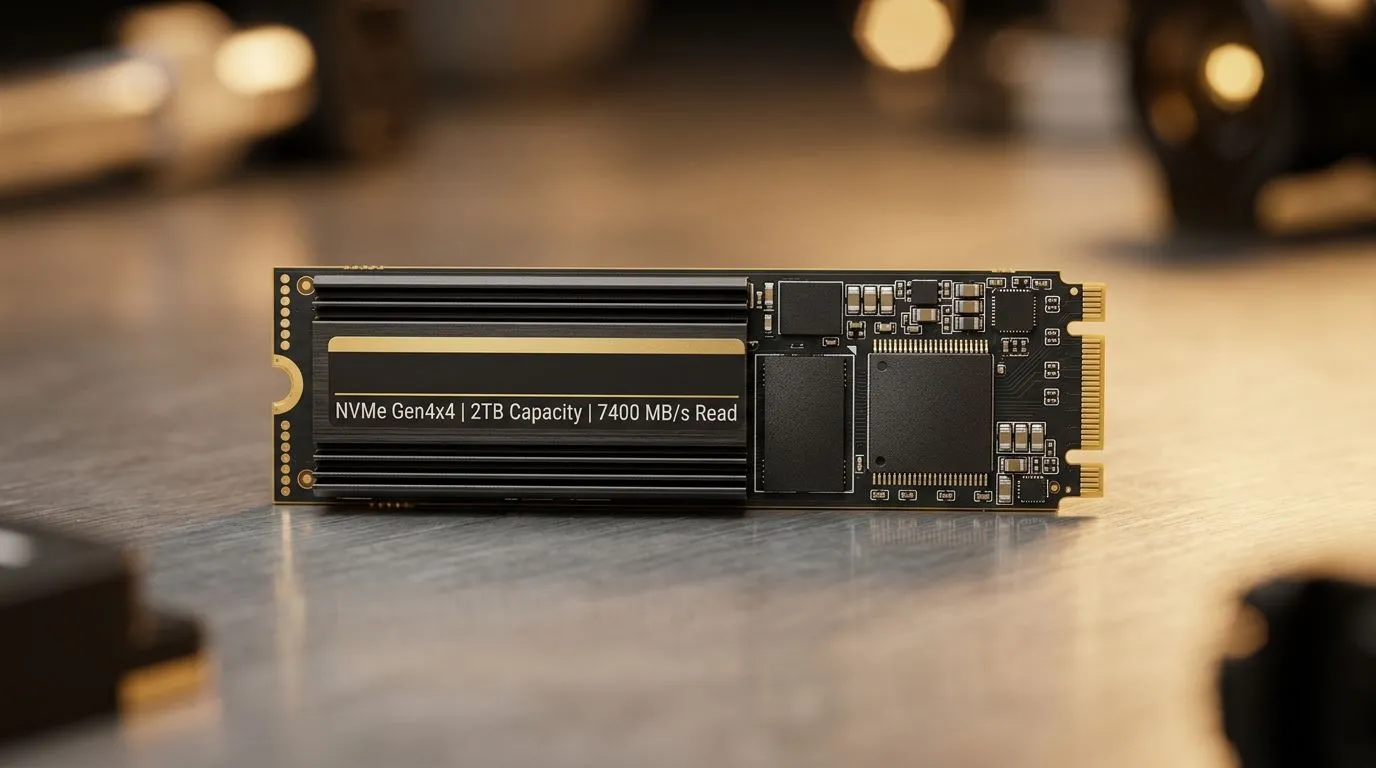
Internal Solid State Drives Guide: Capacity, Speed, Form Factor for South African gamers
You’ve got frames to chase and load screens to shrink… but which internal SSD actually fits your build? 🔧 In SA, prices move fast, and so do game updates, so buying the right drive matters. Whether you’re upgrading a PS5-ready PC, a school laptop, or a streaming rig, this internal solid state drives guide breaks down what to look for: capacity, speed, and the form factor that will physically work in your system.
Internal Solid State Drives Guide: Capacity, Speed, Form Factor starts with capacity (and real usage)
Most gamers underestimate capacity. A modern AAA title can sit at 80GB or more, and then you’ve got updates, shaders, and a second game you “just started”. Start by matching your library size to your budget.
- 250GB–500GB: best for a single main game plus essentials.
- 1TB: the sweet spot for most PC gamers in SA.
- 2TB+: for fast library growth, modding, and big installs.
Evetech stocks internal SSD options you can compare quickly here: Shop solid state drives
Internal Solid State Drives Guide: Capacity, Speed, Form Factor depends on interfaces and generations
When people say “speed”, they usually mean how fast the SSD reads and writes. But speed only helps if your system can use it.
- SATA SSDs use the SATA interface. They’re reliable and usually cheaper.
- NVMe SSDs connect via M.2 and use PCIe for much higher performance.
- PCIe generations (like Gen 4, Gen 5) affect how fast the SSD can run in compatible systems.
If you’re building or upgrading now, it’s smart to check your motherboard’s M.2 slot support before buying a high-gen NVMe. Otherwise, you might not get the advertised boost. ⚡
Looking at brand options is also a practical shortcut:
Internal Solid State Drives Guide: Capacity, Speed, Form Factor needs the right form factor (M.2 vs 2.5-inch)
This part is where upgrades often fail. The drive must physically fit.
M.2 form factors (most common for NVMe)
For NVMe, you’ll typically see sizes like M.2 2280. The “2280” matters: it’s the length/width standard.
- M.2 2280 is the common default for many desktops and modern laptops. Check the exact fit category: Shop M.2 2280 SSDs
Interface filter (Gen 5 and beyond)
If you’re chasing top-end performance, filter by what the SSD supports and what your system allows. For example, Gen 5 SSDs need the right slot and compatibility to benefit fully. Explore interface-specific options here: Browse SSDs by Gen 5 interface
Internal Solid State Drives Guide: Capacity, Speed, Form Factor installation tips that prevent headaches ✨
Upgrading is usually straightforward, but a few habits save time:
- Back up before cloning. If you’re migrating an existing OS, don’t skip backups.
- Check BIOS storage mode (especially with NVMe).
- Plan your cooling. Some high-performance NVMe drives run warmer, especially under heavy installs.
Productivity Pro Tip ⚡
On Windows, do a quick SMART check after installing your new SSD. Use tools like CrystalDiskInfo to confirm the drive is healthy and to spot early issues before they affect downloads, shader compilation, or game updates.
Internal Solid State Drives Guide: Capacity, Speed, Form Factor recommended picks by “how you play” 🚀
Here’s a practical way to choose without overthinking:
- Competitive FPS (low latency matters, big queue times): 1TB NVMe if your board supports it.
- Open-world RPG and big mod libraries: 2TB NVMe, especially if you install multiple versions.
- Light gaming + office + school work: SATA SSD or smaller NVMe can be enough, as long as it improves your day-to-day responsiveness.
- Laptop upgrades: stick to the form factor your model supports first (often M.2 2280).
The best SSD is the one that fits your system and your budget in South Africa today, not the one with the biggest numbers on the box.
CALLTOACTION
Ready to Find Your Perfect Match? The Mac vs Windows debate is complex, but for maximum power, choice, and value in South Africa, Windows is hard to beat. Explore our massive range of laptop specials and find the perfect machine to conquer your world.











