

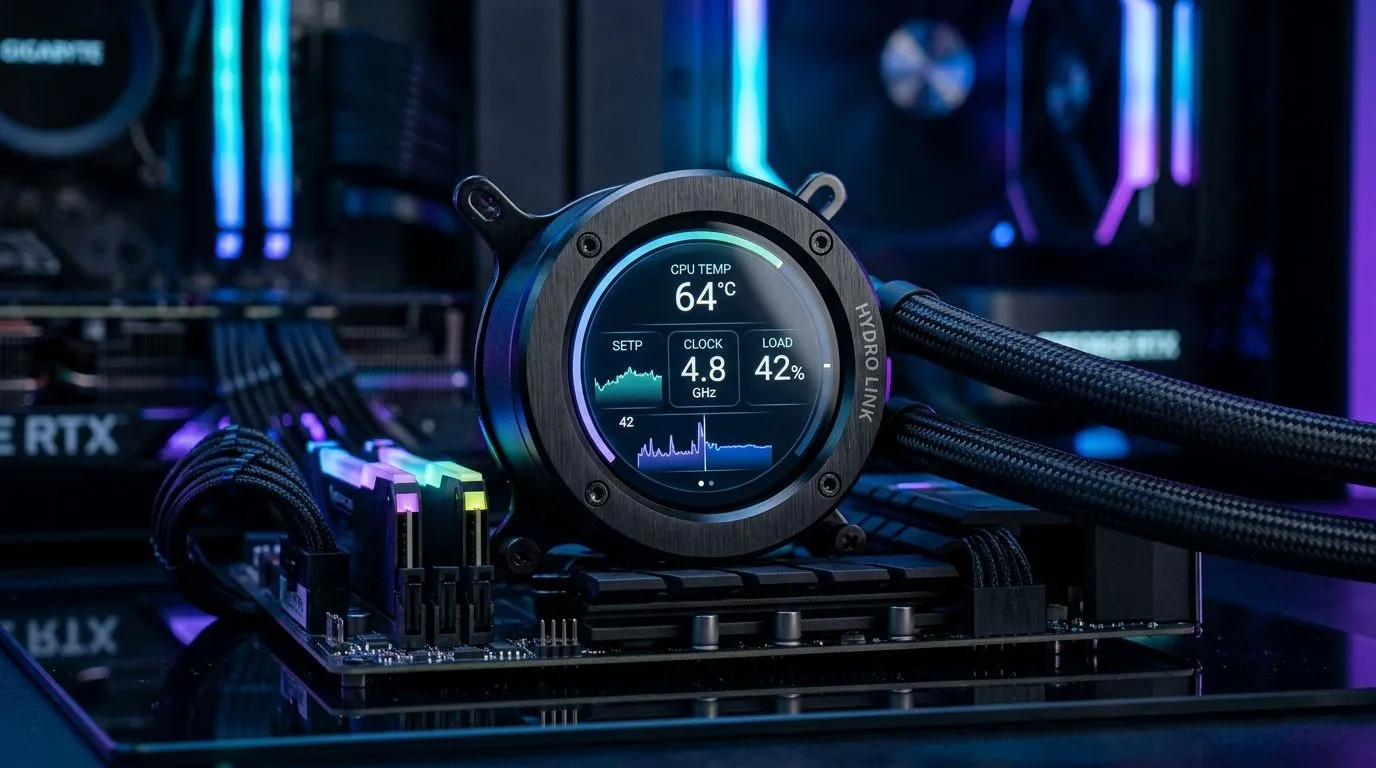
IPS LCD pump display: why it matters for CPU temperature readouts 🔧
Stop guessing at your CPU temps. A small IPS LCD on an AIO pump gives real-time numbers and keeps your rig safe while overclocking in Johannesburg heat. Use this IPS LCD Pump Display CPU Temperature Readout Setup Guide as checklist, with practical tips and links to coolers suited to local builds.
IPS LCD pump display — step-by-step CPU temperature readout setup
Begin by confirming pump compatibility and header types. Many modern AIOs list compatible motherboards and headers on their product pages; browse Evetech’s CPU cooler range to match fittings and socket support. https://www.evetech.co.za/PC-Components/cpu-coolers-84
Unbox, mount the pump, and connect the USB or RGB header to your board. If your AIO is a Corsair model, check the Corsair-specific listings for exact wiring notes. https://www.evetech.co.za/PC-Components/cpu-coolers-84?attributes-coolertype=Liquid+Cooler+%28AIO%29&brands=CORSAIR
Physically secure the LCD, then power up and enter BIOS. Some motherboards require custom fan curves for accurate reporting. Deepcool AIO owners can reference brand pages for mounting guides. https://www.evetech.co.za/PC-Components/cpu-coolers-84?attributes-coolertype=Liquid+Cooler+%28AIO%29&brands=Deepcool
IPS LCD pump display CPU temperature readout: software and calibration ⚡
Install the vendor app to feed sensor data to the pump display. Many apps let you select CPU die or package temps. If your display shows odd spikes, compare readings with a motherboard sensor via monitoring tools.
Choose radiator size carefully; bigger rads improve thermal headroom. Evetech lists 360mm radiators for high‑TDP CPUs. https://www.evetech.co.za/PC-Components/cpu-coolers-84?attributes-coolertype=Liquid+Cooler+%28AIO%29&attributes-coolingsize=360mm+Radiator
For smaller cases, a 240mm AIO balances clearance and cooling. See compatible 240mm options before buying. https://www.evetech.co.za/PC-Components/cpu-coolers-84?attributes-coolertype=Liquid+Cooler+%28AIO%29&attributes-coolingsize=240mm+Radiator
Installation Tip ✨
If your pump display reads hotter than expected, recheck paste, orientation, and fan curves. A quick thermal test with a CPU stress tool helps confirm proper heat transfer.
IPS LCD pump display — practical tips and local context
South African summers can push case temps up. Aim for CPU idle under 40°C and load under 85°C for long sessions. If noise is a concern, tune PWM curves for quieter profiles during lightweight gaming. For a wide selection of AIOs in ZAR and fast delivery, browse Evetech’s liquid cooler collection. https://www.evetech.co.za/PC-Components/cpu-coolers-84?attributes-coolertype=Liquid+Cooler+%28AIO%29
Also fit a small UPS to guard your pump from abrupt shutdowns during heavy loads. In Cape Town and Durban, power issues affect long streams. A reliable UPS priced R1,500 to R3,500 can protect hardware and keep displays accurate. Keep spare clamps and screws; they are low-cost insurance for long-term peace of mind and avoid damage.
A short micro-story: I once swapped a 240mm for 360mm ahead of a local tournament and shaved 7°C off peak temps. The LCD made monitoring effortless mid-match. Small choices yield big gains.
Wrap up: check firmware updates, validate sensor source, and log temps during your first week of use. That’s how you get reliable readouts and longer CPU life.
Ready to Find Your Perfect Match? The Mac vs Windows debate is complex, but for maximum power, choice, and value in South Africa, Windows is hard to beat. Explore our massive range of laptop specials and find the perfect machine to conquer your world.











