

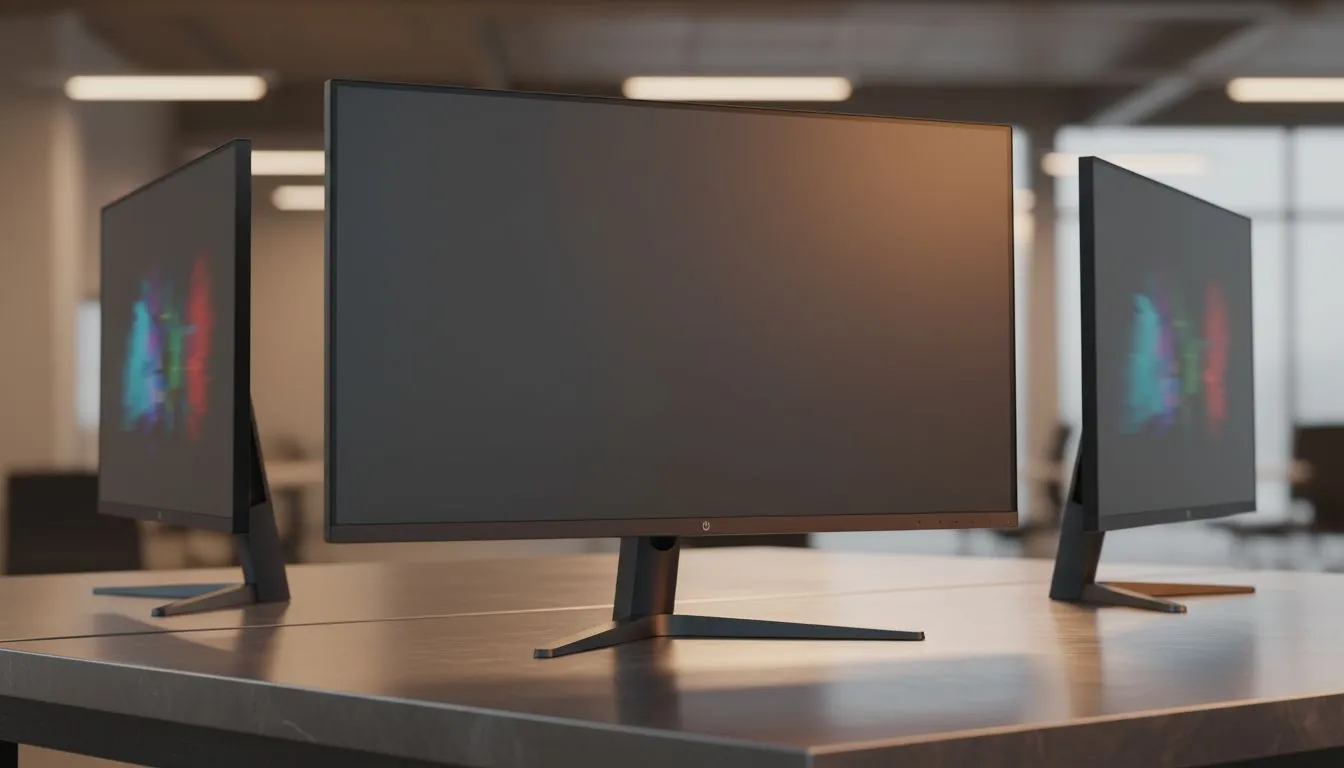
Understanding the IPS Advantage for Teams
Ever tried showing a teammate a clutch play only for them to see a grey, distorted mess? In the local gaming community, sharing your screen is part of the culture. Whether you are reviewing VODs or co-op coding... the quality of your display matters. This is where IPS Viewing Angles: Why They Matter for Collaboration becomes the central question for your next upgrade. 🚀
When you browse the latest IPS panel monitors, you are looking at tech that maintains colour accuracy from almost any side. Most IPS displays offer 178-degree horizontal and vertical viewing ranges. This ensures that the person sitting next to you sees exactly what you see. Unlike older TN panels, the image does not wash out when you shift your head.
Why Viewing Angles Define Modern Collaboration
Collaboration isn't just for offices in Sandton. It is for the duo-queue partners and the creative teams in Cape Town. If your screen shifts colours when viewed from an angle, your feedback is useless. Standard PC monitors might look fine head-on... but the moment you lean over to help a friend, the image degrades. IPS technology prevents this "gamma shift" entirely. 🔧
Maintaining visual consistency is vital for local designers and video editors. When two people look at a project, they must see the same shades of navy or crimson. Without wide viewing angles, one person sees a different colour profile. This leads to endless confusion and wasted time.
Collaboration Pro Tip ⚡
When setting up a dual-monitor rig for streaming or work, angle your secondary IPS display slightly toward your seating position. Because IPS tech maintains colour integrity at angles, you can keep your primary screen centred while your secondary remains perfectly legible for chat or timelines.
Syncing for a Smoother Shared Experience
Visual clarity is only half the battle. To keep the image sharp during fast-paced movement, you need synchronisation. Many high-end displays feature Adaptive Sync to eliminate screen tearing during shared viewing sessions.
If you are on Team Red, looking for FreeSync (AMD) support is vital for smooth playback. For those rocking RTX cards, G-Sync (NVIDIA) ensures that collaborative sessions remain stutter-free. These technologies work alongside IPS viewing angles to provide a premium experience for everyone in the room. ✨
Choosing Your Shape: Flat or Curved?
The physical shape of your monitor impacts how those viewing angles feel in a shared space. Many professionals prefer flat screens for design work. This is because they do not distort straight lines or perspective.
However, curved monitors provide an immersive wrap-around feel that can be great for solo play. For pure collaboration, flat IPS panels often win because they offer a consistent plane for everyone watching. It ensures that IPS Viewing Angles: Why They Matter for Collaboration remains the top priority for your setup.
Ready to Find Your Perfect Match? Shared victory is better than solo play, and a high-quality IPS monitor is the key to a better collaborative experience. Explore our massive range of monitor specials and find the perfect display to share your world with others.











