

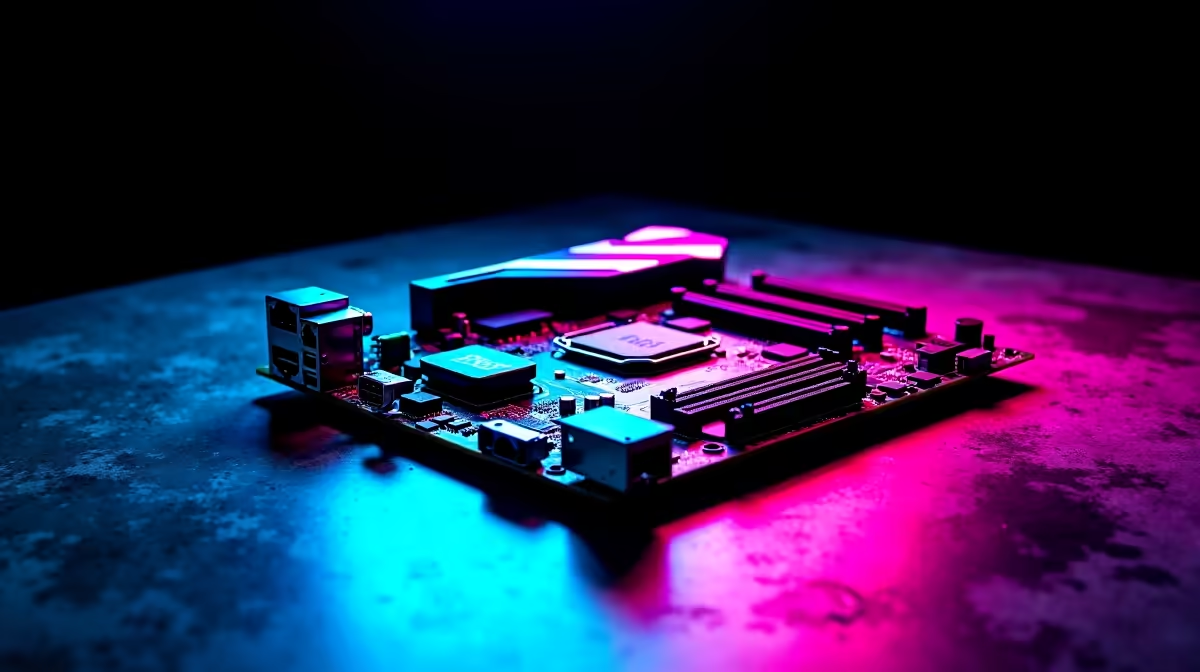
Building a top-tier Intel rig in South Africa means making tough choices. When you are dropping serious ZAR on a new system, every component matters. You might be wondering if the ASUS ROG Strix Z890-E Gaming WiFi is worth it. Is it the right choice for a high-end Intel gaming PC build? Let us break down the specs to see if it deserves your hard-earned money.
Power Delivery and Overclocking Potential ⚡
Modern Intel processors are incredibly powerful. However, they demand pristine and stable power delivery. The ASUS ROG Strix Z890-E Gaming WiFi delivers exactly that. It features a robust power stage design built for heavy workloads. This ensures your CPU maintains peak boost clocks during intense gaming sessions.
If you are shopping for the latest motherboards, VRM quality is crucial. It keeps temperatures low and performance high. This is vital during long, loadshedding-interrupted rendering tasks.
Advanced Thermal Management
High-end components generate serious heat. The ASUS ROG Strix Z890-E Gaming WiFi tackles this with massive VRM heatsinks. These thick metal blocks dissipate heat efficiently away from the power stages. It also includes integrated M.2 heatsinks for your fast NVMe drives.
This prevents thermal throttling when you are loading massive open-world games. Keeping your system cool is essential for longevity... especially in the South African summer. A cooler board means higher sustained frame rates in your favourite titles.
Next-Gen Connectivity and Speed 🚀
You do not just buy a premium board for today. You invest in it for tomorrow. This board features full PCIe 5.0 support. It is completely ready for future graphics cards and blistering fast storage. To maximise performance, pair it with high-speed DDR5 memory kits.
The built-in WiFi 7 also guarantees lag-free competitive matches. If you prefer Team Blue, exploring premium ASUS Intel motherboards shows why Strix rules. It also features a massive array of rear USB ports. You will never run out of space for your streaming gear.
Memory Optimisation Tip 🔧
Always enable XMP in your BIOS after installing new DDR5 RAM. Without it, your memory will run at default speeds, bottlenecking your high-end Intel gaming PC build and leaving valuable frames on the table.
Aesthetics and Build Experience ✨
Building a PC should be a fun experience. The ASUS ROG Strix Z890-E Gaming WiFi features DIY-friendly additions. The clever PCIe Slot Q-Release makes removing massive GPUs completely painless. Its dark aesthetic and customisable Aura Sync RGB lighting look incredible.
Of course, you might be leaning towards a Ryzen processor instead. You can find similar premium features in top-tier ASUS AMD motherboards. Both platforms offer incredible gaming performance for local players.
The Final Verdict for Gamers
So, is the ASUS ROG Strix Z890-E Gaming WiFi worth it? If you want a high-end Intel gaming PC build, the answer is yes. It offers unmatched stability, premium audio, and next-gen connectivity. It provides everything a serious enthusiast needs to dominate the leaderboards.
However, building from scratch can sometimes feel a bit daunting. You can always browse our pre-built gaming PC deals. These systems often feature top-tier components without the assembly stress.
Ready to Build Your Dream Rig? Securing the ultimate motherboard is the first step to unbeatable performance. Explore our full range of ASUS motherboards and start assembling a true high-end Intel masterpiece today.











