

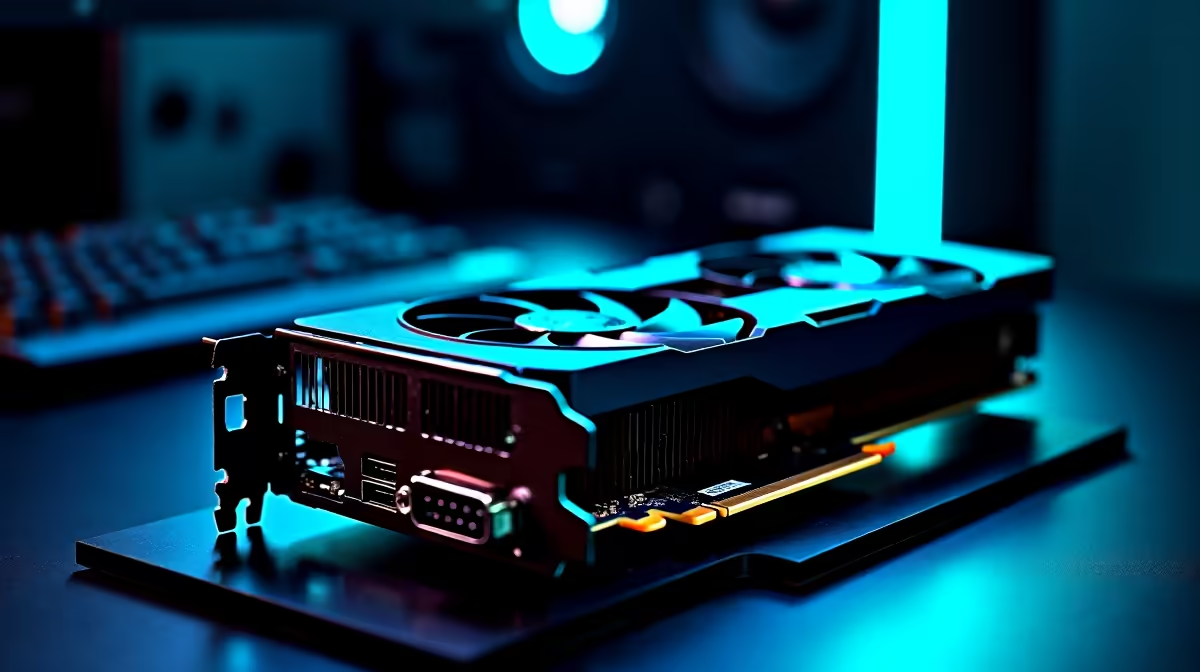
GPUs and RAM do not share a direct compatibility relationship - your graphics card will work with any DDR4 or DDR5 RAM installed in your system, as long as your motherboard and CPU support it. That said, pairing slow or insufficient RAM with a powerful GPU can create a real performance bottleneck in South African gaming rigs.
Quick Answer
Is a GPU compatible with RAM? GPUs do not directly connect to system RAM - they use their own dedicated VRAM. However, your overall build performance depends heavily on matching your RAM speed and capacity to your GPU's demands, especially in games that rely on fast data throughput.
🔧 How GPU and RAM Interact in Your Build
Your GPU has its own onboard VRAM (video memory) separate from your system RAM (DDR4/DDR5). These two memory pools serve different roles: VRAM handles textures, frame buffers, and render data, while system RAM handles game assets, OS processes, and CPU-to-GPU data transfers.
Where the two connect is through your CPU and PCIe lane bandwidth. If your system RAM is slow - say, DDR4-2400 when your platform supports DDR4-3600 - the CPU cannot feed data to the GPU quickly enough, causing frame drops in CPU-bound scenarios. In South Africa, where gamers often balance budget between a strong GPU and the rest of the build, this bottleneck is a common issue.
📊 Recommended RAM Specs by GPU Tier
For entry-level GPUs (used in sub-R8,000 builds): 8GB DDR4 at 3200MHz is the minimum. For mid-range GPUs powering 1080p high-refresh gaming: 16GB DDR4 at 3200–3600MHz is the sweet spot. For high-end cards targeting 1440p or 4K: 32GB DDR5 at 5600MHz+ ensures the CPU never starves the GPU of data.
Dual-channel RAM configuration matters too - two 8GB sticks outperform a single 16GB stick in almost every gaming benchmark. If you are building or upgrading, always install RAM in matching pairs and in the correct slots as indicated by your motherboard manual.
💡 Practical Tips for SA Builders
When buying a GPU and RAM together in SA, check that your motherboard's QVL (Qualified Vendor List) supports your chosen RAM kit at its rated speed. Many budget B-series boards ship with XMP/EXPO disabled by default - enable it in BIOS to get the rated frequency you paid for. Also note that AMD Ryzen CPUs are particularly sensitive to RAM speed, so pairing a Radeon GPU with slow RAM on a Ryzen platform will cost you meaningful frame rates.
❓ Frequently Asked Questions
Does my GPU brand affect what RAM I can use? No. Whether you run an NVIDIA or AMD GPU, you can use any DDR4 or DDR5 kit your motherboard and CPU support. GPU brand has zero impact on system RAM compatibility.
How much VRAM do I need versus system RAM? VRAM and system RAM serve different purposes. For modern gaming at 1080p, 8GB VRAM and 16GB system RAM is a solid baseline. At 1440p or with texture-heavy mods, 12GB+ VRAM helps, while 32GB system RAM future-proofs your rig.
Will faster RAM improve my gaming FPS? In CPU-limited scenarios, yes - significantly. Upgrading from DDR4-2400 to DDR4-3600 can deliver 5–15% more frames in titles like Valorant, CS2, and Fortnite, especially at lower resolutions where the GPU is not the limiting factor.
Evetech stocks All Graphics Cards and All RAM & Memory — browse current SA pricing and availability online.
Ready to Find Your Perfect Match? Shop at Evetech











