

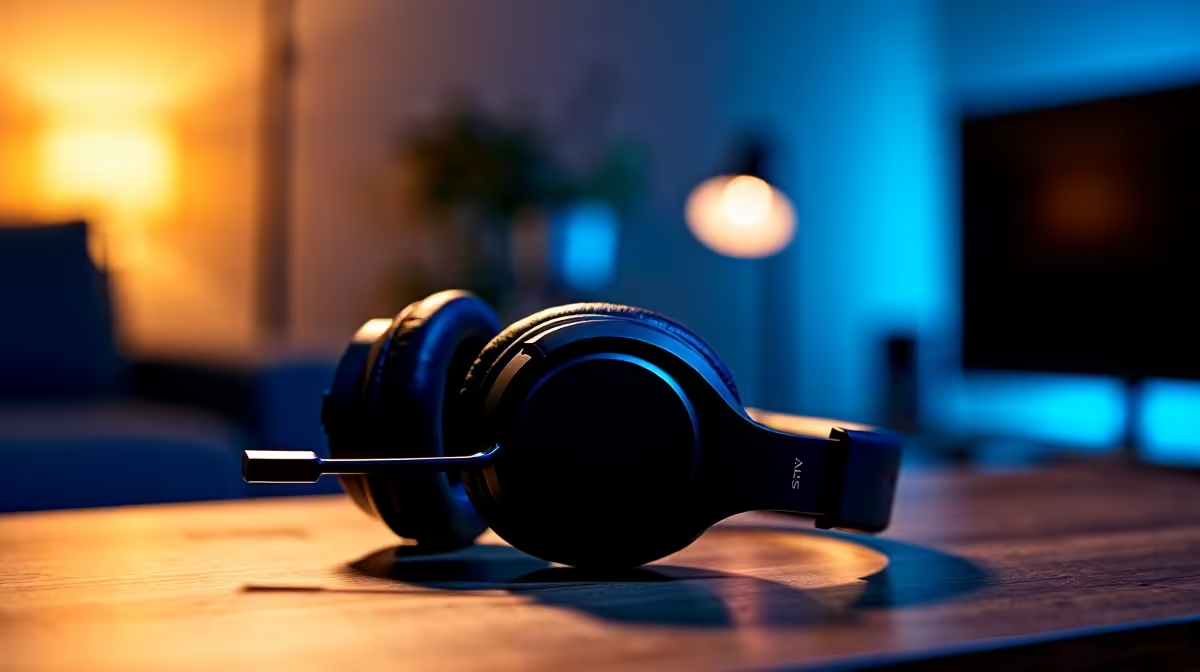
South African PC builders often ask whether a gaming headset will work with a specific case - and understandably so, since front-panel audio connectors, case form factors, and USB port availability all affect how a headset connects. The short answer is that headset compatibility is almost never about the case itself, but about the motherboard's audio output and your headset's connection type. Here's how to make sure everything works together.
Quick Answer
Gaming headsets are compatible with virtually all PC cases - the connection is determined by your headset type (3.5mm, USB, or wireless) and whether your case front panel audio header is connected to the motherboard. 3.5mm headsets need a connected front audio header; USB headsets plug directly into front or rear USB ports; wireless headsets use a USB dongle.
🎧 Headset Connection Types and What They Need
Most gaming headsets connect via 3.5mm audio jack, USB-A, or wireless USB dongle. A 3.5mm headset plugged into your case's front audio jack works only if the case's HD Audio or AC97 header cable is connected to the matching header on your motherboard - check your motherboard manual for its location (usually labelled JAUD1 or F_AUDIO). If this cable isn't connected, your front audio ports won't work, but the headset itself is fine.
USB headsets are simpler - any USB-A port on your case or motherboard rear I/O will work. Wireless headsets with USB dongles work the same way. For a quality headset selection that works across all SA PC builds, see Evetech's gaming headset range.
📦 Case-Specific Factors to Check
Check whether your case has front USB 3.0 or 3.2 Gen ports versus older USB 2.0 - this matters for USB DAC headsets that prefer USB 3.0 bandwidth. Also verify your motherboard's USB header availability; some compact mATX or ITX boards have fewer internal headers than a mid-tower case has ports, meaning some front ports may not function.
For headsets with a combo 3.5mm jack (single plug for audio and mic), ensure your case front audio output is a combo jack or that the adapter is included. Many older cases have separate headphone and mic jacks, requiring a splitter cable for combined-plug headsets. Browse Evetech's computer cases if you're also in the market for a new case with modern front-panel audio.
❓ FAQ
Q: My headset has no audio from the front panel - is it the case or the headset? A: Most likely the front audio header cable isn't connected to the motherboard. Open your case, locate the HD Audio cable from the front panel, and connect it to the JAUD1 or F_AUDIO header on your motherboard.
Q: Will a USB headset work on any motherboard? A: Yes. USB headsets work on any USB-A port regardless of case or motherboard brand. Rear I/O ports are generally more reliable than front panel for USB audio.
Q: Do wireless headsets cause interference in compact cases? A: No. The USB dongle for wireless headsets communicates with the headset unit, not with internal components. Case size and material don't affect wireless headset performance.
Check out All PC Cases and All Gaming Headsets at Evetech — South Africa's home for gaming gear.
Ready to Find Your Perfect Match? Shop Gaming PCs at Evetech











