

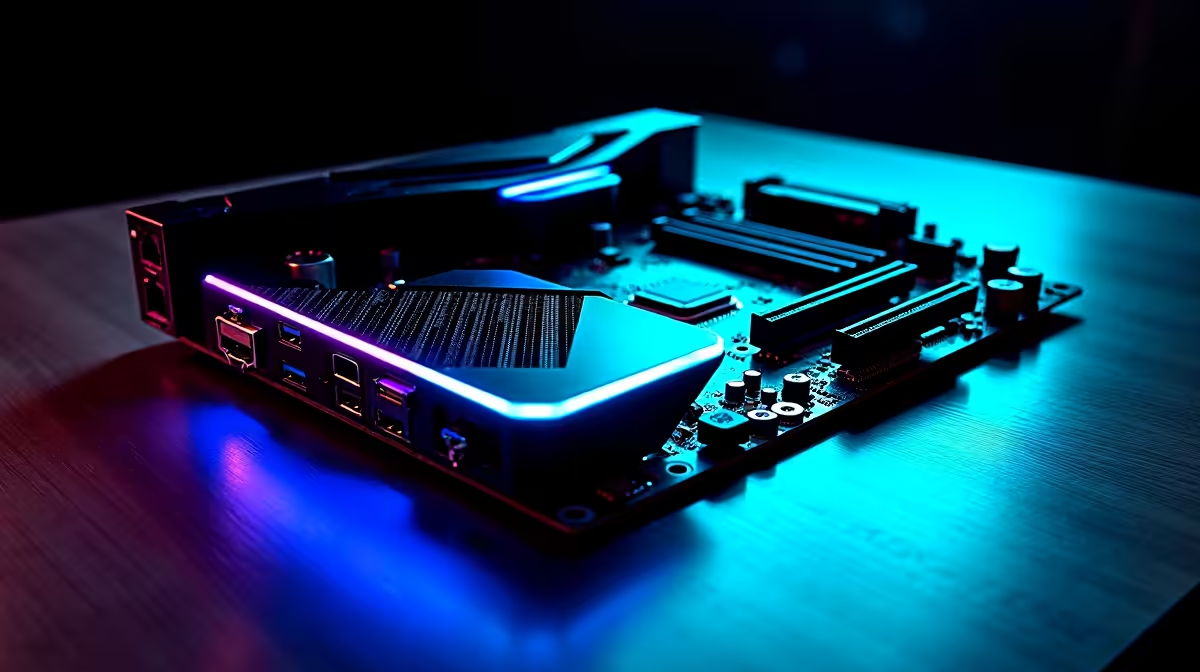
You finally upgraded to a blisteringly fast 500Mbps fibre line. Your downloads are flying... but your ping still spikes. You might wonder if WiFi 7 is worth it on a gaming motherboard if you already have fast fibre in South Africa. The short answer? Yes. Fast fibre means nothing if your local wireless connection drops packets.
Understanding Fibre Speed vs Wireless Latency ⚡
Fibre dictates how fast data travels between your ISP and your home. However, your router still needs to beam that data to your PC. South African homes are notorious for thick brick walls. These solid walls easily block weaker wireless signals... causing frustrating lag spikes during crucial matches.
If you rely on an older wireless standard, you introduce unnecessary latency. Upgrading your system with one of the latest gaming motherboards equipped with WiFi 7 bridges that gap. It ensures your local network is as stable as your dedicated fibre line.
How WiFi 7 Eliminates Lag Spikes
Older WiFi standards force your PC to choose a single frequency band. WiFi 7 introduces a brilliant feature called Multi-Link Operation (MLO). This allows your PC to connect to the 2.4GHz, 5GHz, and 6GHz bands simultaneously.
Think of it like driving on a highway. If one lane gets blocked by heavy traffic, your data simply switches to an open lane without slowing down. If one band experiences interference from your neighbour's crowded network, the data instantly routes through another.
WiFi 7 also introduces 320MHz channel bandwidth. This effectively doubles the data transmission capacity compared to previous generations. It means less congestion and significantly faster local transfer speeds if you stream games from a local home server.
Whether you prefer Team Blue or Team Red, modern boards have you covered. You will find this incredibly fast tech on premium ASUS Intel motherboards as well as top-tier ASUS AMD motherboards. It is the closest you can get to a wired Ethernet connection without drilling ugly holes in your living room walls.
Network Pro Tip 🔧
To get the absolute most out of a WiFi 7 motherboard, you will eventually need a compatible WiFi 7 router. However, these boards are fully backwards compatible. You will still see improved stability on older routers thanks to upgraded antennas and superior power delivery.
Future-Proofing Your South African Setup 🚀
Investing your hard-earned Rands right now means you want components that will last. A motherboard is the literal spine of your PC. It dictates your upgrade path for years to come. When you pair a WiFi 7 board with high-speed memory kits, you are building a system completely ready for tomorrow's massive game files.
Let us face it... nobody wants to redownload a 150GB game update on a spotty wireless connection. A robust WiFi 7 link ensures you maximise your fibre speeds. It is especially useful when you need to download patches quickly before a scheduled power outage hits.
If building from scratch feels a bit daunting, you can always look for complete setups. Many of the best gaming PC deals available locally now include these next-generation boards as standard. This ensures you get maximum value and longevity for your budget.
So, is a WiFi 7 motherboard worth the investment for local gamers? Absolutely. It guarantees your expensive internet connection actually reaches your games without dropping a single frame.
Ready to Upgrade Your Connection? Don't let a weak wireless link bottleneck your expensive fibre. Explore our massive range of gaming motherboards at Evetech and find the perfect foundation for your next high-performance PC.











