

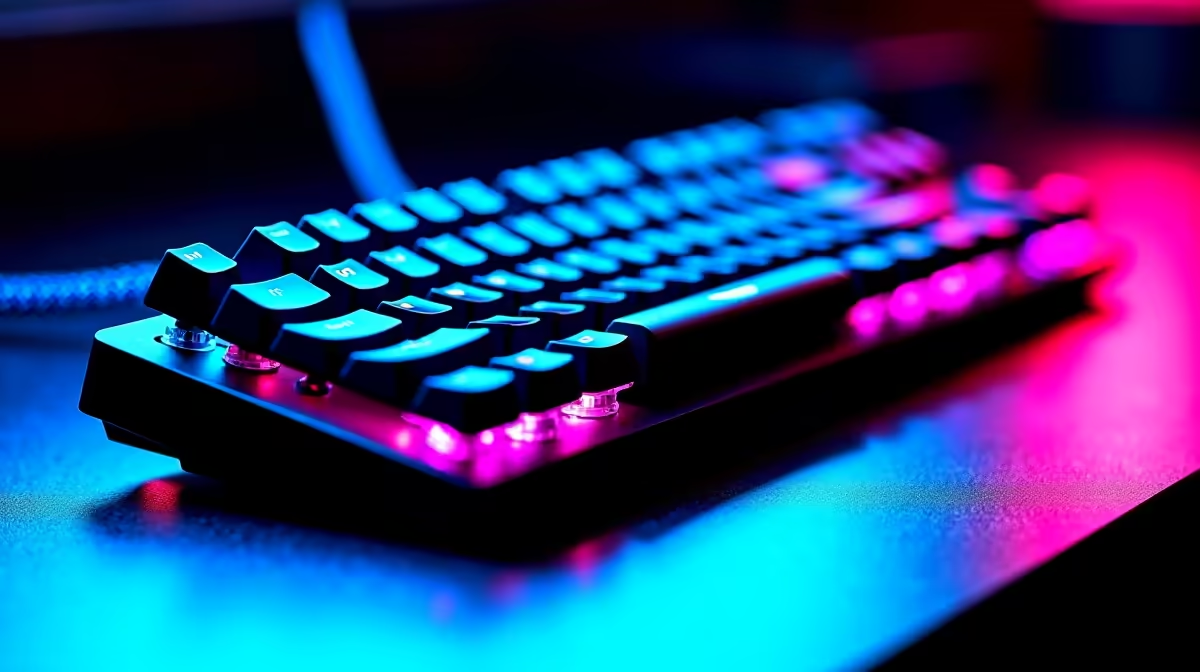
Keyboard compatibility might sound like a non-issue - plug in and play - but South African PC users regularly encounter layout mismatches, driver conflicts, and connectivity quirks that cause real frustration. This guide covers everything you need to know about keyboard compatibility in the SA market.
Quick Answer
Keyboard compatibility in SA - what do you need to know? Most keyboards sold in South Africa use standard USB or Bluetooth connections and work across Windows, macOS, and Linux without extra drivers. The main compatibility considerations are keyboard layout (UK vs US), switch type preference, and wireless protocol support for your specific operating system.
🔧 Connection Types and OS Compatibility
Keyboards connect via three main methods, each with different compatibility implications:
Wired USB is universally compatible. Any keyboard with a USB-A or USB-C connector works with Windows, macOS, ChromeOS, and Linux out of the box. No drivers are needed for basic functionality, though gaming keyboards with macro software require a companion app (which is Windows-first on most brands).
USB wireless (2.4 GHz dongle) also works across all major operating systems for basic key input. Multi-device keyboards using a single dongle (like Logitech's Bolt or Unifying receiver) are particularly convenient for SA home office setups with multiple machines.
Bluetooth is the most convenient option for multi-device setups but has the most compatibility variation. Most modern Bluetooth keyboards pair via Bluetooth 5.0+ and work reliably with Windows 10/11, macOS 12+, and Android. Older Bluetooth implementations (pre-4.0) can cause pairing instability - check your device's Bluetooth version before buying an older keyboard.
📊 Layout Considerations for SA Users
Keyboard layout is where SA users most often hit problems. South Africa uses UK ISO layout as the standard - this means the Enter key is large and L-shaped, and certain symbol positions differ from the US ANSI layout common in imported gaming keyboards.
| Feature | UK ISO (SA Standard) | US ANSI (Common Import) |
|---|---|---|
| Enter key | Large, L-shaped | Single-row rectangle |
| Left Shift | Shorter, extra key next to it | Longer |
| @ and " symbols | Swapped positions | Different positions |
| # symbol | Present near Enter | On number row |
Many gaming keyboards sold in SA use US ANSI layout. If you are a touch typist accustomed to UK ISO, this causes symbol key mismatches. You can remap keys in Windows or use third-party software, but it requires a brief adjustment period. For gaming specifically, the layout difference is rarely a problem since gamers use WASD rather than typing.
💡 Mechanical Switch Compatibility and SA Buying Tips
Mechanical keyboards use hot-swappable or soldered switches. Hot-swap boards allow you to change switches without soldering - a significant advantage for SA buyers who want to experiment with switch types without buying multiple keyboards. Clicky switches (Blue/Green) are popular among typists but disruptive in shared spaces like student residences or open offices.
For gaming in SA environments:
- Linear switches (Red, Speed Silver) suit fast-paced gaming with no tactile bump
- Tactile switches (Brown, Clear) balance gaming and typing for hybrid use
- Clicky switches (Blue, Green) are preferred by typists but louder
When buying locally, verify that macro software is Windows-compatible if you run Windows. Most gaming keyboard software is Windows-native; macOS support is secondary on many brands.
❓ Frequently Asked Questions
Will a keyboard bought overseas work in South Africa? Electrically, yes - USB and Bluetooth keyboards work globally. The only issue is layout: keyboards sold in the UK use ISO layout matching SA standards, while US-purchased keyboards use ANSI layout with symbol differences. Functionality is identical; it is only a muscle-memory adjustment.
Why do some keys type the wrong symbol on my SA PC? This usually means your keyboard layout (ANSI) does not match your Windows language setting (UK ISO/South African). Go to Settings > Time & Language > Language & Region and ensure the keyboard layout matches your physical keyboard.
Do gaming keyboards work on PlayStation or Xbox? Most modern gaming keyboards work via USB on PlayStation 5 and Xbox Series X for text input and navigation. In-game keyboard-and-mouse support depends on the specific game - not all titles support KB+M on console.
Check out All Gaming Keyboards and Graphics Card Deals at Evetech — South Africa's home for gaming gear.
Ready to Find Your Perfect Match? Shop at Evetech











