

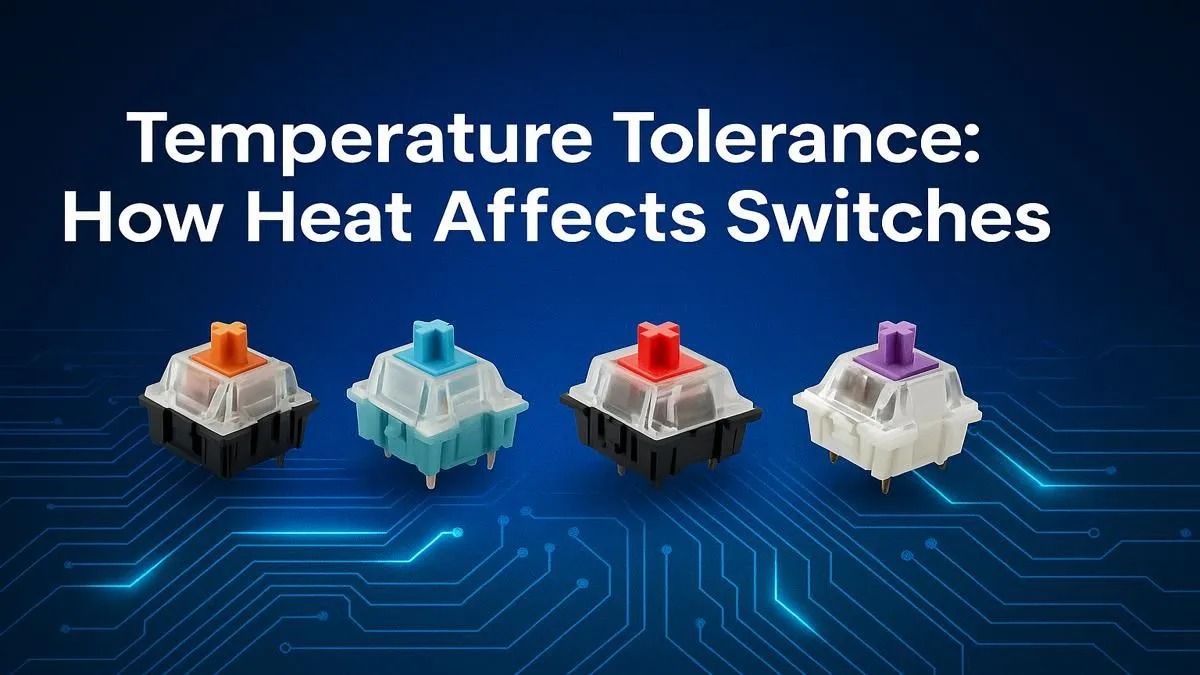
Ever been in a heated gaming session on a sweltering South African afternoon and felt your keypresses get... weird? A bit sticky, maybe a little mushy? It’s not your imagination. The intense battle against load shedding and summer heat can impact more than just your PC's fans. Your keyboard's performance can also take a hit, and understanding keyboard switch temperature tolerance is key to maintaining a competitive edge when the mercury rises. Let's dive in. 🌡️
How Heat Actually Affects Keyboard Switches
At its core, a mechanical switch is a precise little engine made of plastic and metal. When temperatures climb, these materials can behave differently. The primary concern regarding keyboard switch temperature tolerance is the potential for plastics, like the switch housing and stem, to expand.
This thermal expansion, even if microscopic, can increase friction inside the switch. The result? A keypress that feels sluggish, inconsistent, or heavier than usual. In extreme cases, it can even cause the key to stick slightly, throwing off your timing in fast-paced games like Valorant or Apex Legends. While a full gaming keyboard and mouse combo is designed for performance, the individual switches are the heart of the operation.
Material Matters: Plastic, Springs, and Lube
Different materials handle heat differently. Here’s a quick breakdown:
- Switch Housing: Most switches use plastics like Polycarbonate (PC) for the top housing and Nylon for the bottom. Nylon is generally more resistant to heat-induced changes.
- Stem: The moving part you press is often made from Polyoxymethylene (POM), a low-friction plastic. While durable, it can still be affected by significant temperature swings.
- Factory Lubricant: Many switches come pre-lubed to ensure a smooth feel. High heat can cause this lube to become less viscous (thinner), altering the sound and feel of the switch until it cools and settles again.
This is why many of the best gaming keyboards on the market use high-quality components designed for stability across a range of conditions.
Do Different Switch Types Have Better Temperature Tolerance?
Yes, they can. While most mechanical switches face similar challenges, some designs and materials offer an advantage.
Optical switches, for example, use a beam of light to register a keypress. Since their actuation mechanism doesn't rely on metal contact points, they can be less susceptible to certain heat-related performance issues. However, the plastic housing and stem are still subject to thermal expansion.
Ultimately, superior keyboard switch temperature tolerance often comes down to the quality of the materials used in manufacturing. Investing in well-regarded keyboard switches from brands known for tight manufacturing tolerances can make a noticeable difference, especially if your gaming room gets warm. Even users of the cheapest gaming keyboards in South Africa can benefit from a more climate-controlled environment.
Cooling Your Clicks ❄️
Keeping your keyboard happy in the heat is simple. Ensure good airflow around your desk—don't box it in. A small USB desk fan pointed towards your hands and keyboard can work wonders. It not only helps the hardware but also keeps your hands dry during those intense, sweaty gaming moments!
Practical Tips for South African Gamers
So, how do you combat the heat and ensure your keyboard performs flawlessly?
- Improve Airflow: As mentioned, good ventilation is crucial. Avoid placing your PC right next to your keyboard where it might exhaust hot air onto it.
- Consider Your Keycaps: PBT (Polybutylene Terephthalate) keycaps are more dense and have a higher melting point than the more common ABS (Acrylonitrile Butadiene Styrene) plastic. This makes them far more resistant to heat and wear. Upgrading your keyboard keycaps is a great way to improve feel and durability.
- Manage Your Environment: If possible, game in an air-conditioned room. We know this is a luxury, especially with power costs, but it's the most effective solution.
- Ergonomic Aids: Believe it or not, even a wrist rest can subtly help by elevating your hands and allowing a little more air to circulate under the keyboard.
While you're unlikely to cause permanent damage to your keyboard from ambient heat, understanding how temperature affects its performance can help you diagnose issues and maintain a consistent, reliable gaming experience. It’s all about controlling the variables to ensure victory. ✨
Ready for a Cooler, More Consistent Keystroke? Don't let the heat dictate your performance. A high-quality keyboard built with superior components makes all the difference. Explore our massive range of gaming keyboards and find the perfect board to conquer any challenge, no matter the temperature.











