

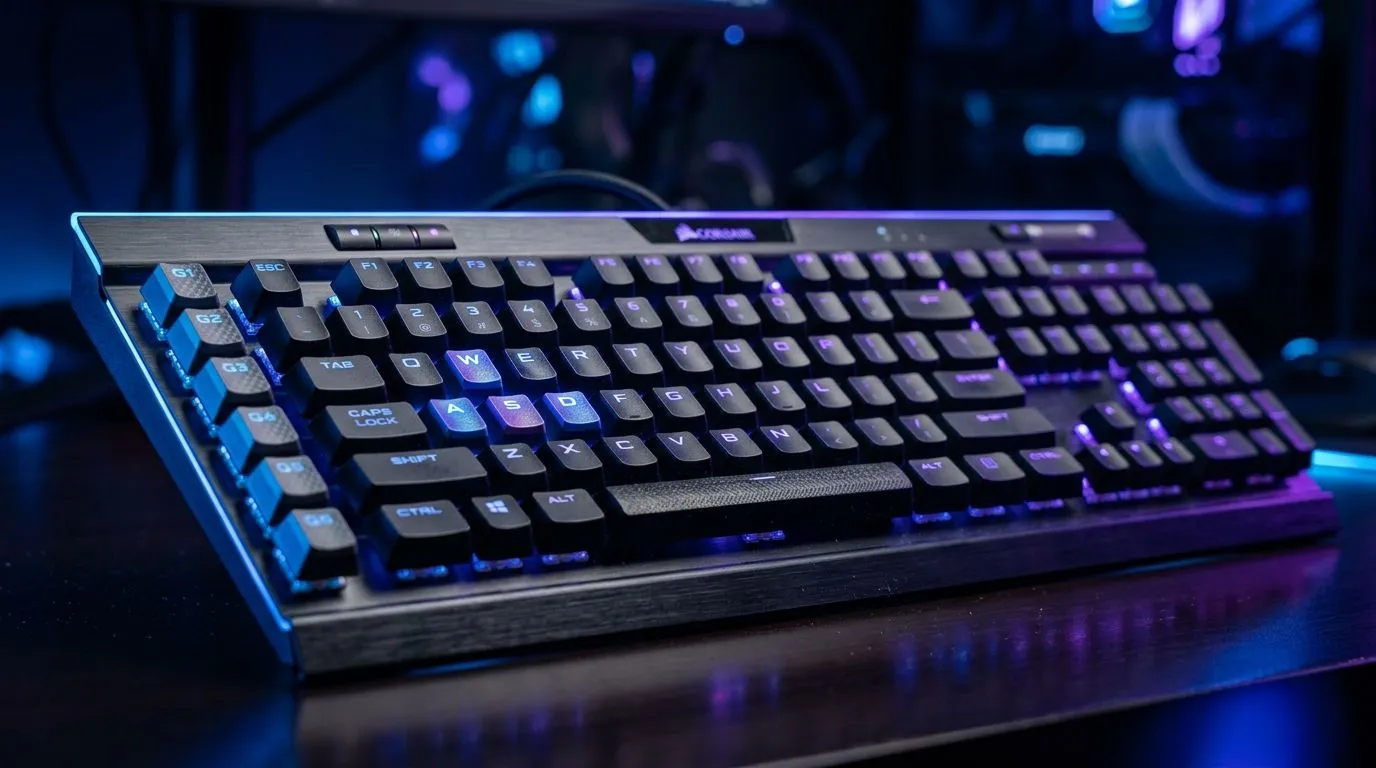
Keypresses Not Registering Properly? Fix It Fast Before You Rage-Queue 🔧
So your keyboard is acting like it skipped training? You press W, but it registers late… or worse, it doesn’t register at all. In South Africa, that’s the last thing you want mid-ranked match or during a deadline when your edits won’t respond. The good news? “Keypresses not registering properly” is often fixable with a few grounded checks… and a smart settings tweak.
In this guide, we’ll walk through the most common causes of keyghosting and missed inputs, plus a practical anti-ghosting workflow you can test in minutes.
Keypresses Not Registering Properly? Start With The Obvious Checks ⚡
Before you blame the switches, do the quick triage. These steps solve more than you’d think:
- Test on another device/port If possible, plug the keyboard into a different PC (or USB port). Faulty hubs and loose ports are surprisingly common.
- Remove background input conflicts Programs like macro tools, key remappers, or gaming overlays can steal keystrokes. Temporarily close them and retest.
- Check power and cable seating For wired boards, try a different USB port. For wireless boards, fresh batteries or a full charge matters.
- Confirm key remap software settings If a key is mapped oddly, “ghosting” can look like “not registering”.
What “Anti-Ghosting” Actually Means (In Real Terms) ✨
Anti-ghosting lets a keyboard detect multiple simultaneous key presses without “phantom” inputs. Gaming keyboards typically advertise this feature clearly, but even then, poor cable contact, wireless interference, or incorrect mode settings can still cause missed registers.
Keypresses Not Registering Properly? Tune Windows And Test Multi-Key Presses 🔎
Let’s get specific for South African Windows users.
Calibrate your input speed and retest
- Turn off gaming mouse/keyboard enhancements briefly (if installed via vendor software).
- In Windows Settings, run through accessibility options and make sure no unusual input remapping is enabled.
- Use a simple multi-key test Open a notepad window and press combinations like W + Shift + Space repeatedly. If it drops inputs only during fast movement, you likely have a ghosting/rollover limitation.
Productivity Pro Tip ⚡
On Windows, open PowerToys and use FancyZones to set up keyboard-friendly window layouts. When you test controls, keep your testing apps consistent on the same screen position, so you can compare runs without guessing.
Wireless vs wired: why it changes behaviour
Wireless lag and interference can make it feel like the keyboard missed keys. If you’re using wireless, test in wired mode (if your keyboard supports it) or reduce interference (move away from hubs, keep line-of-sight when possible).
Keypresses Not Registering Properly? Consider Switching Hardware (Or Connectivity) 🚀
If your board is older or budget-focused, it may simply have limited key rollover. In competitive FPS, you want predictable detection when you press multiple keys together.
Here’s how to decide what to buy next without overthinking:
- If you play competitive shooters: prioritise anti-ghosting and a reliable connection.
- If you move between desk setups: a keyboard-and-mouse combo can streamline your gear and reduce compatibility headaches.
- If you want value: compare current deals in ZAR and match them to your connectivity needs.
If you’re ready to compare options, start with:
- Wired-focused picks: browse some of the best gaming keyboard deals in South Africa
- Budget-friendly Wi-Fi or desk setups: buy the cheapest gaming keyboard in South Africa (52) in Wired connectivity
- For wireless users: buy the cheapest gaming keyboard in South Africa (52) in Wireless connectivity
- If you want a full kit: buy a keyboard and mouse combo for South African setups
- Or simply compare the full range: buy the cheapest gaming keyboard in South Africa (52)
Keypresses Not Registering Properly? Final Checklist Before You Blame Yourself ✅
Before you spend money, run this last pass:
- Try another USB port (wired) or another power/battery level (wireless).
- Disable remapping/macro software temporarily.
- Retest multi-key combos at consistent speed.
- If the keyboard reliably drops inputs during combos, it’s likely limited anti-ghosting/rollover.
Once you’ve nailed the cause, you’ll feel it instantly. Your movement will stop “stuttering” and your aim will stop getting punished by missing inputs.
Ready to Find Your Perfect Match? The Mac vs Windows debate is complex, but for maximum power, choice, and value in South Africa, Windows is hard to beat. Explore our massive range of laptop specials and find the perfect machine to conquer your world.











