

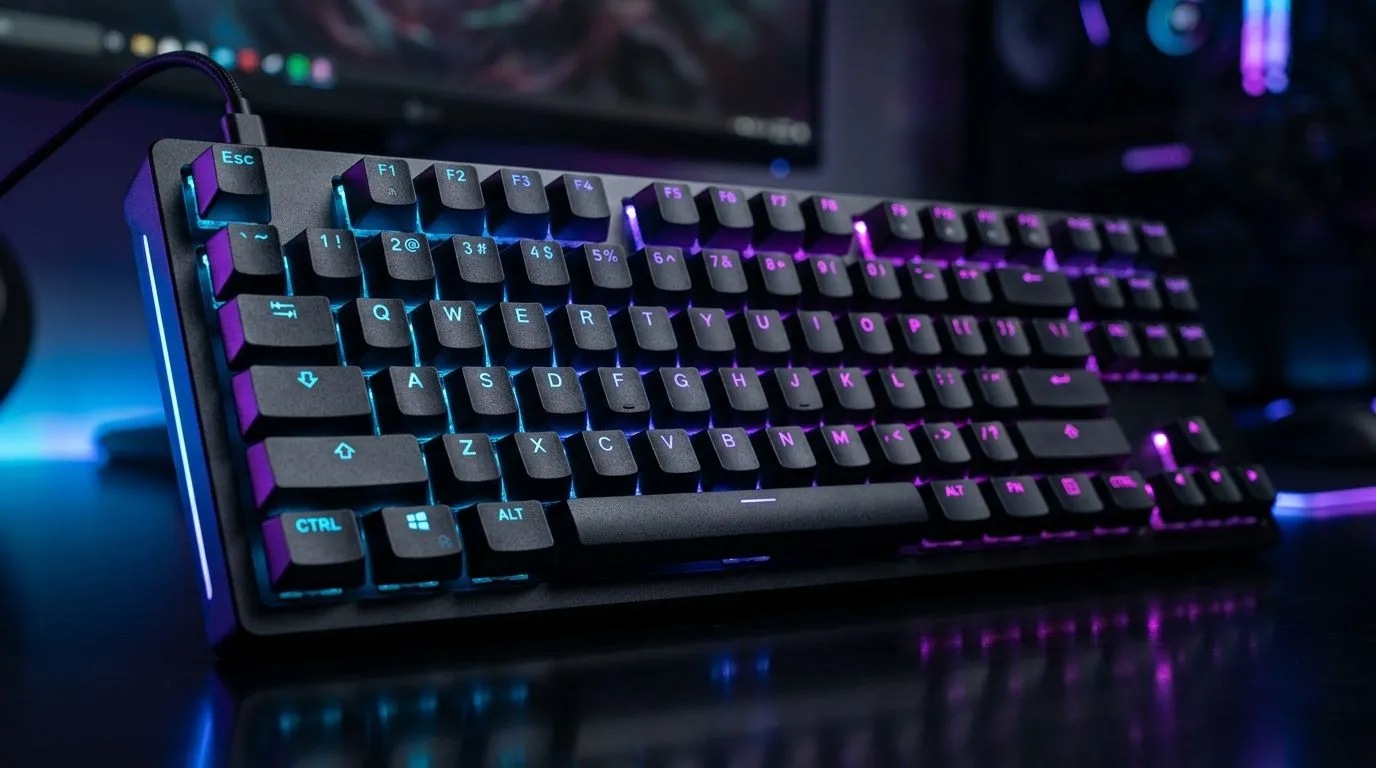
NKRO and Anti-Ghosting: Fix Keypresses Not Registering (Without Losing Your Rank)
Ever had your in-game sprint stop because one key “didn’t register”? Or pressed WASD, then your character just… froze? 😬 In South Africa, load-shedding schedules and lag spikes already stress your setup. The last thing you need is a keyboard that can’t keep up. NKRO and anti-ghosting help your keys register reliably, but when they fail, the fix is usually quick. Let’s get your keystrokes tracked again and your matches flowing. 🔧
NKRO and Anti-Ghosting: Fix Keypresses Not Registering (What’s Actually Happening)
NKRO (N-key rollover) means your keyboard can register multiple keys at once, even in fast combos. Anti-ghosting is related, but it’s often implemented as a design that prevents “ghost” inputs when you press several keys together.
When keypresses don’t register, it’s usually one of these:
- Your keyboard limits rollover, so only certain key combinations work.
- Firmware or connection issues, especially on wireless.
- Dead zones or worn switches after heavy use.
- Software layers (like remapping tools) interfering with inputs.
If you’re gaming on multiple-key movement (W + Shift + Space, or WASD + inventory hotkeys), limited rollover can feel like input lag… but it’s not latency. It’s the keyboard saying “no”.
NKRO and Anti-Ghosting: Fix Keypresses Not Registering (Troubleshooting Steps That Work)
Start with the fastest wins:
1) Test the keyboard outside the game
Use a simple keyboard tester website and press combinations you commonly use in-game. If combinations fail there too, the issue is hardware or firmware, not your game.
2) Check key remaps and macros
If you use keyboard software or have custom profiles, switch to the default profile. A misconfigured macro can overwrite normal key functions.
3) If wireless, verify power and signal
Wireless adds another failure point. Try fresh batteries or recharge fully, then move closer to your receiver. Also avoid plugging the receiver into a USB hub if you can.
Productivity Pro Tip ⚡
On Windows, open Settings > Bluetooth & devices > Devices, remove the keyboard entry, then reconnect. After pairing, reboot once so Windows clears any stale HID connections that can cause missed keypresses during fast combos.
4) Switch to a wired connection for testing
If wired works but wireless doesn’t, the issue is likely connection stability or wireless settings. Wired also reduces variables during competitive play.
For South African buyers comparing options, you’ll often see “wired vs wireless” differences clearly in listings. Here are some places to browse:
- Explore gaming keyboard deals here: best gaming keyboard deals.
- Looking for value on wired specifically? Check this listing: cheapest gaming keyboards (wired).
- Need wireless instead? Browse: cheapest gaming keyboards (wireless).
5) Consider a keyboard swap if rollover is the bottleneck
If your keyboard can’t hit NKRO where it matters, you’ll fight the problem forever. In competitive games, predictable inputs beat “maybe it’ll work today”.
You can also pair your keyboard choice with an upgrade plan:
- Browse a keyboard and mouse combo: keyboard and mouse combo deals.
- Or compare the broader keyboard range and pricing: cheapest gaming keyboard options.
NKRO and Anti-Ghosting: Fix Keypresses Not Registering (When It’s Time to Buy, Not Bargain)
If you’ve tested key combos, checked profiles, and even confirmed wired reliability, the next step is simple. Choose a keyboard that advertises NKRO and strong anti-ghosting. Then make sure you can afford it in ZAR, because “cheap” often turns into repeated downtime.
Here’s the smart buyer mindset for SA gamers: prioritize input reliability first, then comfort and switches. Your rank will notice long before your wallet does. 🚀
Ready to Find Your Perfect Match? The Mac vs Windows debate is complex, but for maximum power, choice, and value in South Africa, Windows is hard to beat. Explore our massive range of laptop specials and find the perfect machine to conquer your world.











