

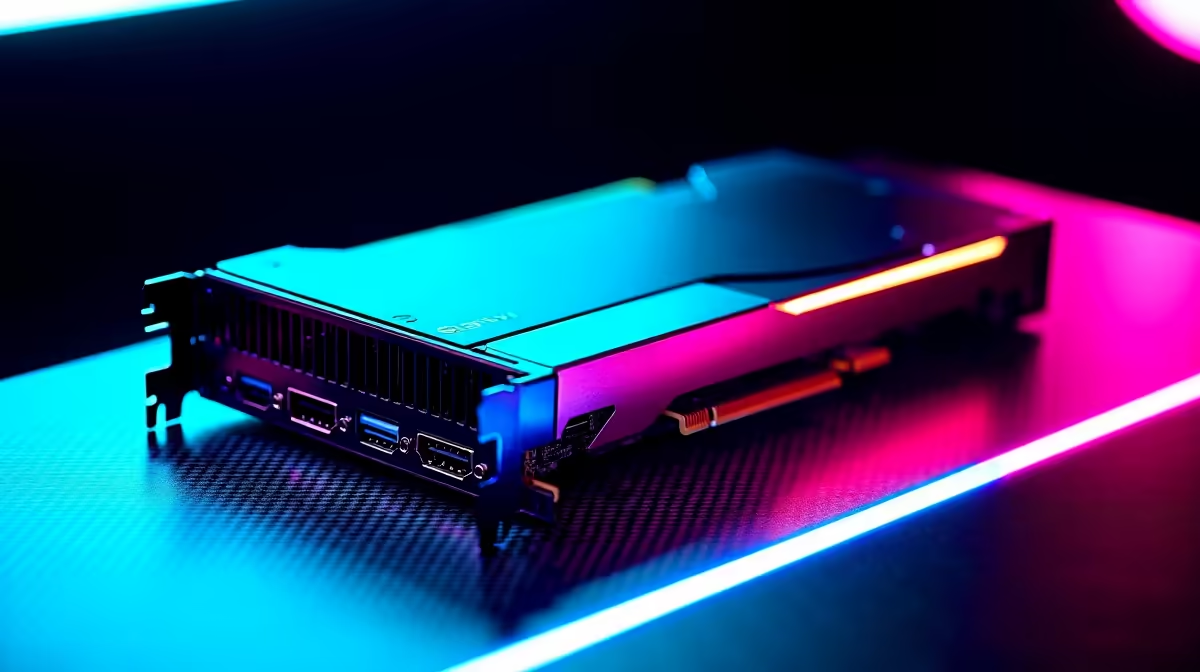
Stuttering gameplay, desynced audio, and dropped frames… every South African streamer’s worst nightmare. You’ve just pulled off a legendary play, but your audience sees a pixelated mess. Before you blame your ISP, consider this: your PC is struggling to game and broadcast at the same time. The solution isn't always more power, but smarter hardware. A dedicated, lag-free capture card is the key to unlocking silky-smooth streams that do your skills justice. 🔴
Why Your Stream Lags (It’s Not Always Your Fibre)
When you stream directly from your gaming PC, your processor (CPU) or graphics card (GPU) has two demanding jobs: running the game at max settings and encoding your gameplay into a video format for platforms like Twitch or YouTube. This juggling act often leads to compromised performance in one or both areas.
A high-quality capture card acts as a specialist, taking the entire encoding workload off your system. This frees up your PC’s resources to focus purely on gaming, ensuring you get maximum FPS while your stream receives a stable, high-quality feed. The result? A capture card without lag for your viewers and zero performance hit for you. It’s a win-win.
Decoding the Specs for a Truly Lag-Free Capture Card
Not all capture cards are created equal. To find a genuinely lag-free capture card, you need to look past the marketing and focus on a few key specifications that directly impact performance.
Zero-Latency Passthrough
This is crucial. Passthrough means the video signal from your console or gaming PC goes through the capture card to your monitor without any delay. You see the game in real-time, exactly as you would without the card connected. Look for "zero-latency" or "ultra-low latency" passthrough, especially for 4K60 HDR, to ensure your competitive edge isn't dulled.
Capture Resolution & Framerate
This is what your audience sees. While 4K capture is becoming more common, the gold standard for most streamers remains a crisp 1080p at 60 frames per second (1080p60). This provides a fluid viewing experience without demanding insane bandwidth from your viewers. Top-tier options from brands like CORSAIR often set the benchmark for quality and reliability here. ��
Pro Tip: Check Your USB Port 🔧
To avoid bottlenecks, always plug your external capture card into a USB 3.0 (or higher) port directly on your motherboard's rear I O panel. Using a slower port or a shared USB hub can limit bandwidth and introduce the very lag you're trying to eliminate!
Building Your Ultimate Stream Setup
Your capture card is the heart of your streaming setup, but it works best as part of a team. Once you’ve secured your smooth video feed, you can elevate your stream’s production value with a few key additions.
A clear microphone is non-negotiable, but what about the visual appeal? Good lighting can transform a bland webcam shot into a professional-looking broadcast. You don't need a Hollywood budget; clever ambient lighting like Cololight panels can add colour and depth to your background, making your stream instantly more engaging. ✨
Even if you're just starting, building a quality setup is more accessible than ever. You can find a fantastic range of streaming essentials for under R6000, allowing you to create impressive content without breaking the bank.
Ready to Go Live, Lag-Free? Stop letting dropped frames ruin your best gaming moments. Explore our full range of streaming essentials at Evetech and build the professional setup your content deserves.











