

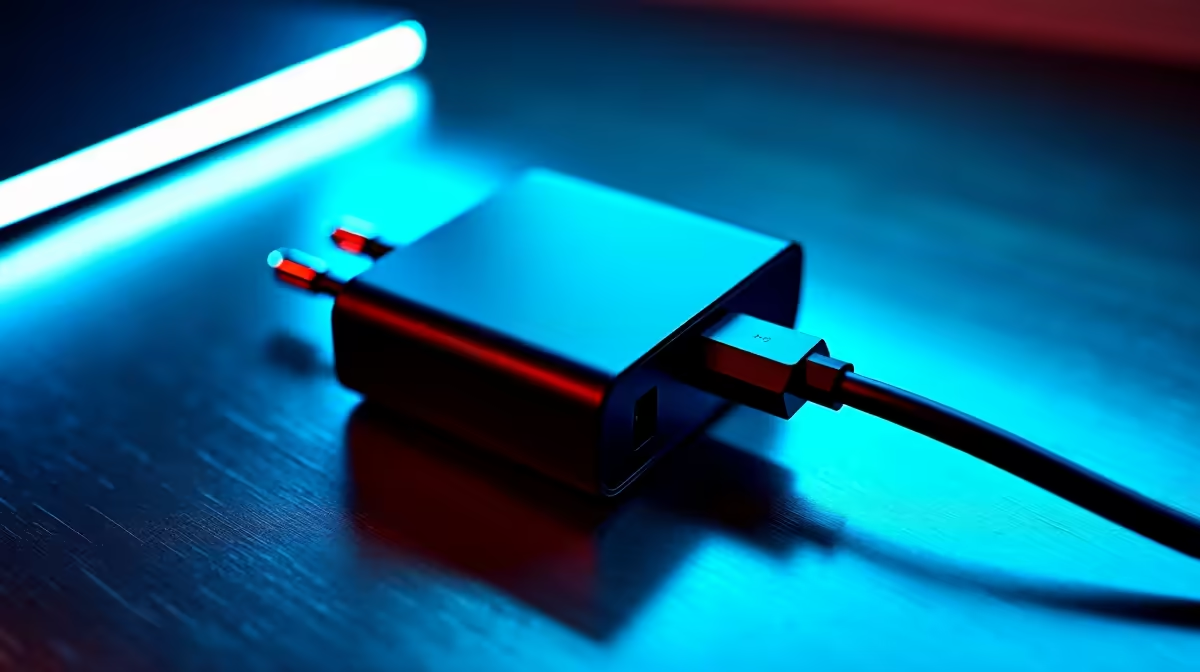
Laptop charger over-temperature protection basics
Laptop Charger Over-Temperature Protection: How It Stops Fires — sounds technical, but for South African gamers it’s one of the most practical safety features you’ll thank your past self for. In short: a charger that senses rising temperature will throttle, cut power, or shut down to prevent thermal runaway and a potential fire. 🔥⚡
Many local buyers ask if these protections are just marketing. They’re not. Modern chargers combine thermal sensors, current limits and firmware logic to react before plastic, insulation or battery cells catch heat. For a quick look at available units and price bands, browse Evetech’s full charger range for a sense of specs and warranties.
How protection circuitry stops thermal runaways
A charger overheats for two main reasons: excessive load (high power draw) or a fault (short, damaged cable, or failing components). Protection schemes act like a safety net:
- Thermal sensor triggers a graceful power cut when internal temps exceed a safe threshold.
- Current limiting prevents the charger from delivering more amps than the cable or port can handle.
- Foldback and retry logic let the unit cool, then restart at reduced power rather than immediately full wattage.
These behaviours are industry-standard; you’ll spot them in well-reviewed models and brand specs. If you want to compare mid-range options under R1000, see chargers priced up to R1,000 on Evetech. That page helps you match power rating and brand reputation with cost.
Real-world tips to avoid charger fires
Small, actionable moves make a difference for gamers and remote workers:
- Don’t run a laptop on soft bedding; heat needs to escape. Use a hard surface or a cooling pad. 🚀
- Inspect the cable regularly. Frays, exposed wires or a hot connector are immediate reasons to stop using a charger.
- Use chargers from reputable suppliers and stick to adapters matched to your laptop’s wattage.
- Avoid cheap clones that skip thermal sensors. If price matters, filter by budget — for bargains under R500 view Evetech’s chargers under R500 to find safer, reviewed options.
Safety Pro Tip 🔧
Keep a spare official or well-reviewed third-party charger in your kit. If your laptop or charger feels unusually hot, unplug and test with a different certified charger on a safe surface to rule out battery issues.
Choosing a safe charger in South Africa
When shopping locally, look for brands with clear specs and warranty support. Evetech lists full-category options if you want to compare wattage, connector types and brand backing. If you prefer a known accessory brand, check the Promate selection on Evetech for power banks and chargers with safety features.
Finally, if you see a charger priced suspiciously low compared with verified listings, consider the risk. Compare features, read reviews, and prioritise units with over-temperature and current‑limit protections. For the full Evetech catalogue and to filter by brand, view the main chargers page.
Ready to Find Your Perfect Match? The Mac vs Windows debate is complex, but for maximum power, choice, and value in South Africa, Windows is hard to beat. Explore our massive range of laptop specials and find the perfect machine to conquer your world.











