

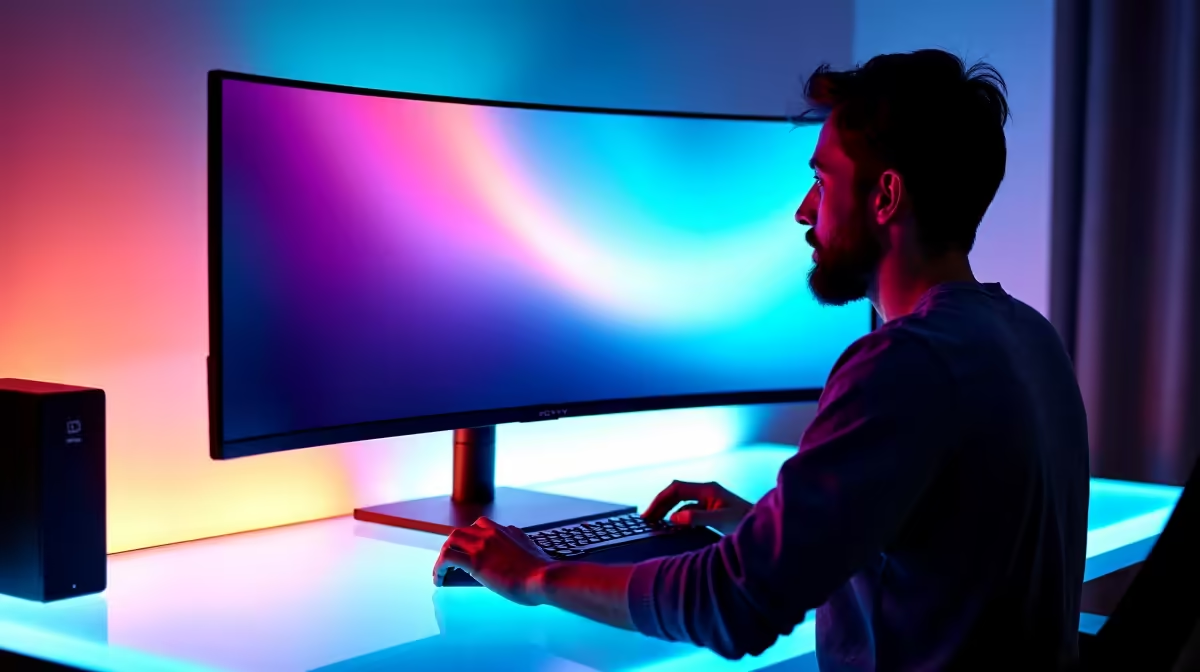
How Laptop Displays Can Affect Your Eye Health 👀
Feeling eye strain after a few hours of gaming or working on your laptop? You’re not alone. In today’s always-on world, laptop display eye health is more important than ever—especially for South African students, creators, and gamers glued to their screens for hours. Let’s unpack how your screen can mess with your vision… and what you can do to protect it.
What Causes Digital Eye Strain?
Digital Eye Strain (DES), also known as computer vision syndrome, is caused by prolonged exposure to screens with:
- Harsh blue light
- Poor refresh rates
- Glare or low brightness
- Unnatural colour temperature
Over time, these can lead to dry eyes, blurry vision, headaches, and even long-term discomfort. The good news? You don’t need to quit gaming—you just need smarter gear.
Look for Better Display Tech 🧠
Modern laptops with high refresh rates, low blue light modes, and flicker-free screens are your first line of defence. Some Intel-based laptops offer adaptive brightness and TÜV Rheinland-certified displays designed to reduce eye fatigue.
Whether you're studying late or grinding through a boss fight, these displays automatically adjust to lighting conditions, easing pressure on your eyes.
Eyes On, Eyes Off
Every 20 minutes, look at something 6 metres away for 20 seconds. It resets eye focus and reduces strain.
Panel Type Matters
Not all screens are created equal. IPS panels offer better colour accuracy and wider viewing angles—great for reducing squinting or constantly shifting your position. If you're buying your next gaming rig, consider one of these high-spec Ryzen laptops with IPS displays for a more eye-friendly experience.
Also, matte screens > glossy ones when it comes to fighting off glare and reflection during daylight use. ✨
Software & Settings That Help
Some laptops include built-in health tools—like blue light filters or "Night Mode" toggles. These shift your screen’s colour to warmer tones, especially useful at night when blue light can mess with sleep patterns.
You can also download apps like f.lux or enable Windows Night Light. But if your display is low-spec or poorly calibrated… software tweaks won't save your eyes.
Instead, check out Evetech’s full laptop specials to find devices that blend performance with visual comfort.
Keep Your Eyes Fresh—And Your Game Sharp Ditch the strain and upgrade your display… Shop now at Evetech for performance that leaves lag in the dust.











